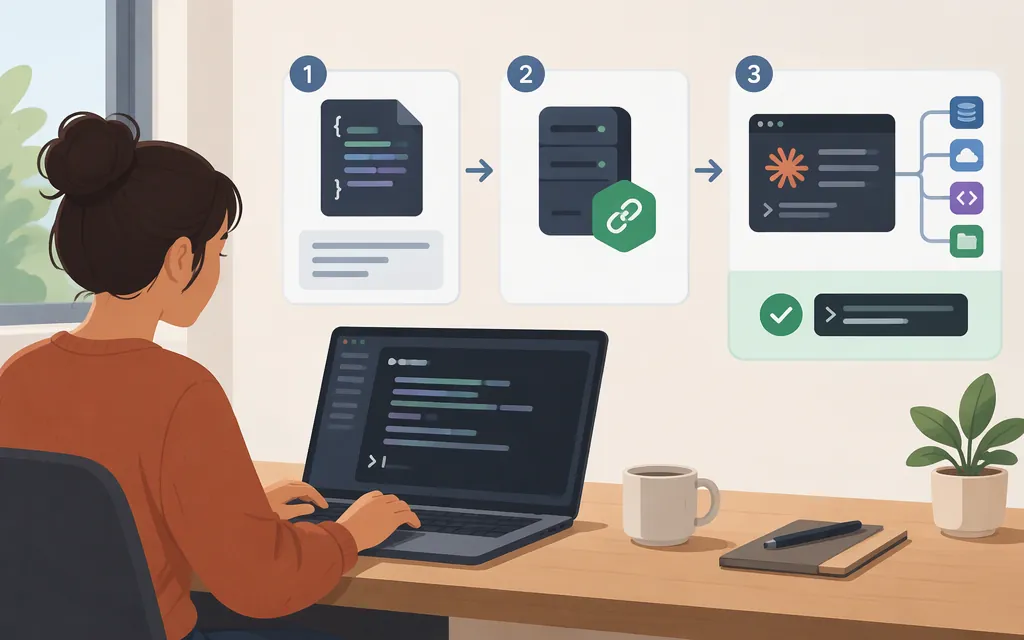
To add an existing hosted MCP server, first make sure Claude Code is installed and authenticated, then run claude mcp add --transport http <name> <server-url> in a terminal opened in a project directory. Replace <name> with a label and <server-url> with the endpoint supplied by the server operator. Claude Code’s documentation server provides a copyable example. (Quickstart)
Add a hosted HTTP server
Get the server URL and any authentication instructions from its operator. The Claude Code documentation server is a hosted HTTP example that does not require authentication or special configuration. Other servers may require an additional step, such as signing in through a browser. (Quickstart)
Run this in your terminal, not inside a Claude Code session:
claude mcp add --transport http <name> <server-url>
For example, the official quickstart uses:
claude mcp add --transport http claude-code-docs https://code.claude.com/docs/mcp
The command confirms the server was added and identifies the configuration file it changed. By default, the registration is private to you and active only in the current project—not automatically in your other projects. (Quickstart)
Choose a connection and configuration scope
- Hosted server with a URL: use the HTTP command above.
- Local server that runs as a process on your machine: Claude Code’s quickstart has a separate “Add a local server” procedure. Follow that server’s documented local-process command rather than substituting its launch command into the HTTP example; the exact executable and arguments depend on the server. (Quickstart)
- Only this project, private to you: use the default local scope shown above.
- All your projects, private to you: add
--scope userbefore the server name. For example:claude mcp add --scope user --transport http <name> <server-url>. - Share the server configuration with teammates: use
--scope project, for example:claude mcp add --scope project --transport http <name> <server-url>. Project-scoped configuration is handled through the project’s.mcp.json; Claude Code may ask for approval before using servers from that file. Don’t put secrets in a shared configuration. (Quickstart; MCP reference)
Choose user scope for a server you want available across your own projects; choose project scope when the team should share its configuration. The commands above show HTTP scope variants. For a local-process server, use the quickstart’s local-server instructions and apply the desired scope only as documented for that setup.
Check the connection and confirm tool use
After adding the server, check its connection with:
claude mcp get <name>
You can also start Claude Code in the project where you registered it and enter /mcp to inspect connected servers and their status. A successful add confirmation means the configuration was written; check the connection separately. (MCP reference; Claude Academy)
To check that Claude actually used the server—not merely produced a plausible answer—ask for a specific action that requires one of its tools. For example: “Use the claude-code-docs server to search the Claude Code documentation for MCP setup.” Look for the server’s tool activity in Claude’s output; the server name you choose is used to label its tools there. An answer that simply looks relevant is not, by itself, proof that the MCP tool ran. (Quickstart)
If the server requires sign-in, follow the authentication step documented by that server; some servers use a browser sign-in. The no-authentication documentation-server example does not establish the sign-in flow for other servers. (Quickstart)
Does adding MCP configure a production model API?
No. These steps register an MCP server with Claude Code; they do not configure a production model API. Treat model/API authentication as a separate setup concern. If you are building an application with Anthropic’s Agent SDK or Messages API, use that product’s own MCP integration documentation rather than treating this Claude Code CLI setup as API configuration. (Agent SDK MCP guide; Messages API MCP connector)
Before connecting, verify that you trust the server. Anthropic warns that servers fetching external content can expose a session to prompt-injection risk. (MCP reference)
Sources
Connect to MCP servers — Claude Code Docs
Connect Claude Code to tools via MCP — Claude Code Docs