Quick answer
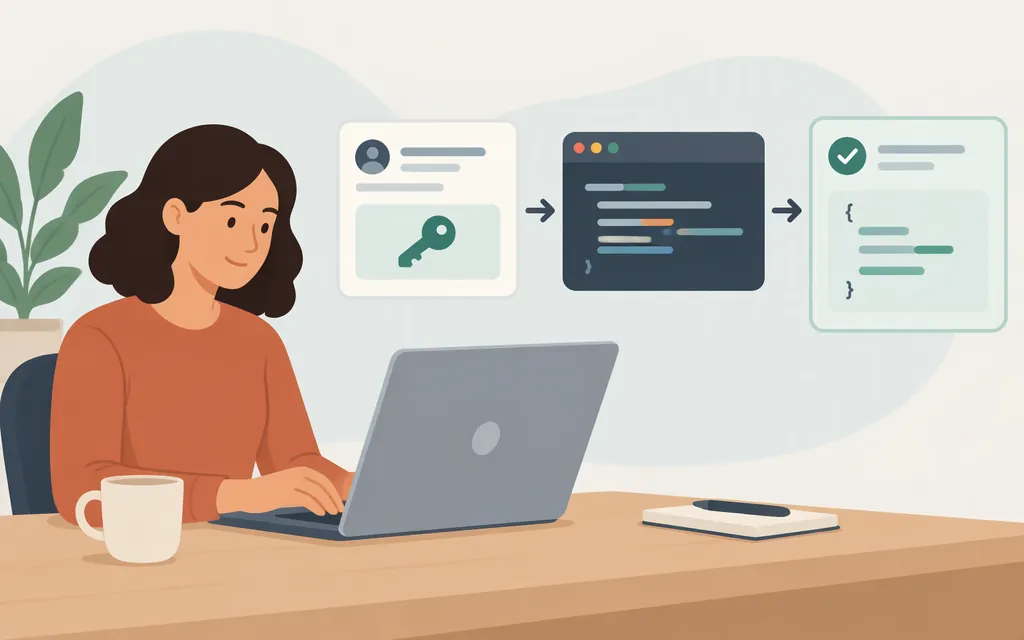
For direct Anthropic API access, create or sign in to a Claude Console account, complete the organization and use-case details requested, and arrange API billing or check whether you qualify for monthly API credits. Then create an API key in the Console, scope it to a workspace, and use it from a trusted server-side environment to call the Messages API. API access is subject to Anthropic’s Commercial Terms. A Claude chat subscription and Console API access are separate products; check current credit eligibility and claiming requirements if your plan includes API credits.
Before you begin, check Anthropic’s current supported API locations. Availability can depend on location, and Anthropic’s supported-location information may change.
1. Set up direct API access
- Create or sign in to a Claude Console account. The Console is where you create API keys, set up billing, and try the API in the playground.
- Complete the requested organization and use-case information. Anthropic’s setup guidance says to provide these details before proceeding with API use.
- Check your billing route. Most organizations use prepaid usage credits; organizations with an invoicing arrangement are billed monthly. If you have an eligible Max, Ultra, or Team plan, check the current API credit eligibility and claiming requirements. Otherwise, add usage credits in the Console before making API calls. A paid Claude plan by itself does not set up Console API access or automatically cover API usage.
- Create a workspace-scoped API key. In the Console, open API keys and choose Create key. Name the key, set its expiration, choose the linked account (yourself for your own development, or a service account for a shared workload), and select the workspace to scope the key to. Copy and store the key securely when it is shown; Anthropic says the full key is displayed only once. This workspace-scoped key is the configuration used in the Python example below.
2. Make a first request with Python
This example uses Anthropic’s direct API, the official Python SDK, and the documented model ID claude-sonnet-5-5. The SDK requires Python 3.10 or later and reads ANTHROPIC_API_KEY by default.
In a POSIX shell, install the SDK and set the key for the current shell session:
python -m pip install anthropic
export ANTHROPIC_API_KEY="your-console-api-key"
Save the following as first_request.py:
import anthropic

client = anthropic.Anthropic()

message = client.messages.create(
    model="claude-sonnet-5-5",
    max_tokens=256,
    messages=[{"role": "user", "content": "Reply with a brief greeting."}],
)

for block in message.content:
    if block.type == "text":
        print(block.text)
Run it from the same shell where you set the environment variable:
python first_request.py
A successful request returns a message with content blocks; for this prompt, the script prints the text from any text block in the response. The request uses the documented Messages API fields: model, max_tokens, and messages.
This example assumes the key was scoped to a workspace when you created it, so the request does not need a workspace-selection header. If you use a key that is not workspace-scoped, follow Anthropic’s workspace-selection instructions and provide the required workspace ID. For other request styles, see the current Messages API reference; do not assume another provider’s endpoint, credentials, or billing route apply to direct Anthropic API access.
3. Keep credentials and usage under control
- Keep the key out of client-side code and public repositories. Anthropic warns that someone who obtains an API key can make API requests that incur charges on the associated account. Keep it server-side and don’t commit it to public source control.
- Be selective about third-party tools. If you provide a tool or platform with your API key, its developer can use that key to make API calls associated with your account. Only share it with a provider you trust, and store it there as an encrypted secret rather than in code or configuration files.
- Review usage and logs in the Console. Anthropic recommends checking the Usage and Logs pages regularly. Check the Console for current account usage, billing, and rate limits.
API access versus Claude chat
Claude on the web, desktop, and mobile is separate from the Claude Console developer API. A paid chat subscription does not replace Console setup. Some Max, Ultra, and Team plans include monthly API credits; check Anthropic’s current credit eligibility and claiming requirements and API billing guidance before relying on credits or making billable requests.
Sources
Get your Claude API key | Claude Platform Docs
Getting an API key | Claude Academy
Python SDK | Claude Platform Docs
Create a Message | Claude API Reference
I created a Claude Console organization - how do I start using the Claude API?
Where is the Claude API supported?
Monthly API credits for Max, Ultra, and Team plans
How do I pay for my Claude API usage?
API key best practices: keep your keys safe and secure
Why is Claude API usage billed separately from my paid Claude plan?