To call Anthropic’s own API, use Anthropic’s API host, https://api.anthropic.com, and the Messages endpoint, POST /v1/messages. This guide uses Anthropic’s Python SDK. Check Anthropic’s Models API or your Console for model identifiers available to your account before deploying.
First, identify which provider receives the request
An SDK or request format alone does not identify which company serves a model. Check the base URL, credential, and model identifier:
- For Anthropic’s direct Claude API, the documented host is
https://api.anthropic.com; conversational requests usePOST /v1/messages. - Another provider may accept the Anthropic SDK or message format at its own endpoint. For example, DeepSeek documents
https://api.deepseek.com/anthropicas its Anthropic-format base URL and uses its own API key and model names. That is a DeepSeek integration—not a request served by Anthropic.
Decision rule: If you need Anthropic to serve the request, use Anthropic’s endpoint and credentials, and follow Anthropic’s documentation. If you choose a compatible provider, follow that provider’s endpoint, model mapping, compatibility notes, and billing terms. Don’t infer the serving provider from the SDK name alone.
Create and configure an Anthropic API key
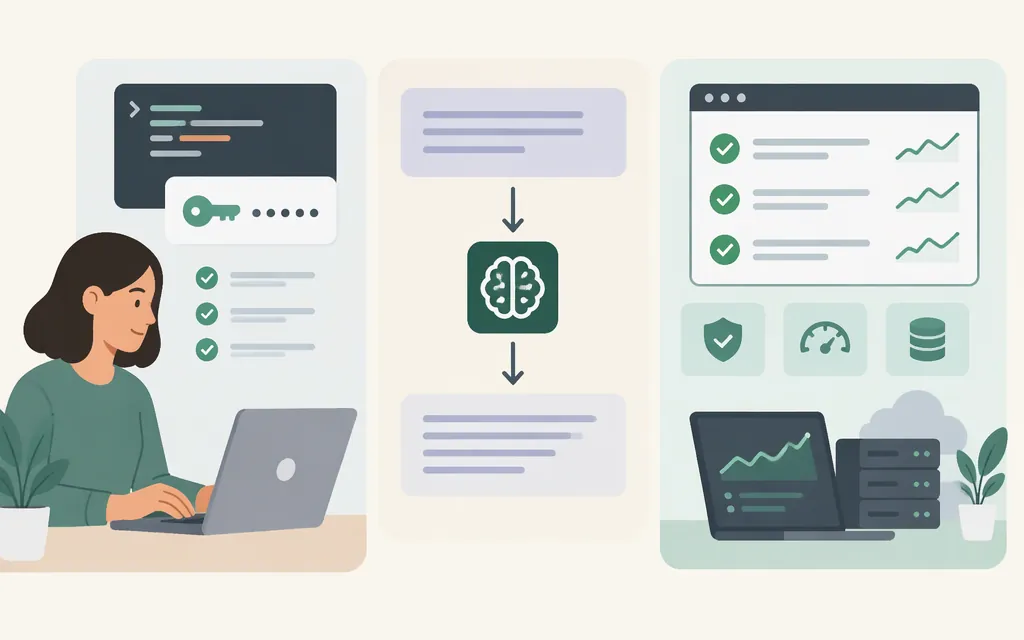
Anthropic’s API requires a Claude Console account and an API key, or a configured Workload Identity Federation rule. For this Python example, sign in to the Claude Console and create an API key. On the API keys page, create and name a key, choose an expiration, and set the linked account. Anthropic recommends a personal key for your own development and a service-account key for shared workloads. Copy the key when it is created; the full key is shown only once.
For a local Python setup, put the key in an environment variable rather than in your source code:
export ANTHROPIC_API_KEY="your-api-key"
The Anthropic Python SDK reads ANTHROPIC_API_KEY automatically. Don’t commit the key to source control or put it in browser-side application code; store it securely, such as in a secrets manager.
Before making a request: Anthropic says Console API use requires usage credits for most organizations, which generally use prepaid credits. Invoiced organizations are billed monthly instead, and eligible Max, Ultra, and Team subscribers may link a Console organization to receive monthly API credits. If your organization uses prepaid billing, make sure it has credits before testing. This walkthrough assumes you have a Console account, a valid key, and an account or billing setup that permits direct API use; organization-specific access or billing arrangements may differ.
Make a first request with Python
Prerequisite: Python 3.10 or later. Install Anthropic’s Python SDK, set ANTHROPIC_API_KEY as above, and run this example:
python -m pip install anthropic
from anthropic import Anthropic

client = Anthropic()

message = client.messages.create(
    model="claude-opus-5-5",
    max_tokens=256,
    messages=[
        {"role": "user", "content": "Say hello in one sentence."}
    ],
)

for block in message.content:
    if block.type == "text":
        print(block.text)
Anthropic’s Python SDK documentation uses claude-opus-5-5 in its example and reads text from the response’s content blocks. If that model identifier isn’t available for your account or use case, check Anthropic’s Models API for available model details and use an identifier available to you.
For raw HTTP requests, use Anthropic’s documented API host and Messages endpoint. Consult the current Messages API reference for the complete request schema and required headers.
Production checks before you ship
- Protect credentials. Keep keys out of client applications and repositories, and store them securely. For production workloads on supported cloud platforms, CI/CD, or Kubernetes, Anthropic also documents Workload Identity Federation as an option for avoiding static secrets.
- Confirm model availability. Check Anthropic’s Models API or Console for a model available to your account instead of assuming a copied example remains the right choice.
- Check account and billing readiness. Confirm the organization’s applicable credits or invoicing arrangement and that your account can use the selected API key.
- Use documentation for the endpoint you actually call. A compatible provider may implement fields, tools, images, or streaming differently. DeepSeek, for example, documents its own model mappings and compatibility limitations; those are not Anthropic API behavior.
This guide does not quote a numeric API price. Check Anthropic’s official pricing information for the model and usage you plan to run before estimating costs.
Sources
- Anthropic — API overview
- Anthropic — Get your Claude API key
- Anthropic — Python SDK
- Anthropic — Authentication
- Anthropic — API billing
- Anthropic — Start using the Claude API
- DeepSeek — Using the Anthropic API
Sources
API overview — Claude Platform Docs
Get your Claude API key — Claude Platform Docs
Python SDK — Claude Platform Docs
Authentication — Claude Platform Docs
How do I pay for my Claude API usage? — Claude Help Center
I created a Claude Console organization - how do I start using the Claude API? — Claude Help Center