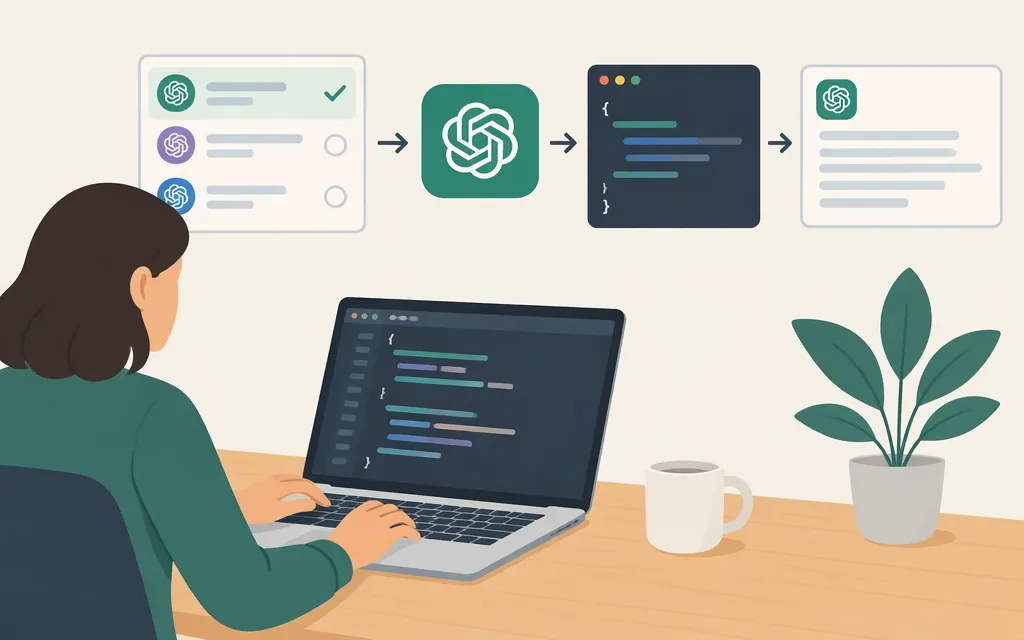
“GPT API” doesn’t identify a specific provider, model, or endpoint. This guide uses the OpenAI API as a concrete example: create an API key, install the official JavaScript SDK, and send a first request through the Responses API. The official quickstart example uses the model ID gpt-6-astra. Model access depends on your project, so confirm the ID is available to you before building around it. (OpenAI API quickstart)
What does “GPT API” mean?
It usually means a developer interface for sending input to a GPT model and receiving a response in software. But the phrase alone doesn’t say which company’s service, API interface, or model you mean. ChatGPT is a user-facing product; this article is about making requests to OpenAI’s developer API.
OpenAI’s Responses API accepts model input and returns a response. The models and capabilities available depend on the product and model you select, so check the documentation for the specific integration rather than assuming every model supports every feature. (Responses API overview)
Quick choice: For a new OpenAI integration that generates model responses, evaluate the Responses API. OpenAI recommends it for new projects; Chat Completions remains supported. If you need another provider or a gateway, verify that product separately—the instructions below are for OpenAI’s own API. (Responses API migration guide)
Make a first request with JavaScript
You’ll need: Node.js, an OpenAI API key, and a project that can use gpt-6-astra or another model available to it. New API accounts use prepaid billing; check that your API organization has usable credits or complete its billing setup before making a usage request. (API billing setup)
1. Create and set an API key
Create a project API key in the OpenAI Platform. On macOS or Linux, set it in your terminal for the current session:
export OPENAI_API_KEY="your_api_key_here"
Keep the key private. Don’t paste a real key into source code, commit it to a repository, or expose it in software delivered to users. The SDK reads OPENAI_API_KEY from the environment. For a deployed application or automated job, OpenAI recommends using a service account rather than making a developer’s personal key the application’s permanent identity. (API keys and service accounts)
2. Install the SDK
npm install openai
3. Send a request
Save this as example.mjs:
import OpenAI from "openai";

const client = new OpenAI();

const response = await client.responses.create({
  model: "gpt-6-astra",
  input: "Explain what an API is in one sentence.",
});

console.log(response.output_text);
Run it from the same terminal where you set the environment variable:
node example.mjs
With a valid key, usable credits, and access to the model, response.output_text prints the generated text. If the model isn’t available to your project, use an accessible model ID from the model documentation. (OpenAI API quickstart)
Want to use HTTP instead of the SDK?
The Responses API create endpoint is POST https://api.openai.com/v1/responses. Send a bearer API key, JSON content type, a model ID, and input. For example:
curl https://api.openai.com/v1/responses \
  -H "Content-Type: application/json" \
  -H "Authorization: Bearer $OPENAI_API_KEY" \
  -d '{"model":"gpt-6-astra","input":"Explain what an API is in one sentence."}'
See the Responses API create reference for other request options.
Choose a model and estimate token cost
Select a model by testing it against the work your application needs to do. Consider response quality, latency, supported inputs and tools, and cost—not just the model name. Verify that the selected model supports the inputs and options your application requires. (OpenAI models)
OpenAI’s GPT-6 Astra model page lists a 1,050,000-token context window and 128,000 maximum output tokens. These are model specifications; check your organization’s and project’s applicable limits as well. The page lists standard rates of $10 per million input tokens and $50 per million output tokens. It also states that requests with more than 272,000 input tokens have different pricing, and that some processing options and tools have separate rates. Check the model page and pricing page for the configuration you plan to use.
Worked estimate: At those listed standard rates, a request with 40,000 input tokens and 8,000 output tokens would have an illustrative model-token cost of:
- Input: 40,000 ÷ 1,000,000 × $10 = $0.40
- Output: 8,000 ÷ 1,000,000 × $50 = $0.40
- Estimated model-token cost: $0.80
This is an estimate, not a measured request cost. Actual usage depends on the request and response; tools or other billing items may affect the total.
Checks before production
A successful test call confirms only that one request worked. Before relying on an integration in production:
- Protect credentials. Keep API keys in a secret store or server-side environment, restrict permissions to the workload’s needs, and give deployed applications their own service-account identity where appropriate. (API keys and service accounts)
- Check model fit and size constraints. Test representative inputs and outputs, including any modality or tool use your application depends on. GPT-6 Astra’s model page lists a 1,050,000-token context window and a 128,000-token maximum output; confirm the chosen model’s current specifications and test them against your workload. (GPT-6 Astra model page)
- Find your applicable rate limits and handle 429 errors correctly. Check the Limits page for your organization’s current tier and limits; limits can vary by model and apply at organization and project levels. A 429 can mean a temporary rate limit, but it can also indicate exhausted credits or a spending or usage limit. For a temporary rate-limit error, retry with exponential backoff: wait briefly, increase the delay after each unsuccessful retry, and stop when your configured retry limit is reached. Unsuccessful requests can still count toward the per-minute limit, so don’t resend continuously. If the error identifies a billing, spending, or quota issue, address that cause first—retries won’t restore access. (Rate limits; 429 troubleshooting; 429 retry guidance)
- Measure quality and cost on your workload. Use representative examples and track whether outputs meet your acceptance criteria, how long requests take, and input and output token usage. Compare candidate models using those results rather than relying on unsupported benchmark claims.
- Recheck model access and pricing before launch. Confirm that your project can use the selected model and review its current pricing and configuration-specific charges. (GPT-6 Astra model page; OpenAI API pricing)
Bottom line
If by “GPT API” you mean OpenAI’s developer API, a practical first path is: create a project API key, confirm your organization can make a billable API request, install the official SDK, and call the Responses API with a model available to your project. Then check the model’s limits, your project’s rate limits, and your workload’s quality and cost before deployment. For another provider or a third-party gateway, verify that provider’s own endpoint, credentials, model IDs, capabilities, and prices rather than reusing OpenAI-specific instructions.
Sources
OpenAI API Developer quickstart
OpenAI API Platform Documentation
OpenAI API Reference: Create a model response
OpenAI API Reference: Responses overview
OpenAI API: API keys and service accounts
OpenAI API: Migrate to the Responses API
GPT-6 Astra Model | OpenAI API
Troubleshooting API rate limits and 429 errors