Important: OpenAI Sora is no longer available
As of November 9, 2026, you can’t submit a prompt to OpenAI Sora: OpenAI discontinued the Sora web and app experiences on April 26, 2026, and the Sora API on September 24, 2026. So there is no currently usable “best prompt for Sora” or production API workflow to provide. (help.openai.com)
The template and example below are for understanding or adapting the style of a video prompt—not for generating a video with OpenAI Sora today. OpenAI’s Sora 2 prompting guide is marked archived and may describe outdated models or APIs, so don’t rely on its API settings as current instructions. (developers.openai.com)
A useful video-prompt structure
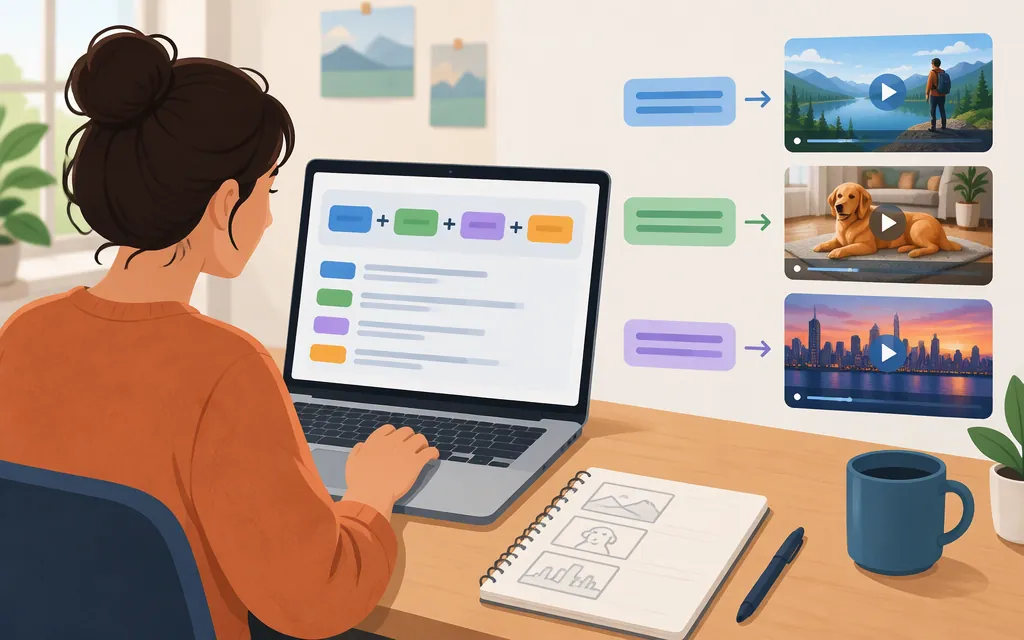
For a clear creative brief, describe the intended video in this order:
Subject and setting: [Who or what is visible, and where?]
Action: [What happens, and how does it change?]
Shot and camera: [What is framed, and how does the camera move—or stay still?]
Light, color, and visual style: [What should the scene look and feel like?]
Sound or dialogue: [Include only if the tool you’re using supports it and it matters to the idea.]
Boundaries: [What should stay consistent or be left out?]
These are helpful creative choices, not required Sora fields. The archived OpenAI guide recommends being specific about the shot’s purpose, while noting that leaving some details open can invite creative variation. It also advises iterating: small changes to camera, lighting, or action can shift a result. (developers.openai.com)
Example prompt to adapt
A small red paper boat floats down a narrow rainwater stream in a quiet city park after a summer shower. It passes beneath one low stone footbridge and continues toward a sunlit pond. One continuous low, water-level tracking shot follows the boat at a gentle pace. Raindrops dimple the water; soft late-afternoon light glints on the surface. Visual style: tactile stop-motion paper craft, with visible paper fibers and a restrained palette of red, moss green, and warm gray. No people, text, logos, cuts, or sudden camera moves.
This is an editorial example, not a tested Sora prompt, a claim about best performance, or a guarantee of a particular output. It makes the subject, setting, action, camera, visual treatment, and constraints explicit so you can see what each part contributes.
Improve a prompt by changing the mismatched detail
After a generation, compare the result with your intention and revise the part that describes the visible problem. For example:
- If the boat is hard to see: change “a small red paper boat” to “a clearly visible red paper boat filling the center foreground.”
- If the camera feels too fast: replace “at a gentle pace” with “moving slowly and steadily, keeping the boat centered.”
- If the style looks glossy rather than handmade: make the material direction more concrete: “matte folded paper with visible creases and fibers; no plastic shine.”
Change one main description at a time when you want to understand what affected the result. That’s a practical iteration method, not a promise that any particular wording will control a video model exactly. OpenAI’s archived guide likewise cautions that a prompt is a creative brief rather than a guarantee, and that repeated generations may differ. (developers.openai.com)
Can you use this through the Sora production API?
No—not through OpenAI’s Sora API. OpenAI says that API was discontinued on September 24, 2026. Because it is discontinued, this tutorial does not give an endpoint, model identifier, authentication steps, request code, or result-retrieval instructions as if they were currently usable. (help.openai.com)
The archived Sora 2 guide lists historical API parameters, but its own notice says the recipe may reference outdated models or APIs. Treat those details as historical, not as production instructions. (developers.openai.com)
Bottom line: Use the structure above as a way to write a focused brief for a video-generation tool that is currently available to you. It is not a working prompt or API recipe for OpenAI Sora.
Sources
What to know about the Sora discontinuation — OpenAI Help Center