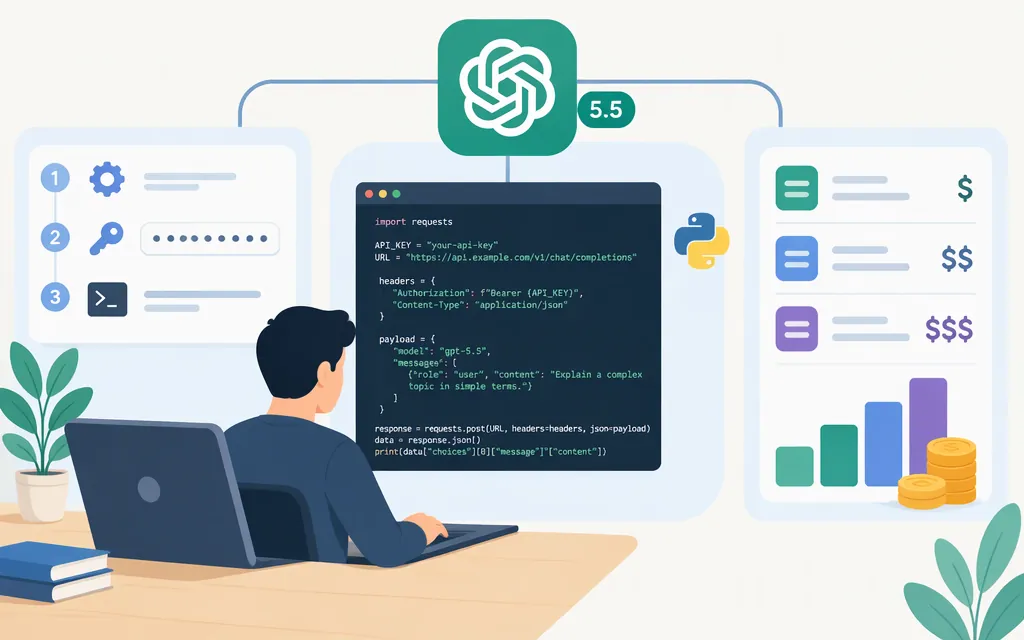
Is GPT-5.5 available through an API?
Yes. OpenAI’s API documentation lists GPT-5.5 as model gpt-5.5 and supports both the Responses API and Chat Completions API. For a new integration, OpenAI recommends the Responses API. This guide uses OpenAI’s API directly—not a third-party service with an OpenAI-compatible endpoint. (developers.openai.com)
Make a minimal GPT-5.5 API call with Python
You’ll need an OpenAI API key, Python, and the official openai package. OpenAI’s Python SDK example uses client.responses.create(...) and prints response.output_text. (github.com)
- Install the SDK:
pip install openai
- Set your API key in the environment. On macOS or Linux:
export OPENAI_API_KEY="your_api_key_here"
The SDK reads the key from the environment. Keep it out of source code and browser-side applications. (developers.openai.com)
- Save this as
example.py:
import openai
from openai import OpenAI

client = OpenAI()

try:
    response = client.responses.create(
        model="gpt-5.5",
        input="Explain what an API does in one sentence.",
    )
    print(response.output_text)
except openai.OpenAIError as exc:
    print(f"OpenAI API request failed: {exc}")
Run it from your terminal:
python example.py
On success, the program prints the model’s text response. The OpenAIError handler gives a basic way to recognize and display an SDK error; it is not a retry strategy. The request and output access follow the official Python SDK’s GPT-5.5 Responses example, and the quickstart documents running example.py with python example.py. (github.com)
If a request fails, use the reported error to choose the next check. For a 401 authentication error, verify the API key and requesting organization. For a 429, check whether the issue is request rate, exhausted credits, or an organization or project spend/usage limit; the documented remedies differ. For rate limiting, pace requests and follow Retry-After when it is present. (developers.openai.com)
GPT-5.5 API pricing
OpenAI’s GPT-5.5 model documentation lists these text-token rates: (developers.openai.com)
| Token type | Price (USD per 1 million tokens) |
|---|---|
| Input | $5.00 |
| Cached input | $0.50 |
| Output | $30.00 |
For a simple estimate below the long-context threshold, 100,000 input tokens and 10,000 output tokens cost $0.80 before any cached-input discount: (100,000 × $5 ÷ 1,000,000) + (10,000 × $30 ÷ 1,000,000). OpenAI says prompts with more than 272,000 input tokens are priced at 2× the input rate and 1.5× the output rate for the full session under standard, Batch, and Flex processing. Check the model’s current pricing details when estimating a real workload. (developers.openai.com)
Before using it in production
- Confirm access in your API project. The model documentation lists GPT-5.5 and its supported endpoints, but does not specify account or regional eligibility conditions. (
developers.openai.com) - Protect credentials. Keep the key server-side; don’t commit it to a repository or expose it in client-side code. For deployed applications or automation, OpenAI’s key guidance distinguishes project service-account credentials from personal development keys. (
developers.openai.com) - Choose the endpoint deliberately. This example uses Responses. Chat Completions is also listed as supported for GPT-5.5, but the APIs have different request and response formats. (
developers.openai.com) - Check model limits before setting application assumptions. OpenAI lists a 1,050,000-token context window and 128,000 maximum output tokens for GPT-5.5. These are model limits, not a promise that every request can use the full context at the standard price. (
developers.openai.com)
Bottom line: use gpt-5.5 with OpenAI’s API and, for a new project, start with the Responses API. Keep credentials server-side, and budget with the official per-token rates and long-context pricing rule.