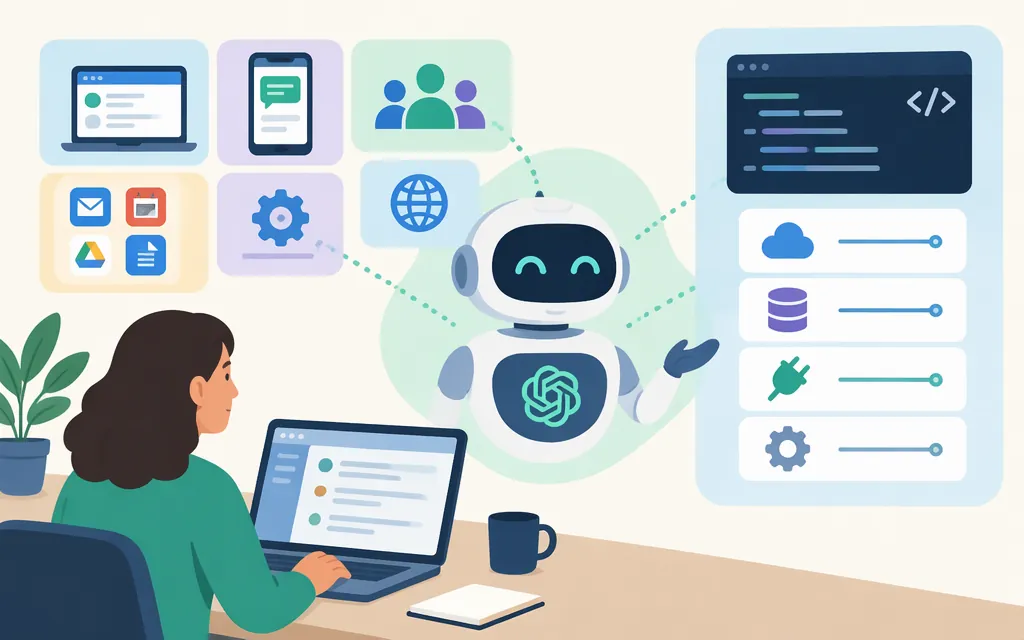
The original ChatGPT agent is no longer available. For longer, multi-step tasks in ChatGPT, OpenAI directs users to Work. To find it, open a new chat and select Work at the top of the page, above the composer. Work availability and cloud-browser availability are separate questions; cloud-browser access has its own plan, region, rollout, and workspace conditions. (ChatGPT Work and Codex guide; ChatGPT quickstart; cloud-browser guide)
If you mean integrating agent workflows into a product, OpenAI documents developer APIs for that purpose. They are distinct routes from using Work in the ChatGPT interface, and are not documented as drop-in versions of the same experience.
How to access agent-style tasks in ChatGPT
- Open ChatGPT and start a new chat. Select Work at the top of the page, above the composer.
- Describe the outcome you want, including the relevant website, details, and constraints.
- Follow any sign-in or confirmation prompts.
- Review the result and its sources before relying on it.
For supported website tasks, ChatGPT may use its cloud browser. You do not need to select the browser separately; ChatGPT chooses whether to use it. (ChatGPT quickstart; cloud-browser guide)
Cloud-browser eligibility
OpenAI says cloud-browser access is available in Work on paid ChatGPT plans in supported regions; Free and Go are excluded. Availability can vary during rollout and may depend on workspace permissions. These are cloud-browser conditions; they do not establish universal eligibility for Work itself. (cloud-browser guide)
Do not rely on instructions or quotas for the retired Agent mode as current Work guidance. OpenAI’s Help Center says the old agent is no longer available and points users to Work for longer, multi-step tasks. (ChatGPT agent help page)
Can you use an agent through an API?
OpenAI documents several developer routes for agent workflows. Choose based on what you need to build or trigger:
| If you need… | Consider… | What the documentation supports |
|---|---|---|
| To trigger a published ChatGPT Workspace Agent from another system | Workspace Agents API | A server-side system can trigger a published workspace agent. A workspace admin must enable Workspace Agents and allow personal access tokens; the user then creates a scoped Workspace Agent token. The trigger runs asynchronously and returns a ChatGPT conversation link; the API does not currently return the agent’s response. This is for published Workspace Agents, not a general API for personal Work. (trigger-runs guide; authentication guide) |
| To use an OpenAI-managed Codex agent in your application | Agents API (beta) | The API manages a Codex agent session. To get started, create an application API key in your OpenAI Platform project and grant api.agents.read, api.agents.write, and api.responses.write. The documentation identifies the offering as beta but does not specify account-level beta eligibility rules. (Agents API FAQ; quickstart) |
| To manage the agent loop in your application | Agents SDK | The SDK runs in your application; OpenAI’s guide says your application controls deployment, storage, approvals, and runtime integration. (Agents guide) |
| To work directly with model responses or build an agent from scratch | Responses API | OpenAI lists this as a route for working directly with model responses and building an agent from scratch. (Agents guide) |
These routes are not interchangeable. The Workspace Agents API requires an enabled workspace and a scoped access token. The Agents API is a beta developer offering for managed Codex sessions, with the API-key permissions listed above. Check each route’s current prerequisites and capabilities before designing around it. (Workspace Agents authentication guide; Agents API FAQ)
Which route should you choose?
- You want to delegate a task in ChatGPT: Start a new chat, select Work above the composer, and check whether the options you need are available in your account. For website tasks, check the separate cloud-browser conditions above. (ChatGPT quickstart; cloud-browser guide)
- Your organization wants to trigger a shared, published agent: Consider the Workspace Agents API if your workspace can enable the feature and provision the required token. Its API queues a run and returns a conversation link, not the agent’s response. (trigger-runs guide)
- You are building agent workflows into your product: Compare the Agents API, Agents SDK, and Responses API based on who should manage the runtime and state. Confirm the specific API’s prerequisites and capabilities; do not assume it reproduces Work’s features or behavior. (Agents guide)
Sources
ChatGPT Work and Codex — OpenAI Help Center
Using cloud browser in ChatGPT — OpenAI Help Center
ChatGPT agent — OpenAI Help Center
Trigger workspace agent runs — OpenAI Developers
Authenticate with Workspace Agent access tokens — OpenAI Developers
Agents API (beta) FAQ — OpenAI Help Center