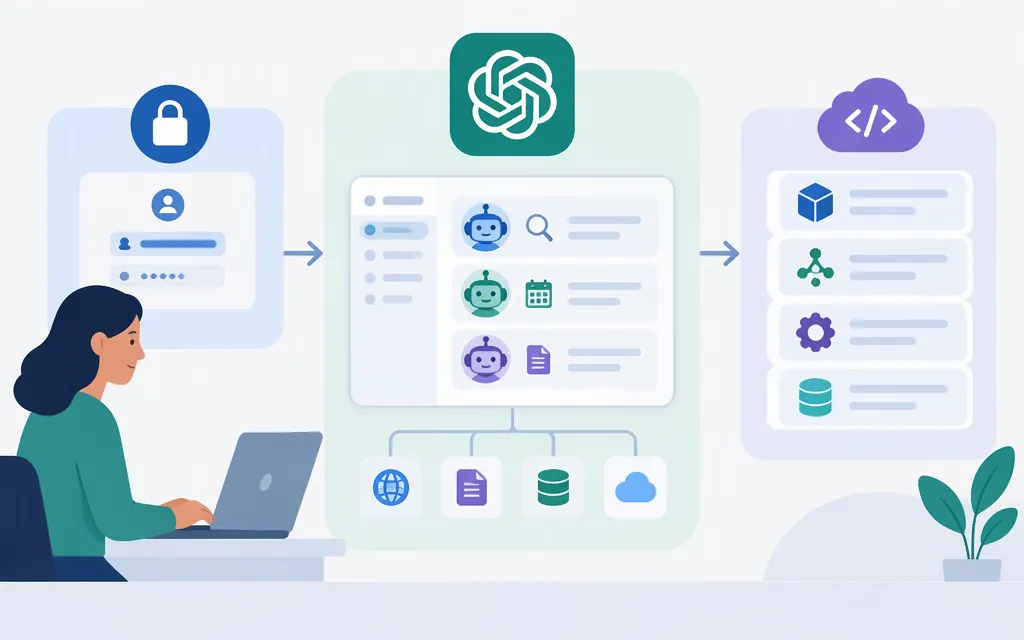
Can you call ChatGPT Agent Mode directly through an API?
Direct API access to ChatGPT Agent Mode itself is not established by the official documentation reviewed here. The API guides describe ways to build agents, but do not identify a ChatGPT Agent Mode endpoint or say that an API-built agent is equivalent to the ChatGPT feature. That means the answer is unclear from these sources—not that they prove direct access is impossible.
There is a separate, documented option: OpenAI says ChatGPT Workspace Agents for Business and Enterprise workspaces can be triggered through an API. Workspace agents are distinct from ChatGPT Agent Mode, and Enterprise workspaces may need an admin to enable them. The documentation does not establish that they reproduce Agent Mode. (Workspace Agents help)
Which API path fits your application?
| If you want… | Start with… | What the documentation describes |
|---|---|---|
| To make direct model requests or build an agent from scratch | Responses API | Work directly with model responses and control your integration. |
| Your application to run the agent loop and manage its runtime and state | Agents SDK | Build agents with tools and handoffs; the SDK runs in your application. |
| OpenAI to manage the agent harness and sessions | Agents API | A managed Codex harness for cloud agents, with your application supplying tools and choosing the execution environment. OpenAI announced this API in public beta on September 10, 2026; check its current documentation for status and prerequisites. |
These are API agent-building options, not evidence that any one of them invokes ChatGPT Agent Mode. Choose based on who should manage orchestration, runtime, and state. (Agents guide, Agents API overview, Agents API announcement)
Make a basic Responses API request
This JavaScript example makes a basic text request—not an Agent Mode or agent-tool workflow. The Responses API endpoint is https://api.openai.com/v1/responses; the quickstart’s HTTP example uses JSON and bearer authentication with an API key. The SDK reads the key from OPENAI_API_KEY when you initialize the client.
Install the SDK, set OPENAI_API_KEY in your environment, and save the code as example.mjs:
npm install openai
import OpenAI from "openai";

const client = new OpenAI();
const response = await client.responses.create({
  model: "gpt-6-astra",
  input: "Write a short bedtime story about a unicorn.",
});

console.log(response.output_text);
Run it with node example.mjs. The program prints the generated text. The model identifier is the one in the cited API overview; confirm your project has access to it before relying on it. Keep API keys in server-side environment configuration, not browser-delivered code. (API quickstart and overview)
If you need a managed agent workflow
The Agents API overview describes an OpenAI-managed Codex harness, session workflows, and an optional OpenAI-hosted sandbox. For the additional setup, the Agents API quickstart specifies api.agents.read and api.agents.write permissions for session operations, plus api.responses.write for model inference; it also says requests require the OpenAI-Beta: agents=v1 header. These are agent-specific requirements, separate from the basic Responses API example above. Check the current quickstart before implementing.
For an application-controlled agent loop, use the Agents SDK guide. For an API trigger into a ChatGPT workspace agent, check the Workspace Agents documentation for availability and workspace-admin requirements. Do not treat either path as a documented Agent Mode endpoint.
Bottom line
The sources reviewed do not establish direct API access to ChatGPT Agent Mode. OpenAI does document an API trigger for separate Workspace Agents in Business and Enterprise, and API products for building agents: Responses API, Agents SDK, and the managed Agents API. Confirm which product and access conditions apply to your intended workflow before integrating.
Sources
ChatGPT Workspace Agents for Enterprise and Business
Agents API quickstart | OpenAI API