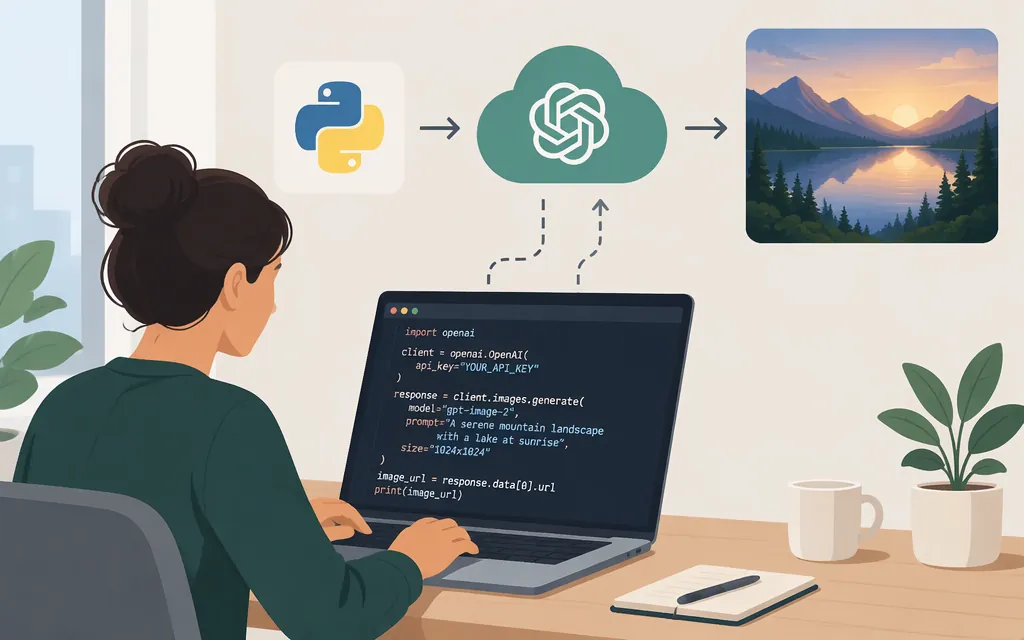
OpenAI lists gpt-image-2 as an API model. For a straightforward prompt-to-image request, the Images API is the relevant route; OpenAI also documents image editing and image generation in conversational or multi-step workflows through the Responses API. See OpenAI’s GPT-Image-2 model page and image-generation guide in the Sources list.
Check the provider before copying an example: a service that offers an app named openai/gpt-image-2 through its own API host is a third-party integration, not an OpenAI endpoint. The supplied inference.sh documentation, for example, shows requests to api.inference.sh and uses its own bearer key and task-handling flow.
Make a first OpenAI API request
Install the OpenAI Python SDK and provide your API key through an environment variable. Keep the key server-side; don’t put it in browser code or commit it to source control. OpenAI’s image-generation guide says organization verification may be required for image-model access.
python -m pip install openai
export OPENAI_API_KEY="your-api-key"
The following example is adapted from WaveSpeed’s third-party GPT Image 2 guide. It uses the OpenAI Python SDK’s client.images.generate method, requests one PNG, and saves the returned base64 image data:
import base64
from pathlib import Path
from openai import OpenAI

client = OpenAI()

response = client.images.generate(
    model="gpt-image-2",
    prompt="A clean product photo of a blue ceramic mug on a white table",
    size="1024x1024",
    quality="medium",
    output_format="png",
    n=1,
)

image_bytes = base64.b64decode(response.data[0].b64_json)
Path("generated.png").write_bytes(image_bytes)
Important contract note: OpenAI’s Python SDK provides an Images API generation method, and its repository includes a base64 image-generation example; that official example uses gpt-image-1, not gpt-image-2. The specific gpt-image-2 parameters and response.data[0].b64_json output pattern above come from the WaveSpeed guide, not a model-specific OpenAI example retrieved for this article. Confirm the current OpenAI model and API reference for the accepted parameters and response shape before relying on them in production.
If the request succeeds with that contract, the script writes generated.png to the current directory. If access is denied, check your project’s model access and any organization-verification requirement. Keep your API key private while troubleshooting.
Choose the API route for the task
- Generate an image from a prompt: use the Images API generation endpoint.
- Edit an existing image: use the Images API editing endpoint, after checking the model’s current input and mask requirements.
- Generate or edit images as part of a conversation or multi-step flow: consider the Responses API image-generation tool, as described in OpenAI’s image-generation guide.
The current guide’s examples may cover a different GPT Image model version. Keep gpt-image-2 as the model identifier only if that is the model you intend to call, and check its current model page and endpoint reference rather than copying fields from a third-party wrapper. OpenAI’s SDK method and API route are distinct from any provider-specific polling, streaming, or webhook flow.
Production checks
Before shipping, confirm the current supported parameters and output options for the exact model and route you use. Test representative prompts and, if applicable, edit inputs. Check the project’s applicable usage limits and estimate cost using current OpenAI pricing for the model and settings; don’t treat a third-party per-image estimate as an OpenAI rate.
Sources
GPT-Image-2 Model | OpenAI API
Image generation tool | OpenAI API
OpenAI Python SDK Images resource
OpenAI Python SDK image-stream example
GPT Image 2 API Guide for Generation and Editing | WaveSpeed Blog