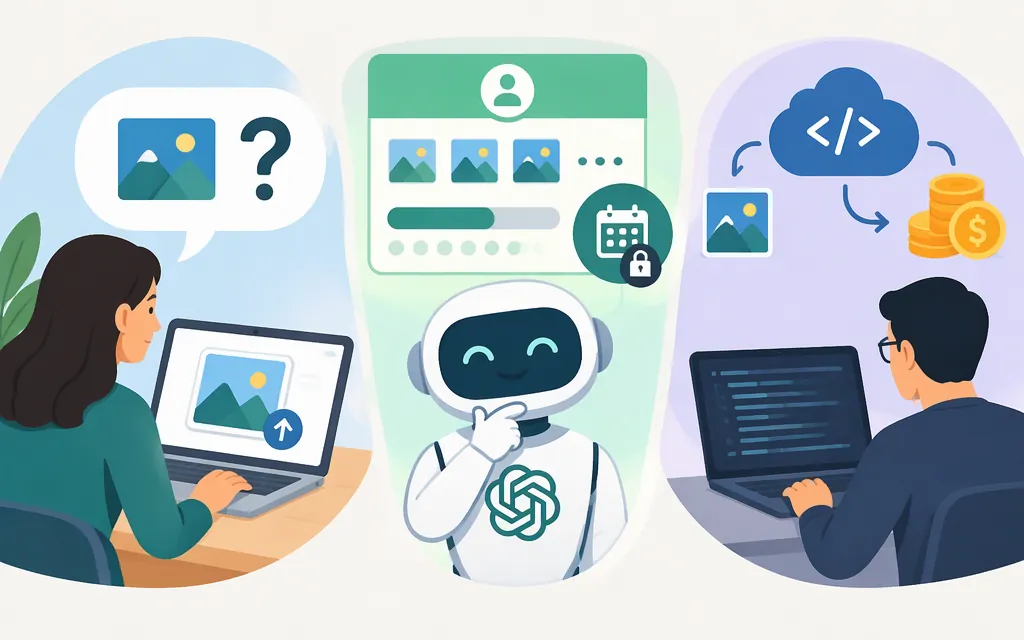
Is ChatGPT image input free?
Yes. OpenAI says you can upload images for analysis on ChatGPT Free and paid plans, subject to plan-specific usage limits and account settings. Free ChatGPT has no subscription fee, so an eligible Free user can ask ChatGPT to interpret an uploaded image without paying a separate per-image fee in ChatGPT. That does not mean unlimited uploads: OpenAI says Free has separate limits for file and image uploads, and ChatGPT will notify you when you reach an applicable limit. (ChatGPT Image Inputs FAQ)
The Free Tier FAQ does not state a numeric image-upload allowance or reset interval. It says uploads have separate usage limits and ChatGPT will notify you when an applicable limit is reached. (ChatGPT Free Tier FAQ)
Image input is not image generation
Image input means attaching an existing image and asking ChatGPT to describe it, read a document, or answer a question about what it shows. Image generation means asking ChatGPT to create or edit an image. OpenAI documents both capabilities, but access or limits for one should not be treated as proof of the terms for the other. (ChatGPT Image Inputs FAQ)
To try image input, start a chat, select the + button and choose Add photos & files, then ask a specific question about the picture. OpenAI lists PNG, JPEG, and non-animated GIF as supported image formats. The number of images that can be added at once depends on factors including image size and accompanying text. (ChatGPT Image Inputs FAQ)
What limits apply to free image analysis?
Free users can upload images, but file and image uploads have usage limits separate from ordinary text chats. The Free Tier FAQ does not give a fixed image-input quota or reset interval: it says ChatGPT will notify you when an applicable tool limit is reached and that you must wait until later to use the tool again. Its statement that reset timing appears in-product refers to the Free-tier model limit, so it should not be read as a published upload reset schedule. (ChatGPT Free Tier FAQ)
Uploads are available on Free subject to plan-specific limits and account settings. OpenAI also says availability may vary by workspace settings, region, client version, and selected model. (Uploading files and audio to ChatGPT)
Does free ChatGPT include production API image input?
No. ChatGPT plan access and OpenAI API billing are separate. OpenAI says API usage is billed separately from a ChatGPT subscription, with charges depending on the models and features used. A ChatGPT Free account therefore does not make production API requests free. Eligible paid subscriptions may offer promotional API credits, but those are a separate benefit with separate conditions—not included API usage for every Free account. (Managing billing for ChatGPT and the API platform)
For an app that needs to analyze uploaded images, OpenAI documents the Responses API as an image-analysis route. The GPT-5.6 Luna model accepts text and image inputs and returns text; its listed standard rates are $0.20 per million input tokens and $1.20 per million output tokens. These are token rates, not a flat price per image. Image dimensions and detail affect image-token estimates, so use OpenAI’s image-input cost calculator with the chosen model and image details for a realistic estimate. (Images and vision)
A reproducible budget example
Suppose a request’s billed usage is 1,000 input tokens total—including the image and prompt—and 200 output tokens. At GPT-5.6 Luna’s listed rates, the model charge would be:
- Input: 1,000 ÷ 1,000,000 × $0.20 = $0.0002
- Output: 200 ÷ 1,000,000 × $1.20 = $0.00024
- Total: $0.00044 for this hypothetical request
This is an arithmetic example, not a claim that an arbitrary image uses 1,000 tokens. Actual image-token usage depends on image dimensions and detail, and the estimate excludes any other applicable charges or pricing adjustments. Use the official calculator and current API pricing for your selected model before setting a production budget. (Image input token and cost calculator)
Which option should you use?
- Occasional personal image questions: Start with ChatGPT Free. Image input is available there without a separate per-image charge, but separate upload limits apply. The reviewed Free Tier FAQ does not state a numeric image-upload allowance or reset interval. (ChatGPT Image Inputs FAQ; ChatGPT Free Tier FAQ)
- A product or automated workflow: Budget for API use separately. Select a vision-capable model, estimate image tokens with OpenAI’s calculator, and include both input and output tokens in the cost calculation. API prices and model availability can change, so check the official pricing page when you plan or revise your budget. (Images and vision)
Sources
Uploading files and audio to ChatGPT
Managing billing for ChatGPT and the API platform
Images and vision | OpenAI API