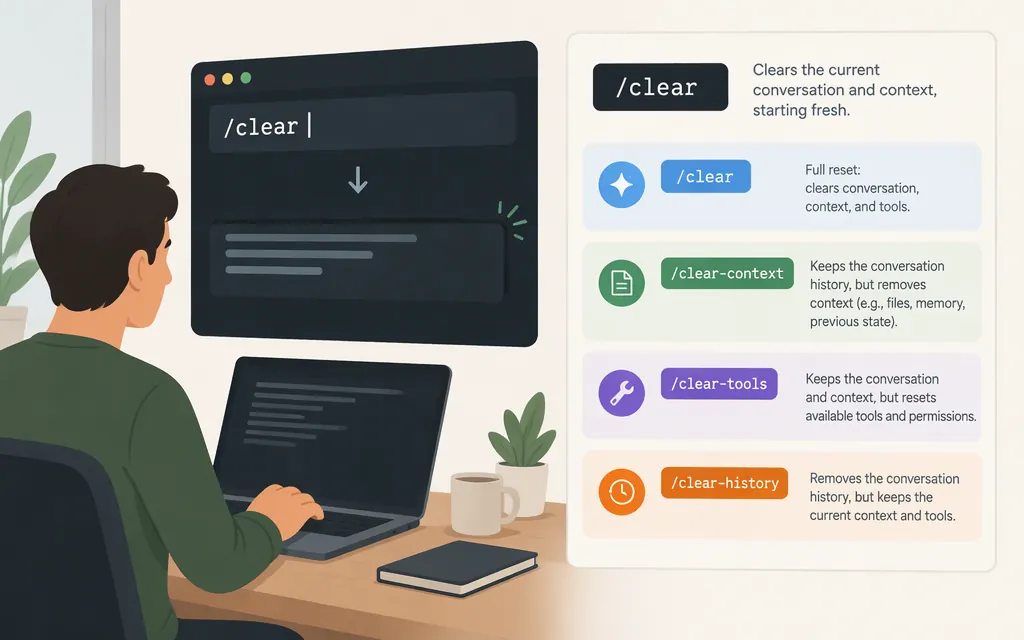
If you want a fresh conversation in Claude Code, type /clear at the interactive prompt. Anthropic’s documentation describes it as starting a new conversation. It does not mean the same thing as clearing only what appears on your terminal screen: Ctrl+L redraws the screen while keeping your input and conversation history. Your earlier session transcript remains available to resume after /clear. (code.claude.com)
Choose the action that matches your goal
- Start fresh in Claude Code: Enter
/clear. Claude Code starts a new conversation. If you later need the earlier one, the session guide says conversations can be resumed after running/clear. (code.claude.com) - Free context space but keep working with a summary: Use
/compact. Claude Code says it summarizes the conversation to free context;/contextshows what is filling the window. (code.claude.com) - Redraw the terminal without discarding the conversation: Press Ctrl+L. The documented effect is to redraw the screen while keeping the input and conversation history—not to start a fresh conversation. (
code.claude.com)
The documentation reviewed here does not confirm /cls, /clear --display, or /clear --visual as supported ways to clear only the display. Don’t rely on those proposed forms unless they appear in your Claude Code command menu or current documentation. You can type / in a session to see available commands. (code.claude.com)
Does /clear delete your saved conversation?
The official session guide says conversations are saved locally as you work and can be resumed after exiting or running /clear. So /clear starts fresh for the active conversation, but the documentation does not describe it as deleting the earlier session transcript. To return to a previous conversation, use claude --resume or choose /resume inside Claude Code. (code.claude.com)
What if the context meter still looks high?
First, check /context to see what Claude Code reports as occupying the context window. A displayed counter is a diagnostic, not by itself proof that the conversation failed to reset: a GitHub issue, for example, reports one user’s custom context meter retaining its previous value after /clear, but does not establish that as general behavior. (code.claude.com)
Does this command clear a production Claude API conversation?
/clear is a Claude Code command used inside a Claude Code session; it is not documented as a Messages API operation. For the standard Messages API, Anthropic says the API is stateless: your application sends the conversation history with each request, so starting a fresh API conversation means changing the history your application sends. Anthropic also documents message threads separately; don’t assume a Claude Code slash command clears API-side or application-managed conversation state. (code.claude.com)
Sources
Manage sessions - Claude Code Docs
Interactive mode - Claude Code Docs
Using the Messages API - Claude Platform Docs
[BUG] when using /clear in Claude Code, it doesn't reset the context counter to zero