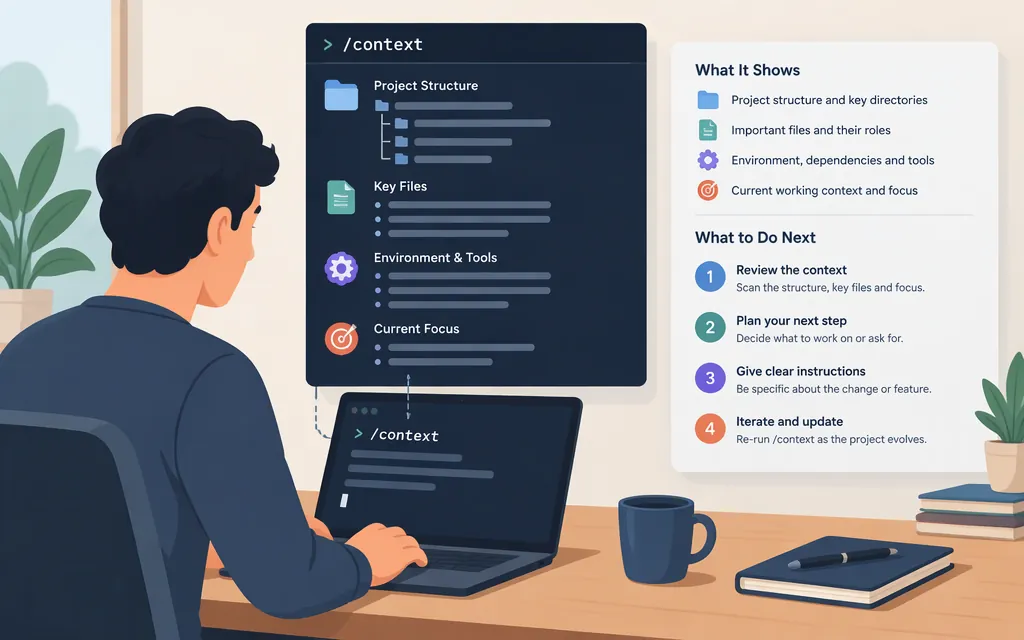
In an active Claude Code session, enter /context to inspect what is occupying the current context window. The command reference describes it as showing what is filling the window. The troubleshooting guide lists categories such as the system prompt, system tools, MCP tools, custom subagents, memory files, skills, and conversation messages. In fullscreen mode, use /context all to expand the per-item breakdown. (Claude Code commands; debug your configuration)
This is a Claude Code session command, not a slash command for the Messages API. API developers can count input tokens for a request or read token-usage fields in a response, but those serve a different purpose from inspecting everything loaded into a live Claude Code session. (Messages API token counting)
How to run /context
- Open a Claude Code session.
- Enter
/contextand submit it. - In fullscreen mode, enter
/context allif you need the expanded item-level breakdown. (Claude Code troubleshooting guide)
The troubleshooting guide also notes that the skills category can include bundled skills that /skills does not list. (Claude Code troubleshooting guide)
How to use the breakdown
Treat /context as an inspection step. Use the category and source information in the output to identify what you may want to review. For example, you can inspect the listed memory-file or tool entries and their configuration sources. These are practical ways to follow up on what the breakdown shows—not additional follow-up commands specified by the troubleshooting guide.
If conversation history is what you want to reduce, /compact summarizes it to free context. That is a separate action: the command reference distinguishes /context, which shows what is filling the window, from /compact, which summarizes it. (Claude Code commands)
If /context runs but nothing appears in VS Code
A reported VS Code issue described /context output being generated but not rendered in chat. The report named Claude Code version 2.1.45 and said the problem had not occurred in 2.1.44; an Anthropic contributor later advised updating to version 2.1.121 or later. This is guidance from that specific issue, not a guarantee that every display problem has the same cause or fix. (GitHub issue #26490)
If you encounter the symptom:
- Update Claude Code before retesting. The contributor’s guidance in that report was version 2.1.121 or later; treat that as a historical minimum, not the latest release number. (GitHub issue #26490)
- Try
/contextin another Claude Code interface, such as the terminal, to check whether the symptom is specific to the VS Code display. This is a troubleshooting check, not a confirmed fix. - If the problem continues, record your Claude Code version and interface and report the reproducible behavior through the project’s issue tracker.
How /context differs from production API token counting
/context is documented as a command inside a Claude Code session. For an application calling Claude through the API, Anthropic documents a separate token-counting endpoint: POST /v1/messages/count_tokens. It counts input tokens for the structured message you submit—including supported system prompts, tools, images, and documents—without generating a response. (Messages API token-counting reference)
A normal Messages API response also includes usage fields such as input_tokens and output_tokens. These help an application track tokens used for that API call. They are not the same as /context’s session breakdown: token counting describes the request you provide to the API, while /context reports categories loaded in the Claude Code session. (Using the Messages API)
Bottom line: use /context inside Claude Code to see what is occupying that session; use the documented token-counting endpoint or response usage fields when building an API application. The token counter can help estimate a request’s input size, but the cited API documentation does not establish it as an API version of Claude Code’s session-inspection command.
Sources
Debug your configuration — Claude Code Docs