Short answer
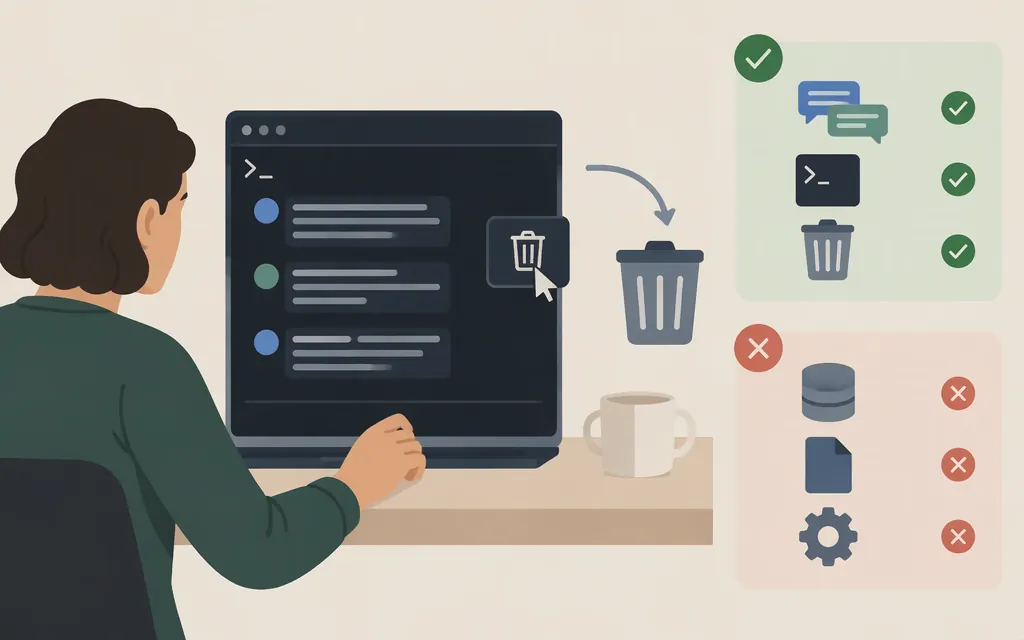
In Claude Code’s CLI, /clear starts a fresh context but does not delete the saved transcript. Claude Code saves sessions locally as you work, and its session guide says you can resume them after running /clear. The documentation reviewed here does not establish a built-in command for deleting just one CLI session. (code.claude.com)
There is an official claude project purge command, but it removes all Claude Code state for a project—not just one conversation. If you only want to delete a single session, don’t run a project-wide purge. (code.claude.com)
Where CLI transcripts are stored
By default, Claude Code stores a session transcript at:
~/.claude/projects/<project>/<session-id>.jsonl
The project directory is derived from the working-directory path, with non-alphanumeric characters replaced by hyphens. On Windows, ~/.claude resolves to %USERPROFILE%\.claude. If you set CLAUDE_CONFIG_DIR, use that configured directory instead of the default ~/.claude location. (code.claude.com)
The filename contains the session ID, so you need the correct session ID and project directory to identify a transcript. Don’t choose a file based on a guessed filename or delete the whole projects directory. The official documentation describes the storage layout and session-resume options, but the evidence reviewed here does not establish a supported, reliable procedure for mapping any session-picker entry to a specific transcript file and deleting only that file.
Is there a supported way to delete one CLI transcript?
I could not verify a documented first-party CLI command for deleting one session transcript. Manually removing a .jsonl file would be local file cleanup—not a documented Claude Code deletion workflow. The documentation reviewed here does not establish all effects of deleting that file, such as what happens to every related local record or session-list entry. Don’t treat local file removal as proof of remote deletion.
If you intend to remove all Claude Code state for one project, claude project purge --dry-run previews the project-wide cleanup. The actual claude project purge removes the project’s transcripts, tasks, file history, and project configuration entry; it is too broad if your goal is one conversation. The command was introduced in Claude Code v2.1.124. (code.claude.com)
/clear and /compact do different jobs
/clearstarts a fresh context. It does not delete the saved CLI transcript; sessions are saved locally and can be resumed after/clear. (code.claude.com)/compactsummarizes conversation context to free space. It is a context-management action, not a documented session-deletion command. (code.claude.com)- Local transcript removal is different from either command. The documentation reviewed here does not establish a supported single-session removal procedure or remote-erasure effect.
If you just want a clean context for your next task, use /clear. If you need to delete a single saved CLI conversation, don’t mistake /clear, /compact, or the project-wide purge for a single-session delete control.
Does Anthropic’s API delete a Claude Code CLI session?
The production API does have a beta DELETE /v1/sessions/{session_id} operation for Managed Agents sessions. Its documentation requires the managed-agents-2026-04-01 beta header. That is a product-specific Managed Agents operation; the documentation does not establish that it deletes a Claude Code CLI transcript, so do not use it for that purpose. (platform.claude.com)
Separately, Anthropic’s Enterprise Compliance API exposes Claude Code session transcripts through read-only endpoints. Those endpoints are for retrieving sessions, not deleting them. (platform.claude.com)
Bottom line: /clear resets context, /compact summarizes it, and claude project purge removes project-wide local state. The sources reviewed here do not establish a supported single-session CLI delete procedure or an API operation that deletes a Claude Code CLI transcript.
Sources
Manage sessions — Claude Code Docs
Explore the .claude directory — Claude Code Docs
Week 18 · April 27–May 1, 2026 — Claude Code Docs