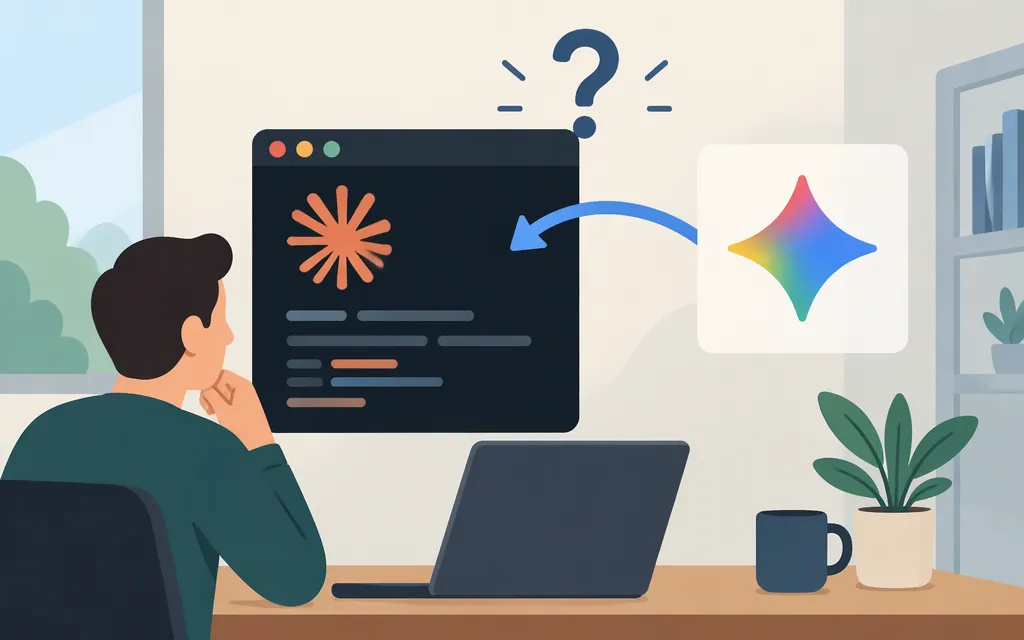
Direct answer: Can you use Gemini inside Claude Code?
Anthropic’s documentation does not support routing Claude Code to Gemini or other non-Claude models through an LLM gateway. Claude Code can connect to gateways and cloud providers, but Anthropic says it does not support routing Claude Code to non-Claude models through those gateways. A Gemini API key, a gateway’s general model access, or a vendor’s claim to support both products does not establish Gemini as a supported Claude Code model. (Anthropic’s gateway documentation)
That does not prove no third party has built a workaround. It means the official documentation does not establish Gemini-in-Claude-Code as a supported setup. Before relying on a third-party integration, look for its current, specific Claude Code and Gemini instructions—including provider configuration, model ID, authentication, and limitations. Anthropic says it does not endorse, maintain, or audit third-party gateways. (Anthropic’s gateway documentation)
The practical distinction is:
- Claude Code with a documented provider: use Claude Code’s documented account, API, cloud-provider, or gateway options.
- Gemini in a terminal coding assistant: use Gemini CLI, Google’s separate terminal tool.
- Gemini in your own application: call the Gemini API directly. That does not, by itself, connect Gemini to Claude Code.
Documented ways to use Gemini for coding
Option 1: Use Gemini CLI as a separate coding tool
Google’s Gemini CLI quickstart documents installing the CLI with npm and running it from the command line. Follow its current instructions for installation and authentication; the quickstart describes Google-account sign-in as an option.
This gives you a Gemini-powered terminal workflow—not Claude Code with Gemini substituted as its model. The tools do not automatically share configuration, sessions, or capabilities.
Option 2: Call the Gemini API from your application
If your application needs Gemini, use Google’s Gemini API documentation for the current request format and model documentation to confirm the model ID and capabilities available to your project. Google lists Gemini 4 Argon as a stable model; Google’s developer announcement says API access is through the paid tier. Check the current model and account requirements before sending requests.
Gemini API requests require authentication. Google’s API-key guide describes the available key types and their security and project relationships. Keep credentials out of client-side code and public repositories, and follow the guide’s current key-management instructions.
Google recommends the Interactions API for new development. Its documentation says generateContent remains fully supported. Choose the interface and follow the corresponding request and response instructions in Google’s current documentation; generated content is returned in the API response as documented there.
This is an application-to-Gemini API route, not a Claude Code configuration example. API access, terminal tools, and subscriptions are different routes; confirm the applicable provider, account, and billing setup for the one you choose. Claude Code’s documented provider options have their own authentication and billing arrangements. (Claude Code organization setup)
Which workflow should you choose?
| Your goal | Practical route | Important distinction |
|---|---|---|
| Keep using Claude Code | Use a provider and model route documented for Claude Code | Anthropic says it does not support routing Claude Code to non-Claude models through a gateway. (Gateway documentation) |
| Use Gemini from a developer terminal | Install and run Gemini CLI | It is a separate coding tool, not a Gemini backend for Claude Code. (Gemini CLI quickstart) |
| Add Gemini generation to a product or service | Call the Gemini API from your application | Your application handles its own API integration; the call does not configure Claude Code. (Gemini API documentation) |
| Route Claude Code through a managed provider or gateway | Follow Claude Code’s provider or gateway documentation | Verify model compatibility in the specific provider’s documentation. General access to multiple models does not prove Gemini is supported by Claude Code. (Gateway setup) |
Bottom line: If you specifically need Claude Code, choose a documented Claude Code provider. If you specifically need Gemini for coding, use Gemini CLI or integrate the Gemini API into your own application. Treat “Gemini in Claude Code” as unsupported by Anthropic’s documented gateway route unless a specific third-party integration provides current, reproducible compatibility instructions—and understand that such a route is not endorsed or supported by Anthropic. (Gateway documentation)
Sources
Other LLM gateways — Claude Code Docs
Run Claude Code through a gateway — Claude Code Docs
Set up Claude Code for your organization — Claude Code Docs
Get started with Gemini CLI — Google Gemini CLI documentation
Gemini 4 Argon — Google AI for Developers
Using Gemini API keys — Google AI for Developers