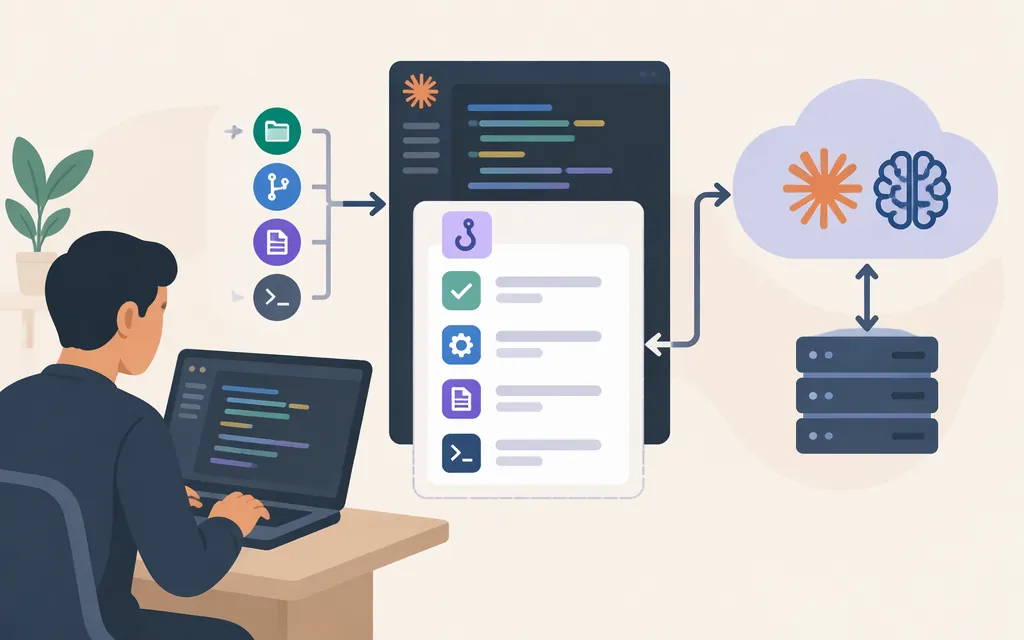
What are Claude Code hooks?
Claude Code hooks are commands or scripts associated with events in a Claude Code session. They can be useful when you want an event to trigger an action—such as formatting edited files, checking an operation before it runs, or sending a notification—instead of relying only on Claude to remember an instruction. Anthropic describes hooks as providing deterministic control over configured actions; that is not a guarantee that a hook or its command cannot fail. (Claude Code hooks guide)
For example, a CLAUDE.md instruction can ask Claude to run a formatter after edits. A hook can instead be attached to an event. Use instructions for guidance to Claude; consider a hook when a supported event should trigger a command. (Claude Academy lesson)
Choose an event based on when the action should happen
| Need | Event to consider | Why | |
|---|---|---|---|
| Check or block a tool action before it runs | PreToolUse |
The Claude Academy lesson describes it as running before a tool call and gives blocking checks as an example. | |
| Format or log after a tool action | PostToolUse |
The lesson describes it as running after a tool call completes, and gives after-edit formatting as an example using the `Edit | Write` matcher. |
| Respond to a submitted prompt | UserPromptSubmit |
The lesson describes it as running after prompt submission and before Claude processes it. | |
| Respond to a notification | Notification |
The lesson identifies this as an event for notifications. |
These are examples, not a complete event catalog. Check the current hooks reference for supported events, matchers, schemas, and decision behavior.
A simple choice: consider PostToolUse for work that should follow a completed action, and PreToolUse when a check needs to happen before the action proceeds. An after-tool hook cannot prevent the tool call that has already completed. (Claude Academy lesson)
The Academy lesson says PreToolUse commands receive tool details as JSON on standard input. It describes exit code 0 as allowing the action, 2 as blocking it and sending the command’s standard-error message back as feedback, and other exit codes as producing a non-blocking error. Check the current reference for event-specific rules and schemas. (Claude Academy lesson)
Configure and inspect a hook
Hooks are configured in a Claude Code settings file. At a high level, a registration identifies an event and includes a handler; a matcher can narrow which tools trigger it. The Claude Academy lesson says /hooks displays a read-only list of configured hooks, and describes .claude/settings.json as a project-level location that can be committed to a repository for team sharing. (Claude Academy lesson)
This article does not include a copyable Notification configuration: the available material here does not establish the complete registration, its settings scope, or any activation step. For the exact setup, use Anthropic’s hooks guide. When editing a file that already has a Notification entry, preserve its existing registrations and make any addition within that event’s existing array; do not replace the array or create a second Notification key. Use the guide to confirm the valid registration and activation steps for your setup.
Are Claude Code hooks a production model API?
Hooks and direct model API access are different capabilities. Claude Code hooks associate actions with events in a Claude Code session. Anthropic documents direct model access separately through the Messages API documentation and its guide to working with messages. A hook is not itself a model or a substitute for an application’s model API integration.
A command you configure could have its own external integration, but that is separate from the hook’s event-triggering role. Don’t assume that registering a hook, by itself, creates or configures a production model API connection.
Bottom line: consider Claude Code hooks for event-triggered automation or checks inside Claude Code. For direct model access from an application, consult the Messages API documentation. Treat any design that combines hooks with API calls as a separate integration to implement and validate.
Sources
Hooks reference — Claude Code Docs
Automate actions with hooks — Claude Code Docs
Hooks — Claude Code 101 — Claude Academy