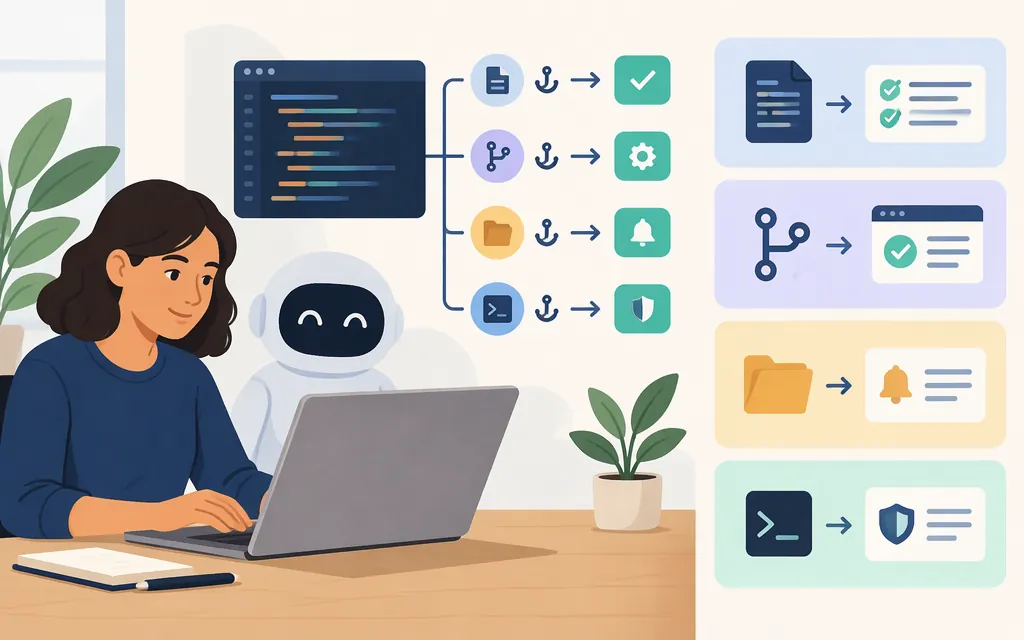
Claude Code hooks run configured actions at specific points in a session. They’re useful when you want an action tied to a supported event, such as showing a notification when Claude needs your input or formatting a file after an edit. The command-hook examples here do not require a separate production model API. (code.claude.com)
What are Claude Code hooks?
Hooks are user-defined commands that Claude Code runs at specific points in its lifecycle. Use a command hook for repeatable automation tied to a supported event. For a decision that requires judgment, Anthropic also documents prompt-based and agent-based hooks that use a Claude model. (code.claude.com)
Example 1: Show a macOS notification when Claude needs input
Anthropic’s hooks guide provides this macOS example. Add it to ~/.claude/settings.json; if the file already has a hooks object, merge the Notification entry into it rather than replacing other hooks. (code.claude.com)
{
  "hooks": {
    "Notification": [
      {
        "matcher": "",
        "hooks": [
          {
            "type": "command",
            "command": "osascript -e 'display notification \"Claude Code needs your attention\" with title \"Claude Code\"'"
          }
        ]
      }
    ]
  }
}
The command uses macOS osascript, so it is not a cross-platform notification command. To try it, trigger a situation where Claude Code is waiting for your input and check for a macOS notification. (code.claude.com)
Example 2: Format files after edits
For a shared, project-specific hook, put the configuration in the project’s .claude/settings.json. The official guide documents PostToolUse with an Edit|Write matcher for file-editing tools and describes passing the edited file path to Prettier. (code.claude.com)
Here is an adapted configuration pattern. It assumes Claude Code runs the command from the project root and that Prettier is installed locally. The command formats the whole repository after each matching tool use, which can be slow and may change files beyond the one just edited. Verify the command’s working directory and run it manually on a disposable branch before enabling it; this example has not been execution-tested.
{
  "hooks": {
    "PostToolUse": [
      {
        "matcher": "Edit|Write",
        "hooks": [
          {
            "type": "command",
            "command": "./node_modules/.bin/prettier --write ."
          }
        ]
      }
    ]
  }
}
If you use a project formatting script, substitute it for the command above. Keep the hook project-scoped, and check git diff after a test edit to see what changed. The event-and-matcher pattern is documented; the whole-repository command above is an adaptation, not Anthropic’s documented Prettier command. (code.claude.com)
Configure, check, and disable a hook
- Choose the scope:
~/.claude/settings.jsonapplies to you across projects;.claude/settings.jsonapplies to the project folder. (code.claude.com) - Add the event under the existing
hooksobject. After editing, start a fresh Claude Code session for your test rather than assuming a settings change has loaded into an already-running session. - Use
/hooksto inspect configured hooks, then trigger the event: reach a point where Claude needs your input for the notification, or ask Claude to edit a file for the formatter. (code.claude.com) - If a command fails, check Claude Code’s hook error output. To disable one hook, remove only its event or handler entry from the settings file; use a fresh session to check the change. Review or revert unintended formatter changes through your normal version-control workflow. The hooks reference also documents inspecting and disabling or removing hooks through
/hooks. (code.claude.com)
Do Claude Code hooks require a production model API?
No—not for these command-hook examples. The notification and local formatting commands run as shell commands; they do not, by themselves, require a separate model API call. A script you write could make its own API request, but that would be an additional integration, not a requirement for configuring these examples. Prompt-based and agent-based hooks are separate documented options that use a Claude model. (code.claude.com)
Sources
Automate actions with hooks — Claude Code Docs
Hooks reference — Claude Code Docs