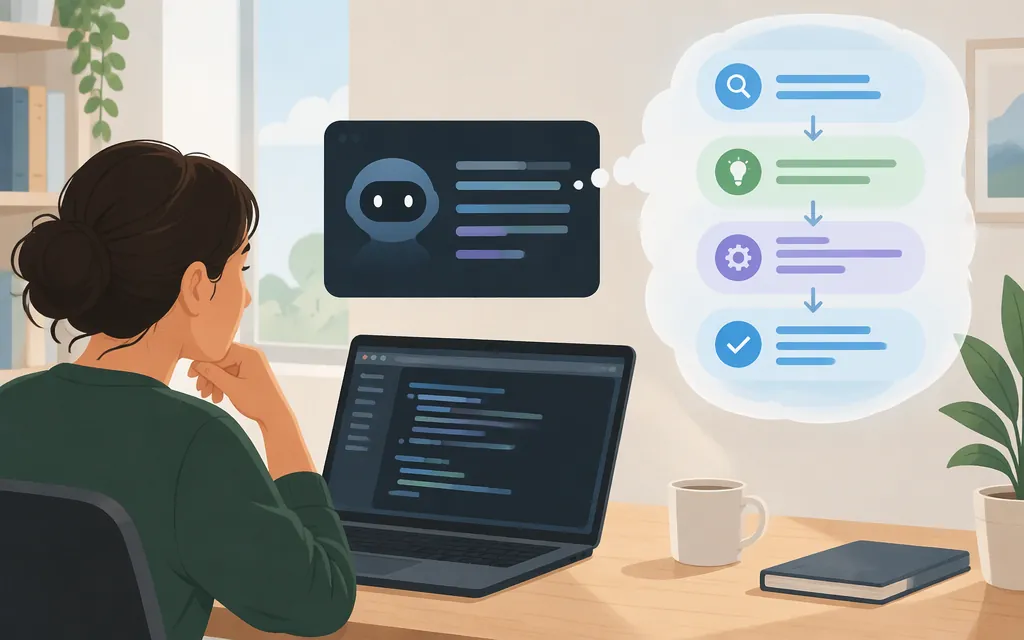
In an interactive Claude Code session, press Ctrl+O while Claude is working. A Claude Code collaborator said this shows thinking live in the transcript view as gray italic text in a comment dated August 17, 2026. The comment is the direct source for the live-display claim. Official documentation confirms that Ctrl+O toggles the transcript viewer and notes that shortcuts can vary by platform and terminal. (Interactive mode docs · Issue #30660)
If you use Claude Code with the Anthropic API
The same collaborator said that Anthropic API interactive sessions have thinking redacted by default and recommended this setting:
{
  "showThinkingSummaries": true
}
Treat this as dated collaborator advice, not a setting confirmed here in current official documentation. The official settings guide identifies ~/.claude/settings.json as a user settings file, but the material reviewed here does not confirm that this particular key is supported or explain how to verify it took effect. (Settings docs · Settings reference · Issue #30660)
If thinking still does not appear
- Open the transcript viewer during an active turn. Press
Ctrl+Owhile Claude is working and look for gray italic text. If the shortcut does not work as expected, shortcuts can vary by platform and terminal; in fullscreen rendering, press?in the transcript viewer to see available shortcuts. (Interactive mode docs) - Check your selected model and effort. Use
/modelto review or change the model, and/effortto review or change the reasoning effort. These controls help you record how the session is configured, but the documentation reviewed here does not establish that any particular model or effort level guarantees displayable thinking text. (Model configuration docs · Commands reference) - If you use an Anthropic API interactive session, note that explicitly. The collaborator’s comment says thinking may be redacted by default there and recommends
showThinkingSummaries. The setting’s current support and exact configuration requirements remain unconfirmed in the official material reviewed here. A blank viewer alone cannot tell you whether text was redacted, not returned, or simply not rendered. (Issue #30660) - If you remain unsure how the session is routed, check
/status. For a gateway connection, the official gateway guide says an “Anthropic base URL” line appears when a gateway address is set. That check is specific to gateway configuration; it does not by itself identify every session’s connection method. (Gateway connection docs) - If it remains blank, report what you can verify. Include your Claude Code version (
claude --version), selected model, effort setting, interface and terminal, connection method, and whether the issue occurs during an active turn or in the transcript afterward. The completed issue asks people with similar problems to file a new issue and reference it. (Changelog · Issue #30660)
Older user reports describe verbose-mode display failures and inconsistent transcript contents on particular versions. They are troubleshooting anecdotes, not proof of a current universal cause; do not assume that a blank screen means the thinking text is stored in a session file. (Issue #25980)
What visible thinking does—and does not—show
Displayed text is not proof of a complete or faithful record of a model’s internal process. Anthropic’s February 24, 2025 article about Claude 3.7 Sonnet said faithfulness was uncertain and that intermediate thoughts could be incorrect or misleading. That is historical, model-specific context—not confirmation of exactly what current Claude Code sessions display. (Anthropic: Claude’s extended thinking)
Bottom line: try Ctrl+O during an active turn. For an Anthropic API interactive session, showThinkingSummaries is a dated collaborator-reported setting, not a currently confirmed, guaranteed fix. If the viewer stays blank, its appearance alone does not identify the cause.
Sources
Interactive mode — Claude Code Docs
Model configuration — Claude Code Docs
Settings files and precedence — Claude Code Docs
All settings — Claude Code Docs
Connect Claude Code to an LLM gateway — Claude Code Docs
Stream extended thinking output in real-time during interactive mode — Claude Code issue #30660
Verbose mode not displaying thinking blocks — Claude Code issue #25980