Short answer
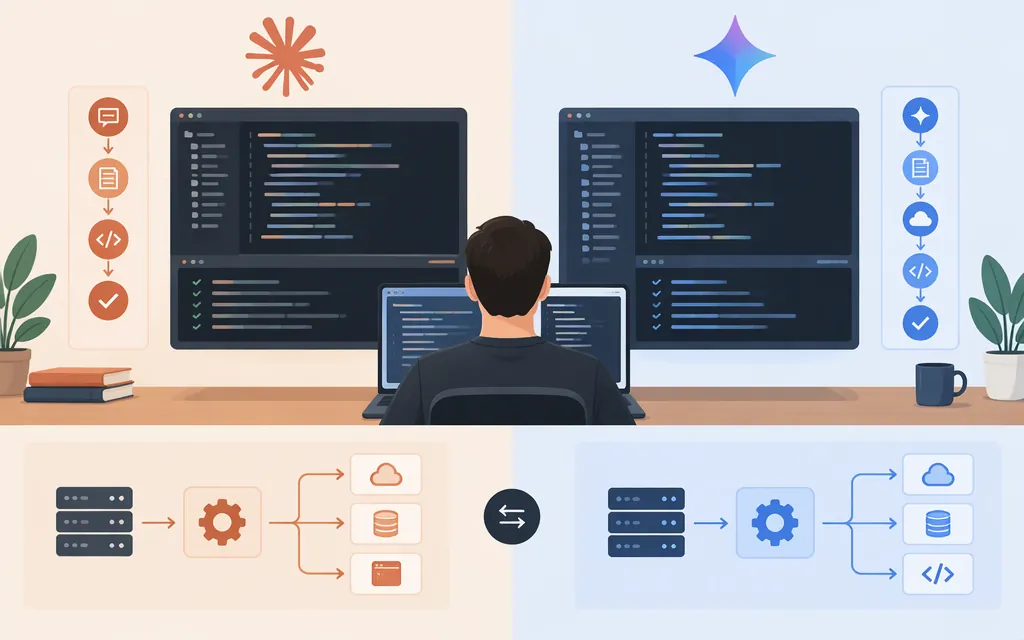
Claude Code and Gemini 3 are not the same kind of product. Claude Code is a coding agent for working with project files and development tools. Gemini 3 is a model family that you can use through Google’s APIs or within a separate Google agent product. For a ready-made coding workflow, compare Claude Code with a coding tool or agent. For a production application, compare specific Claude and Gemini API models in your own application. The available documentation does not establish an overall coding winner.
A practical starting point: evaluate Claude Code for hands-on work in a development environment; consider Google’s Antigravity agent if a Google-hosted sandbox fits your workflow; choose a direct Gemini model API if you intend to build and operate your own agent harness. Antigravity’s documented hosted sandbox is not established here as an equivalent local-repository workflow.
What are you comparing?
| Your decision | Fair comparison | What you’re choosing |
|---|---|---|
| A coding assistant for project work | Claude Code vs a Google coding tool or agent | The agent, its interface, and how it works with files and tools |
| A model for your application | A specific Claude API model vs a specific Gemini API model | Model behavior, integration work, availability, and usage costs |
| Whether to use Claude Code with a Gemini model | Verify that exact provider and model combination first | Claude Code is a product, not a Gemini model or a general-purpose Gemini client |
The phrase “Claude Code vs Gemini 3” can also be mistaken for a model-to-model comparison, such as Claude Sonnet 4.5 vs Gemini 3 Pro. That is a different question: a comparison of model outputs does not establish how Claude Code or another coding product performs. Also check model status before relying on older comparisons: Google’s deprecation documentation lists gemini-3-pro-preview as shut down on March 9, 2026.
Choosing a coding workflow
- For an agent working with your development project, start with Claude Code. Its documented role is to work with codebases, files, commands, and development tools. Check that the specific Claude Code surface and provider arrangement you plan to use fit your setup.
- For a managed Google-hosted agent, evaluate Antigravity. Google documents the Antigravity agent as running code and managing files inside a Google-hosted Linux sandbox, and makes it available through the Interactions API and Google AI Studio. The documented agent identifier is
antigravity-preview-09-2026, labeled a September 2026 preview. Because it is a preview, confirm that it is available for your account and intended use. Treat it as a hosted-agent option, not proof of a local-repository workflow or a like-for-like Claude Code replacement. Google’s Antigravity agent documentation and preview model details - For an application you want to build and operate yourself, start with a direct model API. You own the agent loop and application-level decisions. Gemini 3.8 Flash documents function calling and code execution, but those model capabilities do not by themselves give your application a complete coding agent or repository workflow.
To compare coding experiences, run the same representative task—such as fixing a bug with a failing test—using the same starting repository, task description, permitted tools, and review criteria. Compare test results, correctness and focus of the diff, human correction required, and whether the tool respects your permission boundaries. This is a suggested evaluation method, not a test conducted for this article.
Production API comparison: choose model IDs
As of November 10, 2026, Google lists gemini-3.8-flash as a stable Gemini API model. Its documentation lists text, image, video, audio, and PDF inputs; a 1,048,576-token input limit; a 65,536-token output limit; and support for function calling and code execution. These specifications may help you assess API fit, but they do not prove that it will produce better code for your workload. Google’s Gemini 3.8 Flash documentation
A current Anthropic API candidate is Claude Sonnet 5.5, model ID claude-sonnet-5-5. Anthropic lists a 1-million-token context window and a 128,000-token maximum output. It describes the model as suited to coding, agent, and enterprise workloads; that is vendor positioning, not a head-to-head result against Gemini. Anthropic’s Claude Sonnet 5.5 documentation
| Production consideration | Claude API candidate | Gemini API candidate | What to decide |
|---|---|---|---|
| Model to evaluate | claude-sonnet-5-5 |
gemini-3.8-flash |
Pin the actual model IDs and test them on your tasks. |
| Listed context or input limit | 1 million tokens | 1,048,576 input tokens | Check how your prompts, repository context, and tool outputs fit the specific API’s limits. |
| Listed maximum output | 128,000 tokens | 65,536 tokens | Consider whether your application needs long single responses; do not treat the limits as a quality ranking. |
| Coding-relevant capabilities | Anthropic describes coding and agent workloads | Google lists function calling and code execution | Test the complete application workflow; model features alone are not equivalent to an agent harness. |
| Direct model API interface | Claude API REST endpoint; Messages API uses POST /v1/messages |
Gemini API generateContent; for example, POST /v1beta/models/gemini-3.8-flash:generateContent |
Integrate with the direct model API. Antigravity’s Interactions API is a separate hosted-agent interface, not the Gemini model endpoint. |
| Access and authentication | A Claude Console account, plus an API key or a configured Workload Identity Federation rule | Gemini API requests use an API key | Secure credentials and check account-specific quotas, regional availability, and billing. Google’s current documentation says new AI Studio keys are authorization keys by default and unrestricted standard keys are rejected. |
Google’s official text-generation guide demonstrates both the generateContent SDK entry point with gemini-3.8-flash and its direct REST endpoint. Anthropic documents the Claude REST endpoint and the Console-account requirement, with either an API key or configured Workload Identity Federation for access. Google Gemini text-generation documentation · Claude API overview · Gemini API key documentation
Keep direct API use separate from a coding-tool subscription or a managed agent. The product documentation cited here does not establish a like-for-like coding benchmark or a total-cost winner. Measure your workload, and compare costs only after confirming current rates and what each option’s charges include.
Verdict
- For hands-on project work: start by evaluating Claude Code in the development environment you plan to use.
- For a Google-managed hosted-agent workflow: evaluate Antigravity if its remote sandbox and API access fit your requirements; it is documented as a preview, so check availability and applicable terms before relying on it. Do not assume it operates on your local repository like a local coding tool.
- For a production coding application: compare
claude-sonnet-5-5andgemini-3.8-flashinside the same application harness, with your own tasks, tools, and deployment constraints.
The right choice depends on whether you need a coding product, a hosted agent, or a model API. The current specifications help identify API candidates; they do not establish which option writes better code for your project.
Sources
Antigravity agent | Gemini API
Antigravity preview | Gemini API
Text generation - generateContent API | Google AI for Developers
Claude Sonnet 5.5 - Claude Platform Docs
API overview - Claude Platform Docs