What is Claude Code on the web?
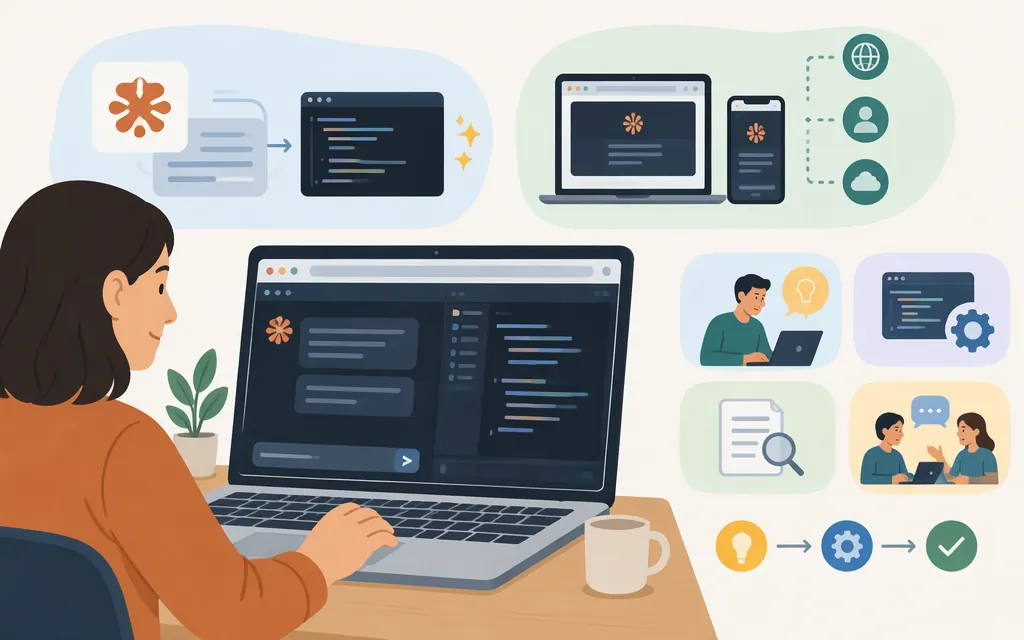
Claude Code on the web is Anthropic’s browser-based way to run Claude Code in a cloud session against a GitHub repository. Give Claude a coding task, then review the changes it prepares. You don’t need to set up a local development environment first. Anthropic lists the web entry point as claude.ai/code. (Claude Code cloud quickstart)
That’s different from using Claude Code locally in a terminal, desktop app, or IDE—and different again from having Claude operate a browser to test a website. Anthropic documents browser testing through its Chrome integration as a separate capability; it is not what “Claude Code on the web” means. (Claude Code overview)
What can you do with it?
A cloud session runs Claude Code on Anthropic’s cloud infrastructure, rather than on your machine. You can use it to work on a GitHub repository and review the changes Claude prepares. (Claude Code cloud quickstart; Use Claude Code in the cloud)
Example: You have a clearly scoped bug in a GitHub project you contribute to occasionally, but don’t have set up locally. Start a cloud session, describe the bug, and review the proposed changes. This may suit a task that does not depend on your local tools or configuration. Claude’s output still needs your review; the workflow does not guarantee that a fix is correct.
If a task depends on your local configuration, tools, or environment—or you want closer, synchronous control while you work—Anthropic recommends a local session instead. (Claude Code cloud quickstart)
How to access Claude Code on the web
- Open
claude.ai/codeand sign in. - Connect GitHub and choose a repository you can access.
- Describe the task and start a cloud session.
- When Claude finishes, inspect its changes and review the proposed pull request. (Use Claude Code in the cloud)
Anthropic’s cloud documentation lists access for Pro, Max, Ultra, and Team plans, and for Enterprise users with premium seats or Chat + Claude Code seats. Check the linked documentation for applicable usage and billing terms. (Claude Code cloud quickstart)
You can also start a cloud session from the Claude mobile app or desktop app, or from a terminal with claude --cloud. (Use Claude Code in the cloud)
Choose web, local Claude Code, or a production API
| Choose | Best fit | Important distinction |
|---|---|---|
| Claude Code on the web | Work on a GitHub repository through a hosted coding session. | Runs on Anthropic’s cloud infrastructure; consult Anthropic’s documentation for applicable usage and billing terms. |
| Local Claude Code | Work that needs your local files, configuration, tools, or development environment—or closer, iterative control. | Claude Code runs through a local surface such as the terminal, desktop app, or IDE. |
| Claude API | Build Claude into your own application or service, where your software sends model requests and handles the results. | This is programmatic model access, not the browser-based Claude Code workflow. Consult the API documentation for authentication and implementation details. |
Anthropic describes the Messages API as direct model access for custom prompting and agent loops; its separate Managed Agents offering is aimed at long-running tasks and asynchronous work. For an application integration, start with the Claude API documentation and Messages API guide, then select a model and review its current limits and pricing for your workload. Claude Code on the web should not be treated as a substitute API endpoint for your product.
Bottom line: If you want Claude to work on a GitHub coding task in a hosted session, start at claude.ai/code. If the task needs your own development environment, use local Claude Code. If you’re adding Claude-powered behavior to software you operate, use the production API and its documentation.