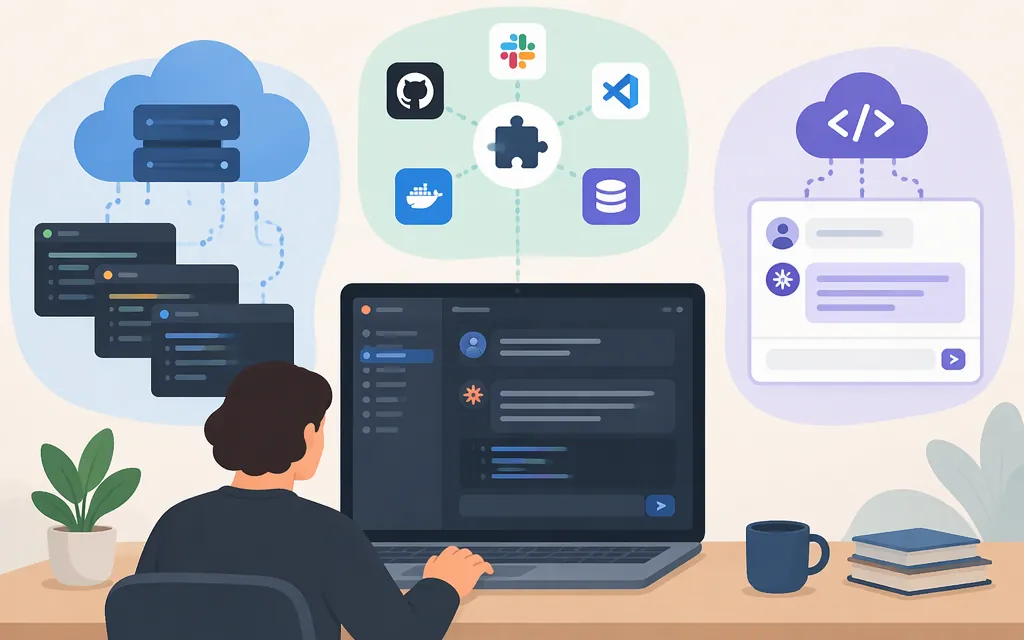
If you mean Anthropic’s official Claude Code web UI, start at claude.ai/code. Cloud sessions are available on Pro, Max, Ultra, and Team plans, and to Enterprise users with premium seats or Chat + Claude Code seats. You’ll need access to a GitHub repository for the task. You do not need to clone it locally or set up a local development environment to start a cloud session. Follow Anthropic’s cloud quickstart for the current setup details.
“Claude Code web UI” can also mean a third-party browser interface for a local coding-agent installation—or a web app that chats with Claude models through an API. Those are different products and workflows.
Start with Anthropic’s official web experience
- Open
claude.ai/codeand check that your account has an eligible plan. - Connect or select a GitHub repository you can access. If you can’t access a private repository through Claude, you may need to request that your GitHub organization’s administrator grant access.
- Describe the coding task and submit it. Claude works on the selected repository in a cloud environment; you can review the resulting changes and pull request.
You don’t need the repository checked out on your computer for this cloud workflow. Account eligibility and access to the repository are the key prerequisites; Anthropic’s official quickstart covers the setup and troubleshooting details.
Cloud sessions or Remote Control?
Anthropic also documents Remote Control, which connects the web or mobile app to a Claude Code session running on your computer. That is distinct from starting a cloud session: Remote Control is the relevant option when you want to reach a session on your own machine. Consult Anthropic’s documentation for the current setup steps and requirements.
Third-party Claude Code browser interfaces
CloudCLI is a separate community project. Its README lists Node.js 22 or later and the command npx @cloudcli-ai/cloudcli for trying its interface. In a Show HN post, the project’s author described a browser and mobile UI for Claude Code and other coding agents, with session controls, file browsing and editing, and Git management. Those capabilities are the author’s description, not independent confirmation or a guarantee of compatibility.
Before using a third-party interface, check its current documentation and decide whether its setup suits your situation. In particular, find out what it can access on the host machine, how the browser interface is exposed to your network, where sessions and credentials are handled, and whether its license fits your intended use. Don’t assume that a third-party tool has the same hosting, account requirements, security model, or support as Anthropic’s service.
An API-connected Claude chat UI is not automatically Claude Code
A web app can connect to Anthropic’s API and let you chat with Claude models. That alone does not establish that the app provides Claude Code’s coding-agent workflow. Open WebUI’s Anthropic provider documentation describes connecting Claude models for chat; it is not documentation for Claude Code.
For production API integrations, use Anthropic’s current API documentation to check the supported API, authentication, and features for your requirements. Anthropic describes its OpenAI SDK compatibility layer as primarily intended for testing and model comparison, and says it is not a long-term or production-ready solution for most use cases. That API guidance is separate from choosing a Claude Code web interface.
Which option fits your goal?
| Your goal | Where to start | What to keep in mind |
|---|---|---|
| Use Anthropic’s Claude Code web experience | claude.ai/code |
Check account eligibility and connect a GitHub repository you can access. No local checkout or development setup is needed for a cloud session. |
| Reach Claude Code running on your computer from another device | Remote Control | It connects to a session on your machine; consult Anthropic’s current requirements. |
| Add a browser interface to an existing local agent setup | Assess a third-party project such as CloudCLI | Verify its current requirements, license, access, and deployment model. |
| Add Claude model chat to your own app | Anthropic’s API documentation | API model access is distinct from Claude Code; choose an agent framework if you need an agent workflow. |
Bottom line: For Anthropic’s official Claude Code web UI, start at claude.ai/code. Have an eligible account and access to the GitHub repository, then submit a task in the cloud session. Remote Control is for reaching a session on your computer; a third-party browser tool and an API-backed chat frontend are separate options, not interchangeable versions of the official service.
Sources
Get started with Claude Code in the cloud
Continue local sessions from any device with Remote Control
Show HN: CloudCLI-Web/Mobile UI for Claude Code, Codex and Gemini