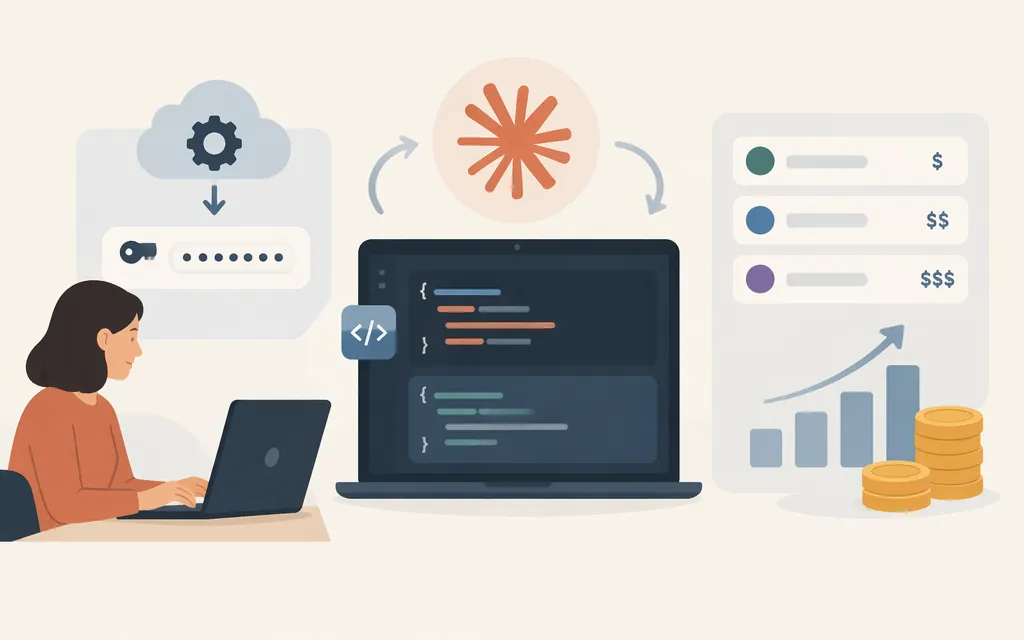
For a direct Anthropic integration, use the Messages API at https://api.anthropic.com/v1/messages and the model ID claude-sonnet-5-5. Anthropic lists a 1-million-token context window, a maximum output of 128,000 tokens, and standard rates of $2 per million input tokens and $10 per million output tokens for this model. (platform.claude.com)
These instructions are for Anthropic’s direct API. A third-party gateway is a separate provider, so use that provider’s own endpoint, credentials, model identifiers, compatibility guidance, and pricing rather than substituting them into a direct Anthropic request.
Make your first direct API request
You need a Claude Console account and an API key. Anthropic documents the API base URL as https://api.anthropic.com and the Messages route as POST /v1/messages. For direct HTTP requests, the current key instructions say to send the key in an Authorization: Bearer header. If your key is not scoped to a workspace, Anthropic says to include the anthropic-workspace-id header as well. (platform.claude.com)
Set ANTHROPIC_API_KEY to your Console key in your shell or deployment environment; don’t put a real key in source code or a checked-in script. The example uses API version 2026-10-21. Anthropic’s migration guidance identifies that version for direct HTTP requests and calls out version-specific breaking changes, so test your integration when adopting or changing API versions. (platform.claude.com)
curl https://api.anthropic.com/v1/messages \
  -H "Authorization: Bearer $ANTHROPIC_API_KEY" \
  -H "anthropic-version: 2026-10-21" \
  -H "content-type: application/json" \
  --output response.json \
  -d '{
    "model": "claude-sonnet-5-5",
    "max_tokens": 1024,
    "messages": [
      {"role": "user", "content": "Summarize why API keys should be kept out of source control."}
    ]
  }'
Compatibility note: Anthropic’s Messages guide shows the basic model, max_tokens, and messages request structure, while the Sonnet model page lists claude-sonnet-5-5 as the API model ID. The documentation excerpts cited here don’t show this exact model-and-payload combination in one direct HTTP example. Treat the command as a minimal starting request and test it with your Console account before relying on it in production. (platform.claude.com)
A successful response is a Message object whose content is an array of blocks. For text output, print the text value from blocks with type set to text:
jq -r '.content[] | select(.type == "text") | .text' response.json
Anthropic’s Messages guide shows this text-block response shape. The Messages API is stateless, so to continue a conversation, send the relevant conversation history in later requests. (platform.claude.com)
Sonnet 5.5 limits and pricing
Anthropic lists a 1M-token context window, 128K maximum output, and standard API rates of $2 per million input tokens and $10 per million output tokens for Sonnet 5.5. Its pricing documentation states that prices are in USD. Prompt caching and batch processing have separate rates, so the estimate below applies only to the listed base input/output rates. (platform.claude.com)
Worked estimate: At those base rates, 100,000 input tokens cost 0.1 × $2 = $0.20; 20,000 output tokens cost 0.02 × $10 = $0.20. Estimated total: $0.40, before any feature-specific pricing.
Rate limits and spend limits are distinct. Anthropic says its rate limits are enforced at the organization level; check your organization’s current limits before planning capacity. Its error documentation also notes that a 429 can indicate a rate limit or a spend cap, so inspect the error details rather than treating every 429 as the same condition. (platform.claude.com)
Production checks before launch
- Protect the credential. Keep the key in a trusted server environment or secrets manager; don’t expose it in browser code or a public repository. This is engineering guidance, not a claim that Anthropic requires a particular storage product.
- Check limits and spend controls. Review your organization’s current rate limits and spend settings, then test your expected traffic pattern. (
platform.claude.com) - Handle failures by cause. Check the returned error details for request, authentication, permission, rate-limit, or spend-limit problems. Anthropic recommends exponential backoff for
500errors; investigate persistent failures with the request ID. (platform.claude.com) - Test the features you use. This is a basic text request, not a test of streaming, tools, or other optional capabilities. Verify those separately against the current documentation and your application’s own test cases.
- Recheck the API version and model details when updating. API versions can introduce breaking changes; review the migration guidance and test the integration before release. (
platform.claude.com)
Bottom line
For a direct Anthropic integration, the documented route is POST https://api.anthropic.com/v1/messages; use the claude-sonnet-5-5 model ID and the documented direct-request authentication and API-version headers. Parse text from the response’s content blocks. Confirm the exact request in your Console environment, and estimate costs using the provider’s listed token rates and your actual usage—not a gateway’s prices or a benchmark configuration. (platform.claude.com)
Sources
API overview — Claude Platform Docs
Get your Claude API key — Claude Platform Docs
Versions — Claude Platform Docs
Migrating to API version 2026-10-21 — Claude Platform Docs
Using the Messages API — Claude Platform Docs
Claude Sonnet 5.5 — Claude Platform Docs
Pricing — Claude Platform Docs