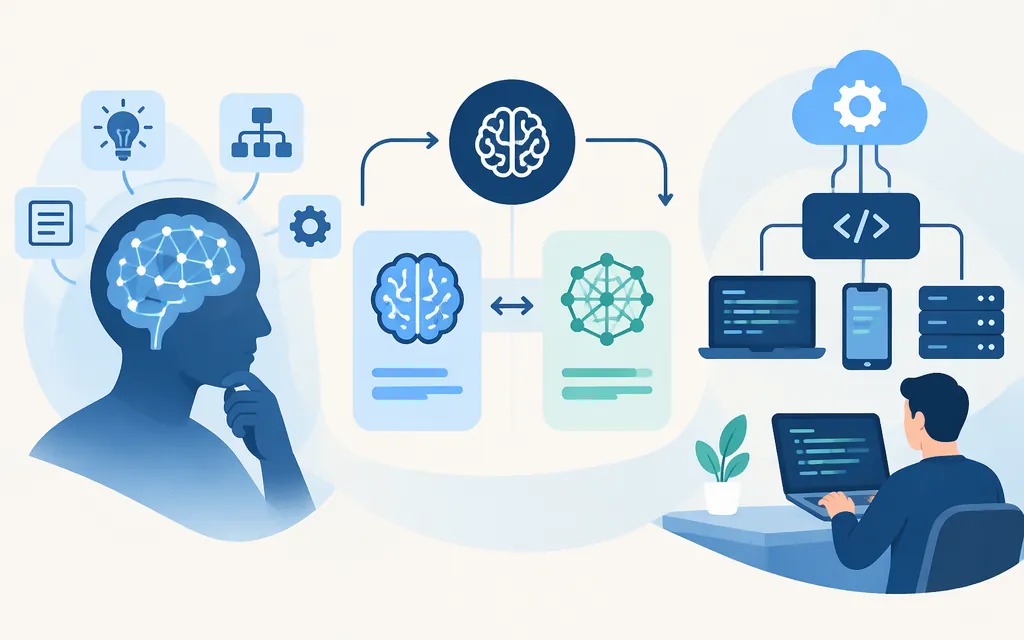
What is DeepSeek DeepThink?
DeepThink refers to a thinking mode in DeepSeek’s chat experience—not a standalone API model called “DeepThink.” DeepSeek’s app announcement describes a “Deep-Think mode,” and its API documentation calls the corresponding capability thinking mode. (DeepSeek app announcement; Thinking Mode API guide)
This distinction helps clarify the relationship to DeepSeek R1: DeepSeek’s R1 announcement invited users to try DeepThink in its chat product and listed deepseek-reasoner as the API model name for R1. That historical association does not make “DeepThink” a separate API model identifier. (DeepSeek-R1 release)
For model selection, choose a documented API model and configure its thinking mode where supported; don’t select “DeepThink” as if it were a separate model. Check the API reference for the model name and controls applicable to your integration.
When should you use thinking mode?
Thinking mode lets the model reason before returning its final answer. It is an option to evaluate for multi-step tasks, such as coding or analysis. For straightforward requests, compare thinking and non-thinking settings against your quality and response-time requirements. The documentation describes the mode and its controls, but does not guarantee a particular result on your workload. (Thinking Mode API guide)
One anecdotal chart test is not a reliable basis for a general recommendation. In a January 2025 account, Tamer Salama reported that R1 did not extract relevant numbers from a US–China electricity-generation chart after follow-up prompts. The author called the test non-scientific and said OpenAI o1’s table accuracy was uncertain. The report involved iOS apps, not an API evaluation, and does not establish how current models perform on chart extraction. (Salama’s comparison)
For production selection, test representative inputs against reference answers. Compare task-specific accuracy and failure cases under the same conditions. For image or chart tasks, validate extracted values rather than assuming that reasoning mode ensures visual accuracy.
Can you use DeepThink through a production API?
Yes. DeepSeek documents API access to thinking mode. Its Chat Completions quick start uses the endpoint https://api.deepseek.com/chat/completions, shows deepseek-flash with thinking: {"type":"enabled"} and reasoning_effort: "high", and sets stream to false. (Your First API Call)
Before running the example, set DEEPSEEK_API_KEY to your API key. This request follows the documented format:
curl https://api.deepseek.com/chat/completions \
  -H "Content-Type: application/json" \
  -H "Authorization: Bearer ${DEEPSEEK_API_KEY}" \
  -d '{
    "model": "deepseek-flash",
    "messages": [
      {"role": "user", "content": "Solve this problem step by step: ..."}
    ],
    "thinking": {"type": "enabled"},
    "reasoning_effort": "high",
    "stream": false
  }'
With thinking enabled, the Chat Completions guide documents reasoning_content alongside the final content. For multi-turn requests without the tools parameter, previous-turn reasoning_content does not need to be sent back and is ignored if included. If the request does carry tools, the guide says to pass back previous turns’ reasoning_content. (Thinking Mode API guide) The ... in the example is a placeholder for your task, not a literal test input.
Bottom line
DeepThink is a label DeepSeek has used for a thinking mode; API requests configure thinking on a model. R1 is part of the feature’s history, but “DeepThink” is not a separate current API model name in the cited documentation. For a production decision, use the documented model identifier and settings, then validate performance on representative tasks before rollout.
Sources
Thinking Mode | DeepSeek API Docs
DeepSeek-R1 Release | DeepSeek API Docs