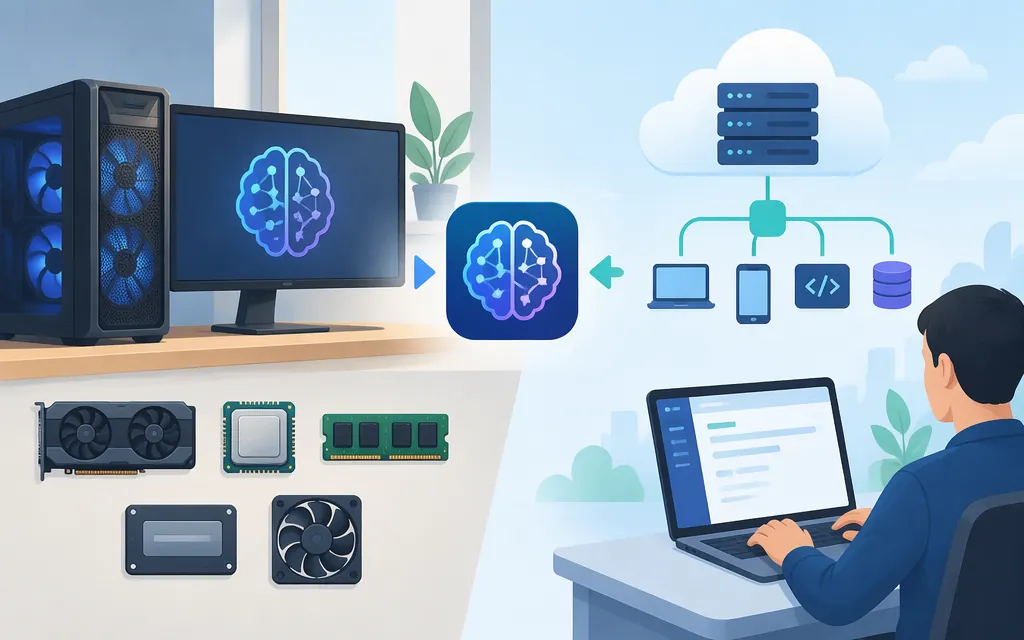
Short answer: DeepSeek V4 Flash can be self-hosted on certain accelerator-server configurations, but the documented hardware is not a typical laptop or desktop. A local command-line client does not make inference local if it sends requests to a cloud service. For managed access, DeepSeek’s current API model is deepseek-flash, served as DeepSeek-V4.1-Flash-1017—not the original V4 Flash weights.
Here, “local” means the model performs inference on hardware you control, rather than a local app or proxy forwarding prompts to a provider.
Can your computer run DeepSeek V4 locally?
The available hardware guidance describes particular V4 Flash artifacts and accelerator systems. Do not generalize these configurations to other weight formats, model revisions, or GPUs. The vLLM-Ascend guide lists these options:
| Artifact/configuration | Hardware listed by the deployment guide | Notes |
|---|---|---|
DeepSeek-V4-Flash-0731-w8a8 |
One Atlas 800I A3 node with 8 × 128 GB, or one Atlas 800I A2 node with 8 × 64 GB | W8A8 quantized weights; the guide identifies ModelScope as the source. |
DeepSeek-V4-Flash-0731 |
One 950DT node with 8 × 96 GB | A different artifact; the guide identifies Hugging Face as the source. |
DeepSeek-V4-Flash-0731-w4a4c8 |
950PR or 950DT systems | The guide describes a separate quantization path. |
These are configuration-specific requirements, not a general minimum-memory formula. In particular, do not infer VRAM needs from a weight-file size or assume one quantized artifact will run on the hardware listed for another. The guide says it was validated with vLLM-Ascend v0.30.0.
The original deepseek-ai/DeepSeek-V4-Flash model card lists an MIT license. That does not by itself establish the license or terms of every converted or quantized artifact above. Check the terms attached to the exact artifact you download, especially before commercial deployment.
Local deployment guidance—and its limits
The deployment guide is the relevant starting point for its listed Ascend configurations, but this article does not reproduce a complete, configuration-specific procedure. It does not provide here the matching download command, environment setup, container instructions, launch command, local endpoint, or validation request. Without those details, this is hardware-selection guidance, not a copy-and-run setup guide. Consult the linked deployment guide for the exact artifact and hardware path; do not combine an Atlas artifact with generic CUDA installation instructions.
If your machine does not match a documented configuration, the information here is insufficient to conclude that it can run the selected artifact. Also, ollama run deepseek-v4-flash:cloud is a cloud route—not local installation. The client may run on your computer while model inference happens remotely.
When the DeepSeek API is the practical alternative
A managed API may be more practical if you lack the documented server hardware or do not want to operate model-serving infrastructure. That is remote inference, not a local copy. DeepSeek’s current API documentation specifies deepseek-flash, served as DeepSeek-V4.1-Flash-1017. The legacy names deepseek-v4-flash and deepseek-v4-flash-vision-exp remain accepted, but route to the newer model.
A minimal Python request using the OpenAI SDK:
pip install openai
export DEEPSEEK_API_KEY="your-api-key"
import os
from openai import OpenAI

client = OpenAI(
    api_key=os.environ["DEEPSEEK_API_KEY"],
    base_url="https://api.deepseek.com",
)

response = client.chat.completions.create(
    model="deepseek-flash",
    messages=[{"role": "user", "content": "Reply with a short greeting."}],
)
print(response.choices[0].message.content)
The documented endpoint is OpenAI-compatible and uses API-key authentication. A returned answer confirms API connectivity; it does not mean inference ran locally.
Current API pricing and a simple estimate
DeepSeek lists these rates in U.S. dollars per 1 million tokens for deepseek-flash:
| Token billing | Off-peak | Peak |
|---|---|---|
| Input, cache miss | $0.15/M | $0.30/M |
| Input, cache hit | $0.003/M | $0.006/M |
| Output | $0.60/M | $1.20/M |
Peak hours are Monday–Friday, 01:00–04:00 and 06:00–10:00 UTC, excluding Chinese public holidays. Other hours, including weekends and Chinese public holidays, are off-peak. Prices may change, so check the current pricing page before budgeting.
Illustrative estimate: 1 million uncached input tokens plus 100,000 billable output tokens would cost $0.21 off-peak ($0.15 + $0.06) or $0.42 at peak ($0.30 + $0.12), using the listed rates. This is token-based API usage, not a subscription. The estimate is conditional on 100,000 billable output tokens: visible answer length may not equal billable output. DeepSeek’s pricing documentation describes billing by total input and output tokens, but the sources cited here do not establish whether Chat Completions reasoning tokens receive separate billing treatment. Use the API’s returned usage for actual token counts, and verify the applicable billing details before estimating reasoning-mode costs.
Which route should you choose?
- Self-host if your hardware matches a documented configuration for the exact artifact you intend to use and you need control over the inference environment. Verify the artifact’s own license and follow its matching deployment guide.
- Use the DeepSeek API if you want managed access and token-based billing fits your use case. The current model ID is
deepseek-flash; inference is remote. - Do not call a cloud proxy “local.” A CLI on your computer does not mean the weights or inference are on your machine.
Bottom line: DeepSeek V4 Flash self-hosting is a specialized server deployment, not a simple download-and-run path for most personal computers. This guide summarizes documented hardware configurations but does not provide a complete local setup procedure. If you lack a matching configuration, the DeepSeek API offers managed access to a newer Flash revision, with remote inference and usage-based pricing.
Sources
DeepSeek-V4-Flash deployment guide — vLLM-Ascend
Your First API Call — DeepSeek API Docs
Models & Pricing — DeepSeek API Docs