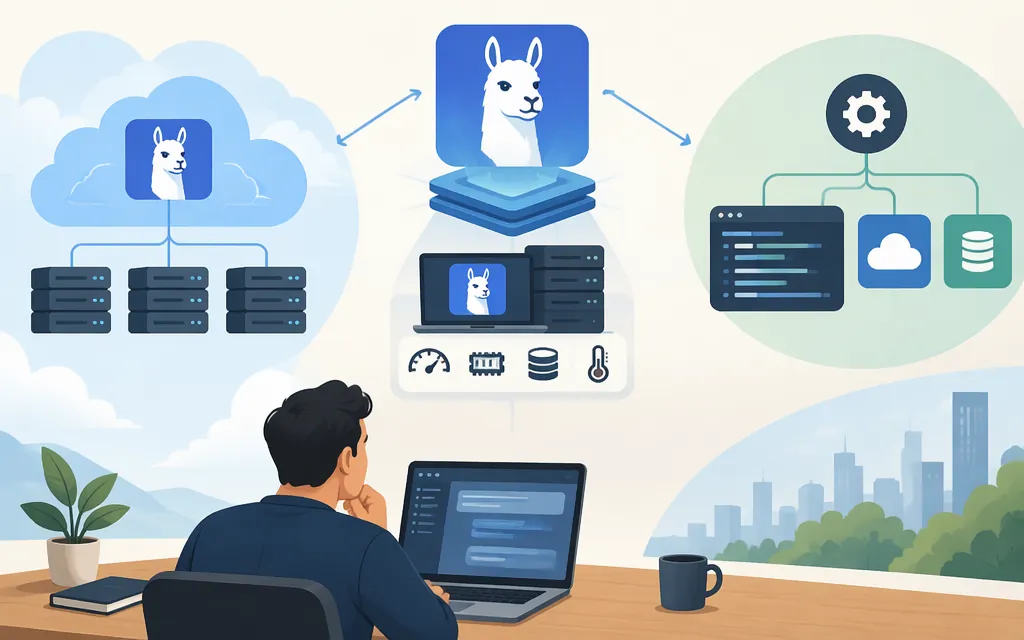
Yes, you can use DeepSeek V4 Pro through Ollama—but the listed V4 Pro tags are cloud models, not weights that run on your own computer. The Ollama library lists deepseek-v4-pro:cloud and deepseek-v4-pro:0813-cloud; its run command is ollama run deepseek-v4-pro:cloud. Ollama’s cloud documentation says cloud models run on Ollama’s infrastructure and do not need to be downloaded. (Ollama model listing)
That distinction determines the hardware answer: you do not need local GPU memory to run the cloud tag, but you do need a network connection and an Ollama sign-in. The listing does not provide a downloadable V4 Pro tag or a verified local hardware configuration. So if you mean “run inference entirely on my own machine,” Ollama’s listing does not establish that route.
Run DeepSeek V4 Pro through Ollama Cloud
Prerequisites: Ollama installed, internet access, and an Ollama account. The cloud guide instructs users to sign in before using cloud models. (Ollama Cloud guide)
ollama signin
ollama run deepseek-v4-pro:cloud
When the model prompt opens, enter a message to start a chat. This uses Ollama’s cloud inference; it does not download the V4 Pro model to your computer. The :0813-cloud tag is also listed, but choose it only if you specifically need that versioned tag. The model page describes V4 Pro as a 1.6T-parameter MoE model with 49B active parameters, a 1M-token context window, and three reasoning modes. Those are model specifications, not a promise that every application or request will use the full context. (Ollama model listing)
For direct calls to Ollama’s hosted API, Ollama documents an API-key flow. A local Ollama installation is not required for that direct hosted route; keep the key out of client-side code and source control. (Ollama Cloud guide)
Can you run it locally instead?
The Ollama V4 Pro tags shown in the library are explicitly marked cloud; the listing shows no local-download tag or local memory requirements. Do not treat the page’s parameter count—or a search snippet’s reported download size—as enough to estimate runtime memory. Model download size, quantization, and memory needed during inference are different considerations, and a V4 Pro-specific local setup was not established by the Ollama listing.
Choose based on where inference must happen:
- Use Ollama Cloud if you want the Ollama CLI or app experience without provisioning model hardware. Your prompts and responses are processed in the cloud. Ollama’s privacy policy says that, when using cloud-hosted models, prompts and responses are processed transiently to provide the service, are not stored beyond the time needed to fulfill the request, and are not used to train AI models. Review the policy against your organization’s requirements before sending sensitive material.
- Choose a verified local deployment if offline operation or keeping inference on your own hardware is essential. Before committing, confirm the exact V4 Pro artifact, quantization, serving software, and hardware needs. The Ollama cloud listing does not answer those questions.
- Consider a production API if you need application integration and managed inference. But confirm which model is actually served behind the model ID before relying on it for a workload that specifically requires V4 Pro.
Production API caveat: check what deepseek-v4-pro actually serves
DeepSeek’s current API documentation lists deepseek-v4-pro and describes the API as compatible with OpenAI- and Anthropic-format clients. However, an official DeepSeek announcement dated September 9, 2026 says that, starting September 14, requests using deepseek-v4-pro would be routed to V4.1-Flash at Flash rates until V4.1-Pro launches. Those official sources leave a material ambiguity about whether the API model ID currently returns V4 Pro or a routed replacement. (DeepSeek API docs; DeepSeek announcement)
Practical recommendation: if exact V4 Pro identity matters, do not assume the API model name alone pins the underlying model. Confirm the current serving behavior and applicable price with the provider before production use, then test representative prompts. If your priority is simply access to the V4 Pro model through Ollama, the supported command is ollama run deepseek-v4-pro:cloud—with inference hosted by Ollama, not run locally. No V4 Pro availability or pricing claim for Token Forge Cloud is established here.
Sources
Tags — deepseek-v4-pro — Ollama
Authentication — Ollama Documentation