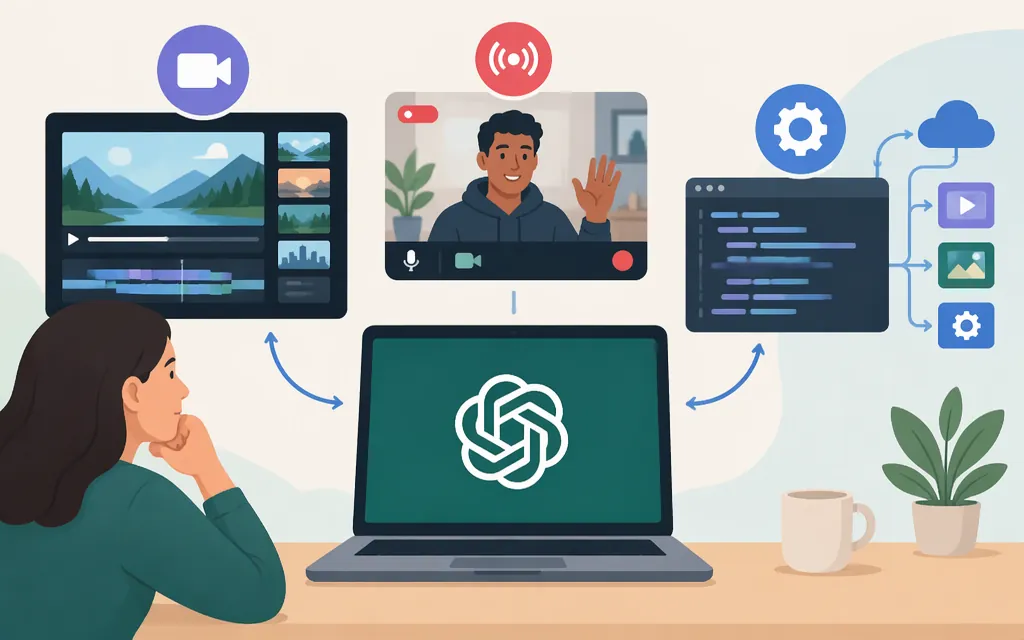
Does ChatGPT do video?
Sometimes, depending on what you mean by “video.” ChatGPT may use tools to analyze an uploaded video, but OpenAI warns the analysis can be incomplete: it may not cover the whole clip or interpret its audio accurately. Showing ChatGPT live video and generating a finished video are separate tasks.
| If you mean… | Short answer |
|---|---|
| Analyze an existing video in ChatGPT | ChatGPT may analyze an uploaded video where video attachments are supported. OpenAI cautions that the review can be incomplete or inaccurate. (OpenAI Help Center) |
| Show live video or your screen | Eligible subscribers can use live video and screen sharing in Advanced Voice in the ChatGPT iOS and Android apps. (ChatGPT Voice help) |
| Generate a finished video | Sora’s web and app experiences ended April 26, 2026, and its API ended September 24, 2026. The official sources cited here do not confirm a current replacement for native finished-video generation in ChatGPT. (Sora discontinuation information) |
| Analyze video with the OpenAI API | GPT-6 Astra accepts image input, not video input. A documented alternative is to extract still frames and submit them as images through the Responses API; that is frame analysis, not native video input. (GPT-6 Astra model page, Images and vision guide) |
Analyze an uploaded video in ChatGPT
If your chat offers a video-attachment option, attach the clip and ask a focused question, such as requesting a summary or asking about a particular moment. OpenAI cautions that the answer may omit parts of the clip or misinterpret its audio, so check important details against the original. Video attachments count toward your plan’s file-upload limits; the cited guidance does not establish that video attachments are available on every plan or account. (OpenAI Help Center)
Use live video or screen sharing
Live camera video and screen sharing are separate from attaching a saved clip. OpenAI says eligible subscribers can use them in the ChatGPT iOS and Android apps with Advanced Voice. To share live video, start a Voice conversation and select the camera button. The cited help page does not specify every qualifying plan or account. (ChatGPT Voice help)
Generate a finished video
OpenAI lists April 26, 2026, as the discontinuation date for Sora’s web and app experiences, and September 24, 2026, for the Sora API. Those dates establish Sora’s status, but do not by themselves prove that no other native video-generation feature exists. The official sources cited here do not confirm another ChatGPT feature for generating a finished video. (Sora discontinuation information)
ChatGPT’s November 4, 2026 release notes separately describe GIF creation, including asking for a looping animation. That is a distinct feature, not evidence of a finished-video generator. (ChatGPT release notes)
Can the OpenAI API analyze video?
It can analyze selected frames as images, but GPT-6 Astra does not accept video input. OpenAI lists gpt-6-astra as an image-input model available through the Responses endpoint, POST /v1/responses. For a frame-based workflow, extract stills from a saved clip and submit them as image inputs alongside a question. This is image analysis of selected frames—not processing a saved video as video. (GPT-6 Astra model page, Responses API image guide, Create a response reference)
The documentation cited here establishes image analysis, but does not establish the exact request fields, image-delivery format, or limits that apply when submitting multiple extracted frames. Check the current Images and vision guide and Responses API reference for the accepted request schema and constraints before implementing; this guide does not provide an unverified JSON payload.
The frames are still images, so this approach can miss motion, timing, audio, or events between the selected frames. GPT-6 Astra’s documented context window is 1,050,000 tokens, shared across the request; image inputs contribute to that context. OpenAI’s input-token counting guide says its counting endpoint accepts the Responses request format and counts image inputs, so use the documented request format to estimate input before sending larger frame sets. (GPT-6 Astra model page, Input token counting guide)
For real-time video through an API, don’t assume that live camera support in the ChatGPT app carries over. The GPT-6 Astra model page lists video input as unsupported. OpenAI’s Realtime API guide documents image input for Realtime sessions, but the official documentation cited here does not establish a continuous real-time video input format. Treat native live-video API input as unconfirmed. (GPT-6 Astra model page, Realtime conversations guide)
Bottom line: ChatGPT may analyze uploaded video in supported circumstances, and eligible subscribers can use live video or screen sharing in Advanced Voice on iOS or Android. Sora has been discontinued, and the official sources cited here do not confirm a current native finished-video generator. For API-based analysis, GPT-6 Astra supports a documented frame-as-image workflow—not saved-video input; continuous real-time video input through the API is not established by the documentation cited here.
Sources
What to know about the Sora discontinuation