Short answer
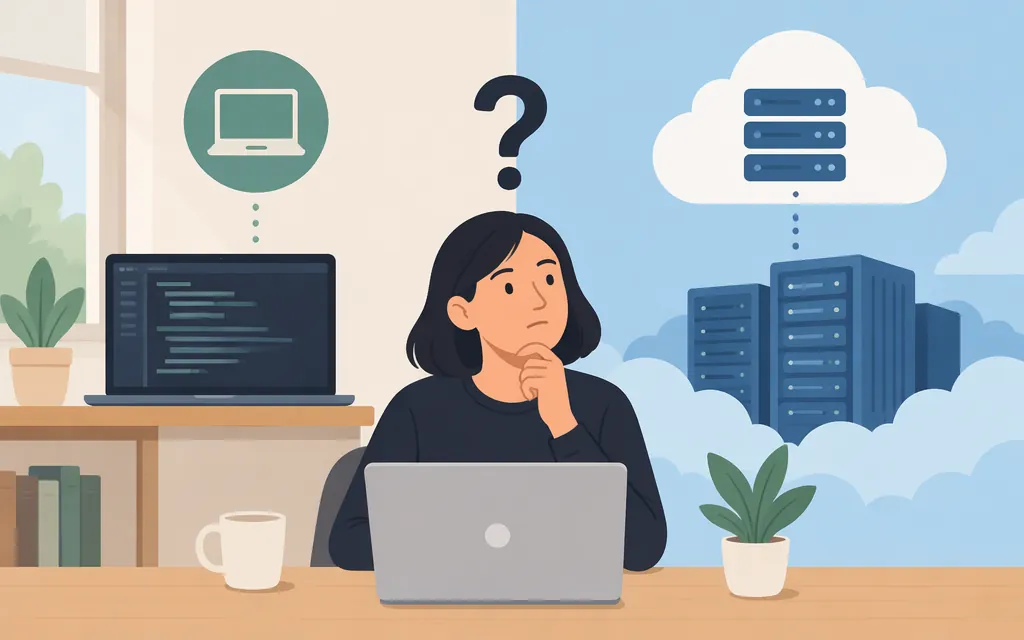
Both. Where Claude Code runs depends on the session you start:
- Local terminal session: Claude Code works with files and runs commands in the environment where you started it. If that is your laptop, the coding work runs there.
- Cloud session: Claude Code runs on cloud infrastructure—Anthropic-managed by default, or in an organization’s configured self-hosted environment. The session can keep running after you close your laptop. (
code.claude.com) - Remote Control: lets you connect to a Claude Code session on your own computer; it does not move that session’s work to the cloud. The host must remain available for the session to run.
The machine running the coding tools and the service processing model requests are separate parts of the setup. A local terminal session does not mean Claude’s model is running on your laptop.
Where does the work run in each setup?
| Setup | Where files and commands run | What to expect if you disconnect | Good fit |
|---|---|---|---|
| Local terminal | On the computer or development environment where you started Claude Code | The session depends on that environment being available. If your laptop sleeps, work on that laptop cannot continue while it is asleep. | You need files, tools, or configuration already in your local environment. |
| Remote Control | On the computer where the Claude Code session started | You can connect from another device, but this does not move execution off the host. Keep the host and session available. | You want to access an existing local session remotely. |
| Cloud session | On cloud infrastructure; Anthropic-managed by default, or an organization’s self-hosted environment | The session can continue after you close your laptop. That does not guarantee the task will finish without interruption. | You want a task to run without keeping your own computer on. |
For the documented cloud workflow that clones a repository from GitHub and pushes a branch for review, connect GitHub. Cloud sessions clone the selected repository into an isolated virtual machine; in a self-hosted environment, the organization’s operators configure the runners and related behavior. (code.claude.com)
Local execution is not the same as local model inference
In a local terminal session, Claude Code can work with the project environment on the computer where it runs. Model requests are processed separately: Anthropic’s deployment documentation describes Claude Code deployments through Anthropic directly or through a cloud provider. With an Anthropic account or Console setup, the documented service route is Anthropic; configurations using Amazon Bedrock, Google Cloud’s Agent Platform, or Microsoft Foundry route requests through the selected provider. The documentation compares these options as different model-inference deployments. It does not, by itself, establish the physical location of every individual request. (code.claude.com)
An organization’s LLM gateway adds a proxy between Claude Code and the model provider. Claude Code authenticates to that gateway with an organization-issued credential; the gateway is not evidence that the model runs locally. (code.claude.com)
So, a local session means the coding tools and project work run locally—not that model inference does. The provider or gateway configuration determines the documented request route.
Which option should you choose?
- Choose a local terminal session when the task needs your existing local files, tools, or configuration.
- Choose Remote Control when you want to reach a session on your own computer from another device. It remains tied to that host; it is not cloud execution.
- Choose a cloud session when you want the session to run on cloud infrastructure instead of your computer. The official quickstart describes connecting a GitHub repository, submitting a task, and reviewing the resulting branch or pull request. (
code.claude.com)
Closing a viewer and stopping the execution host are different things. And a session that remains running is not necessarily a task that has completed: it may still need input or attention. Review the result and changes.
How does this relate to a production model API?
Claude Code is a coding tool that uses a model; it is not itself the production API endpoint for an application you are building. You can configure Claude Code’s model access through documented account, cloud-provider, or organization-gateway routes. If your application needs to make model requests in production, treat that as a separate API integration and follow the relevant provider’s API documentation. A third-party API-key or base-URL claim alone does not establish that the integration is officially supported by Anthropic.
Bottom line
Claude Code runs locally when you start a local session, in the cloud when you start a cloud session, and on your own computer when you use Remote Control. Separately, model requests go through the configured Anthropic service, cloud provider, or organizational gateway. Choose based on where your project environment needs to be and whether your computer must stay available.
Sources
Enterprise deployment overview
Connect Claude Code to an LLM gateway