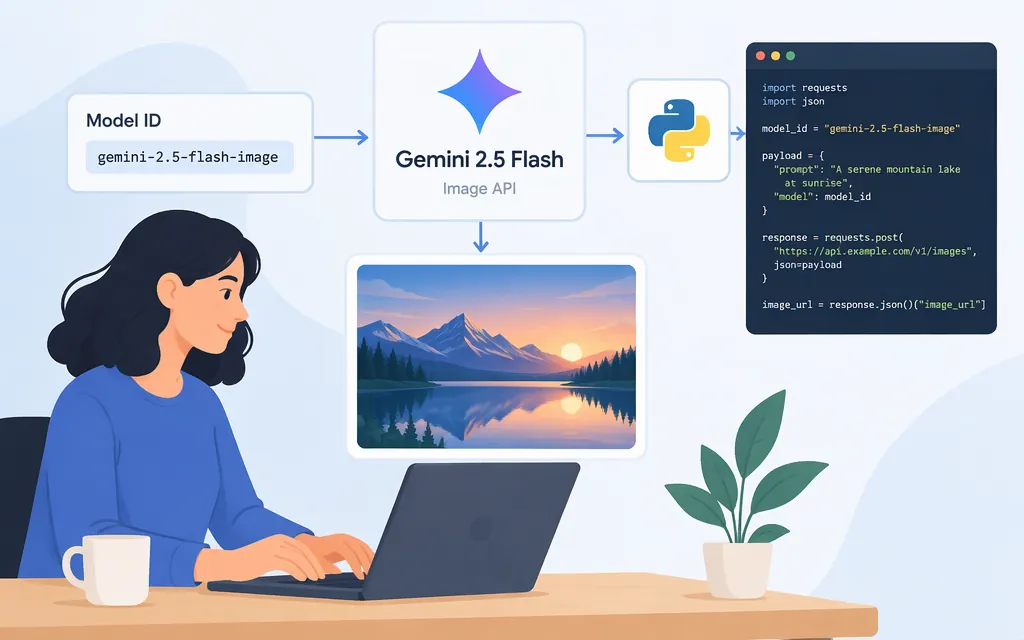
Which Gemini 2.5 Flash Image model ID should you use?
For the Gemini Developer API, Google’s model reference currently lists gemini-2.5-flash-image as the stable model ID and gemini-2.5-flash-image-preview as deprecated. The preview ID appears in Google’s August 26, 2025 announcement; its October 2, 2025 production announcement uses the stable ID in a Python example. These are separate, dated references: don’t use the deprecated preview ID for a new integration. (ai.google.dev)
This walkthrough covers the Gemini Developer API with Python, not Vertex AI. Google’s current model reference lists image generation as supported, but the specific request and response code below comes from Google’s October 2, 2025 announcement. Treat that snippet as a dated example, not confirmation that every SDK detail remains unchanged. (ai.google.dev)
Set up the Python SDK and API key
Google recommends its Google GenAI SDK. Install it with pip; install Pillow as well for the announcement’s PIL-based image example. To get a key, create or view a Gemini API key in Google AI Studio. Google documents GEMINI_API_KEY and GOOGLE_API_KEY as environment variables the client can detect automatically; use one, not both. (ai.google.dev)
For macOS or Linux, run these commands in the shell you’ll use to start the script:
pip install google-genai pillow
export GEMINI_API_KEY="YOUR_API_KEY"
For PowerShell:
pip install google-genai pillow
$env:GEMINI_API_KEY="YOUR_API_KEY"
Keep the key out of source code and public repositories. Google says that, starting May 28, 2026, new AI Studio keys are authorization keys by default; unrestricted standard keys are rejected, while standard keys with explicit restrictions continue to work. (ai.google.dev)
Send an image request with Python
The code below follows the request and image-part handling shown in Google’s October 2, 2025 announcement. Replace input.png with the path to an image on your machine. The announcement’s sample displays the generated image; this version saves it as generated.png. The request uses image-only output and a 16:9 aspect ratio. (developers.googleblog.com)
from google import genai
from google.genai import types
from PIL import Image

client = genai.Client()

prompt = "Create a cinematic editorial photo based on this image."
source_image = Image.open("input.png")

response = client.models.generate_content(
    model="gemini-2.5-flash-image",
    contents=[prompt, source_image],
    config=types.GenerateContentConfig(
        response_modalities=["IMAGE"],
        image_config=types.ImageConfig(aspect_ratio="16:9"),
    ),
)

for part in response.parts:
    if part.inline_data is not None:
        generated_image = part.as_image()
        generated_image.save("generated.png")
        print("Saved generated.png")
If the response contains an image part, the script saves it in the current directory. Google’s October 2025 announcement lists ten aspect ratios: 21:9, 16:9, 4:3, 3:2, 1:1, 9:16, 3:4, 2:3, 5:4, and 4:5. Check the current image-generation documentation if your application depends on a particular setting. (developers.googleblog.com)
Compatibility note: the code’s response.parts and part.as_image() pattern is documented in Google’s October 2025 announcement; the current SDK documentation retrieved for this article confirms installation, client initialization, and automatic environment-variable detection, but does not independently confirm that exact image-response pattern. Check Google’s current image-generation guide before relying on it in a production deployment. The snippet also omits retries, error handling, and Vertex AI configuration. (developers.googleblog.com)
Why older examples use the preview ID
Google’s August 26, 2025 announcement described the model as in preview and used gemini-2.5-flash-image-preview. On October 2, 2025, Google announced general availability and used gemini-2.5-flash-image. The current Gemini API model reference now marks the preview ID deprecated and lists the non-preview ID as stable. That explains why the preview name still appears in older tutorials. (developers.googleblog.com)
If you’re maintaining an existing integration, check which API channel and model ID it actually uses before changing it. This example is for the Gemini Developer API Python SDK; it is not a REST request or a Vertex AI setup guide.
Sources
Gemini 2.5 Flash image (Nano Banana) | Gemini API
Google Gen AI SDK documentation
Gemini 2.5 Flash Image now ready for production with new aspect ratios
Introducing Gemini 2.5 Flash Image, our state-of-the-art image model