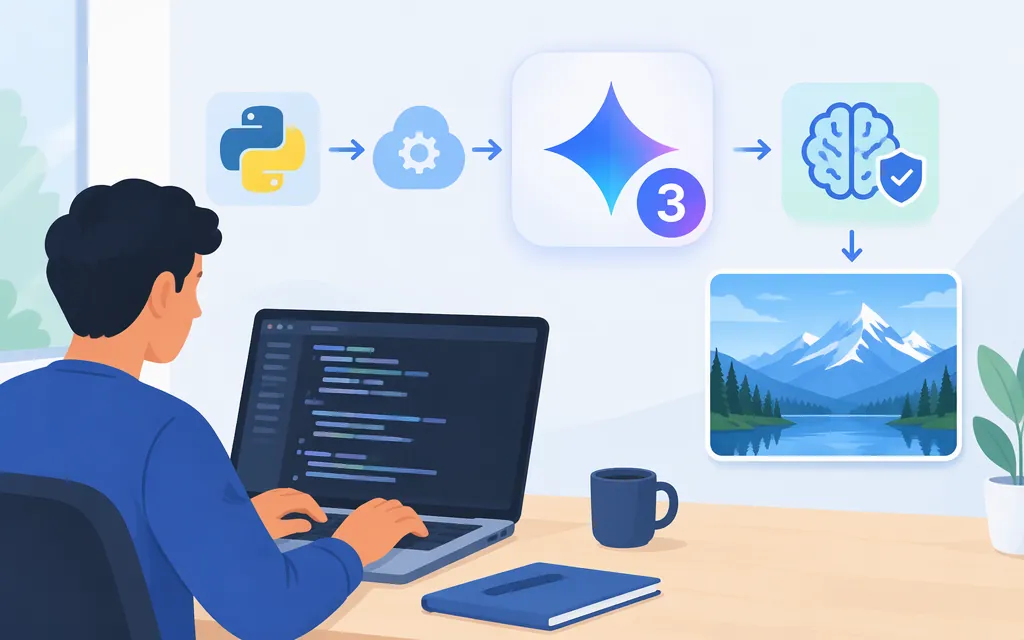
To call a Gemini 3 model through Google’s Gemini Developer API, use the stable model ID gemini-3.8-flash. Create a Gemini API key in Google AI Studio, install Google’s GenAI SDK, and send a generate_content request. Google lists this model ID as stable. 1
This guide uses the Gemini Developer API—not Vertex AI. Google AI Studio key instructions below are not Vertex AI setup instructions. If you intend to use Vertex AI, follow its own setup and authentication documentation.
1. Create a Gemini API key
Create or view a Gemini API key in Google AI Studio. For a new user, AI Studio can create a default Google Cloud project and key after you accept its Terms of Service. If you already have a Google Cloud project, AI Studio does not create a default project for you; import or select the project you intend to use. 3
Set the key as an environment variable so it is not written into your source code.
macOS or Linux:
export GEMINI_API_KEY="YOUR_API_KEY"
Windows PowerShell:
$env:GEMINI_API_KEY = "YOUR_API_KEY"
Google’s Gemini API client libraries automatically detect GEMINI_API_KEY (or GOOGLE_API_KEY) in the environment. If both variables are set, GOOGLE_API_KEY takes precedence. 4
As of May 28, 2026, new keys created in AI Studio are authorization keys by default. Google says the Gemini API rejects unrestricted standard keys; standard keys with explicit restrictions continue to work. 3
Keep the key out of browser code, public repositories, and logs. For a deployed application, use your hosting platform’s secret-management facility. 3
2. Check access and install the Python SDK
The Gemini Developer API and Google AI Studio are available only in listed countries and territories. Google also points to its age requirements and Terms of Service as other access requirements. Check the current regional and account requirements before troubleshooting your code. 5
The current Google GenAI Python SDK requires Python 3.11 or later. Install it with: 6
python -m pip install -U google-genai
Google’s free tier provides access to certain models, not every model or feature. Check the current Gemini 3.8 Flash pricing and your project’s tier; paid-tier use requires linking a billing account. 8
3. Send a first Gemini 3 API request
Save this as gemini3.py:
from google import genai

client = genai.Client()

response = client.models.generate_content(
    model="gemini-3.8-flash",
    contents="Explain how rainbows form in two sentences.",
)

print(response.text)
Run it from the same shell where you set the environment variable:
python gemini3.py
The example follows Google’s documented generate_content pattern and model ID. It prints the generated text; the exact wording will vary. 14
Gemini Developer API versus Vertex AI
This quickstart uses the Gemini Developer API with a Gemini API key. Vertex AI is a separate Google Cloud integration route, so do not treat AI Studio key creation as Vertex AI authentication or project setup. Follow the documentation for the platform you plan to use.
Before you deploy
- Confirm the model ID and lifecycle status. This example uses
gemini-3.8-flash, which Google lists as stable. Check the model documentation for current details before deployment. 1 - Protect credentials. Keep the API key server-side and follow Google’s key-security guidance. 3
- Check access and billing for your project. Regional eligibility, model access, tier, and billing can affect whether a request is available to your project. 5
In short: for a Gemini 3 API call with Python, set GEMINI_API_KEY, install google-genai in Python 3.11 or later, and call gemini-3.8-flash. Use Vertex AI instructions instead if Vertex AI is your target platform.
Sources
Gemini 3.8 Flash | Gemini API | Google AI for Developers
Text generation - generateContent API | Google AI for Developers
Using Gemini API keys - generateContent API | Google AI for Developers
Available regions for Google AI Studio and Gemini API
google-genai Python SDK project configuration