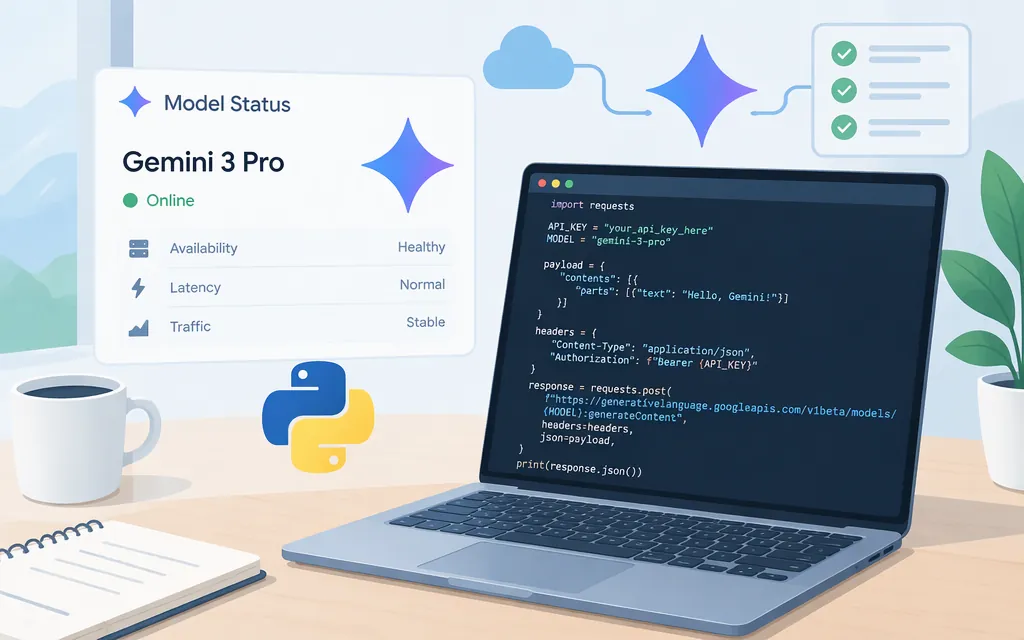
The original gemini-3-pro-preview model was shut down on March 9, 2026. Google’s Gemini API deprecation table lists gemini-3.1-pro-preview as its replacement, while the retired model page now advises migrating to Gemini 4 Argon. Because those Google pages point to different migration targets, check the current model page and deprecation guidance before choosing a replacement. (ai.google.dev)
For a Gemini 3 Pro-series request through the Gemini API, Google’s current model page lists gemini-3.1-pro-preview. It is still labeled Preview and Paid. This quickstart uses the Gemini API and Google AI Studio—not the separate Google Cloud Gemini Enterprise Agent Platform route. (ai.google.dev)
Make a first Gemini 3.1 Pro API request
1. Create a key and prepare the project
Create or manage a Gemini API key in Google AI Studio. Google says new AI Studio keys have defaulted to authorization keys since May 28, 2026. Authorization keys are bound to a Google Cloud service account and restricted to the Generative Language API by default. The Gemini API accepts standard or authorization keys; Google’s SDK migration guide says the Python client reads GEMINI_API_KEY from the environment when no key is passed to the client. Together, those docs support the environment-variable setup below for an AI Studio authorization key. (aistudio.google.com)
The gemini-3.1-pro-preview model page marks this model Paid. Use a project on the Gemini API paid tier for this request; Google describes paid access as including its most advanced models. The key is associated with a project, so make sure it belongs to the project you intend to use. (ai.google.dev)
On macOS or Linux, set the key in your shell (replace the placeholder with your key):
export GEMINI_API_KEY="YOUR_API_KEY"
Keep the key out of browser-side code and source control. For production key-management guidance, follow Google’s API key documentation.
2. Install the Python SDK
Google recommends its Google GenAI SDK for Gemini API integrations. Install or update it with: (ai.google.dev)
python3 -m pip install -U google-genai
The cited SDK documentation does not specify a minimum Python version for this example.
3. Save and run the request
Save this as gemini_pro_quickstart.py:
from google import genai

client = genai.Client()  # Reads GEMINI_API_KEY from the environment

response = client.models.generate_content(
    model="gemini-3.1-pro-preview",
    contents="Explain what an API is in one sentence.",
)

print(response.text)
Run it with:
python3 gemini_pro_quickstart.py
Google documents the genai.Client() and generate_content pattern, and the model page supplies the Pro model ID. Its text-generation example uses a different model, so this snippet combines the documented call pattern with the listed Pro ID; it is not a report of an independently executed test. (ai.google.dev)
Expected result: the script prints a text response. Before running it, confirm that the environment variable is set in the same shell and that the key’s project has paid-tier access to this model. The pages cited here do not specify a separate model-specific IAM role for this Gemini API request.
Gemini API versus Google Cloud
This example uses the Gemini API with an AI Studio key. Google separately documents Gemini on Gemini Enterprise Agent Platform, including its own project, location, and authentication setup. Do not copy that route’s Cloud environment variables into this Gemini API example; use the setup for the API product you have chosen. (docs.cloud.google.com)
What to check before adopting the model
Google’s Gemini API model page lists gemini-3.1-pro-preview as Preview, with text output, a 1,048,576-token input limit, and a 65,536-token output limit. Preview status is not the same as a generally available model designation. Check the current lifecycle and model pages before relying on a model ID for a deployment. (ai.google.dev)
Is gemini-3-pro-preview still available?
No. Google’s Gemini API deprecation table says gemini-3-pro-preview shut down on March 9, 2026. Google’s deprecation table and retired-model page currently differ on the named migration target, so verify the target in Google’s current model documentation before changing an integration. (ai.google.dev)
Is gemini-3.1-pro-preview free to use?
Google labels the model Paid. Its pricing page describes paid access as the tier for higher-volume production deployments and access to its most advanced models. Check that the key’s project is on the appropriate tier before sending a request. (ai.google.dev)
Does Gemini 3.1 Pro generate images or support Live API?
The model page lists text as its output type and says image generation and Live API are not supported. (ai.google.dev)
Sources
Gemini 3 Pro preview | Gemini API | Google AI for Developers
Gemini 3.1 Pro preview | Gemini API | Google AI for Developers
Gemini deprecations | Gemini API | Google AI for Developers
Using Gemini API keys - generateContent API | Google AI for Developers
Migrate to the Google GenAI SDK - Gemini API | Google AI Studio
Gemini API libraries | Google AI for Developers
Text generation - generateContent API | Google AI for Developers
Gemini Developer API pricing | Google AI Studio
Get started with Gemini 3 | Gemini Enterprise Agent Platform