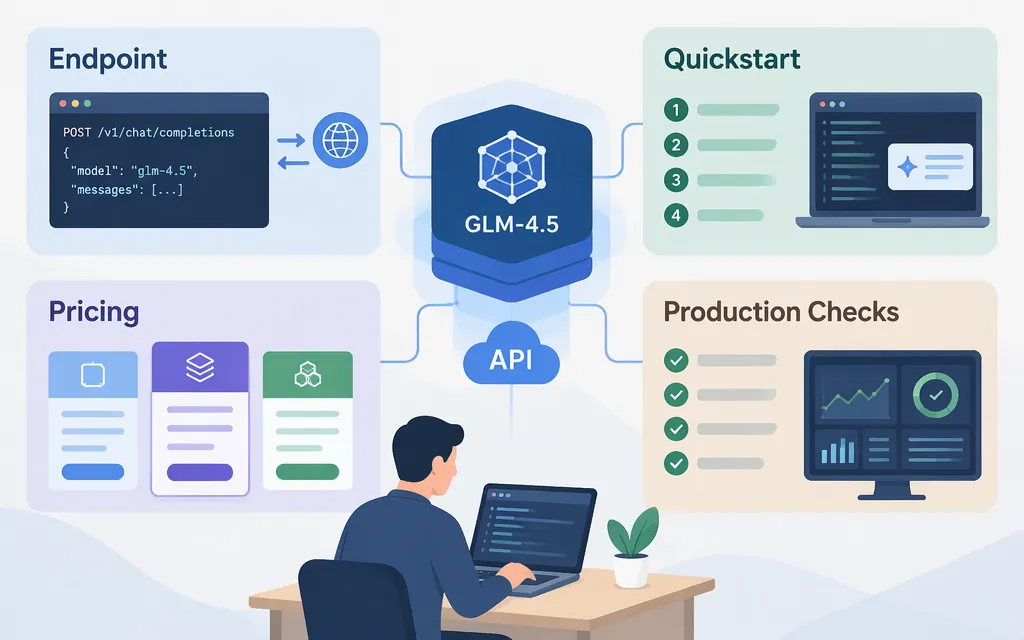
To call GLM-4.5 directly through Z.AI, send a POST request to https://api.z.ai/api/paas/v4/chat/completions, authenticate with a Bearer API key, and set the model to glm-4.5. Z.AI also documents using its API with the OpenAI Python client. These examples describe Z.AI’s service; they do not establish that another gateway, including TokenForge Cloud, uses the same endpoint, model ID, or pricing. (Z.AI GLM-4.5 guide)
Quickstart: make a GLM-4.5 request with cURL
Get the right API key
For standard API usage—pay-as-you-go or usage bundles—register or log in to the Z.AI Open Platform, top up your account through the Billing page if needed, then create a Standard API Key in API Keys Management. Z.AI manages Standard API keys separately from GLM Coding Plan keys; choose the key type that matches how you intend to use and pay for the API. The published instructions here do not specify regional availability, so confirm that your account can access the service if that may affect you. (Z.AI quick start; API key management guide)
Keep the key private. Replace the placeholder below with your key, and avoid committing it to source control.
curl -X POST "https://api.z.ai/api/paas/v4/chat/completions" \
  -H "Content-Type: application/json" \
  -H "Authorization: Bearer YOUR_ZAI_API_KEY" \
  -d '{
    "model": "glm-4.5",
    "messages": [
      {"role": "user", "content": "Reply with a short greeting."}
    ]
  }'
The endpoint, model ID, and Bearer authentication format are documented by Z.AI. This example uses the documented chat-completions structure with model and messages; the GLM-4.5 guide’s fuller example also shows settings such as thinking, max_tokens, and temperature. (Z.AI GLM-4.5 guide; API introduction)
For a successful non-streaming response, read the assistant’s text from choices[0].message.content. Z.AI’s API examples also show a usage field for inspecting token consumption. (API introduction)
Use the OpenAI Python SDK with Z.AI
If your application already uses the OpenAI Python client, Z.AI documents configuring it with a Z.AI API key and base URL. Install the client if needed, then make a chat-completions call:
pip install 'openai>=1.0'
import os
from openai import OpenAI

client = OpenAI(
    api_key=os.environ["ZAI_API_KEY"],
    base_url="https://api.z.ai/api/paas/v4/",
)

completion = client.chat.completions.create(
    model="glm-4.5",
    messages=[
        {"role": "user", "content": "Reply with a short greeting."}
    ],
)

print(completion.choices[0].message.content)
Set ZAI_API_KEY in your environment before running the script. This is Z.AI’s documented OpenAI-client route—not proof that the same base URL or model name works through another provider. (Z.AI GLM-4.5 guide)
Thinking mode, streaming, and limits
- Thinking:
Z.AIdocumentsthinking.typevalues ofenabledanddisabled, and says dynamic thinking is enabled by default. Its sample request sets the value explicitly. (Z.AIGLM-4.5 guide) - Streaming: The GLM-4.5 guide shows enabling streaming with
"stream": true. Check the API reference for the response handling your client needs. (Z.AIGLM-4.5 guide) - Context and output:
Z.AIlists a 128K-token context length and a 96K maximum output for GLM-4.5. The guide does not clarify whether every account or API configuration has the same limits. Its samplemax_tokens: 4096is an example value, not the listed maximum. (Z.AIGLM-4.5 guide) - Tools and structured output: The model page advertises function calling and structured output, including JSON, but does not give the schemas needed to implement them. Consult the relevant API reference before building against those features. (
Z.AIGLM-4.5 guide)
Z.AI API pricing for GLM-4.5
Z.AI’s pricing page lists GLM-4.5 at $0.60 per million input tokens and $2.20 per million output tokens, in USD. It also lists cached input at $0.11 per million tokens and cached-input storage as limited-time free. The page does not specify an end date for that storage offer; check the live pricing page and applicable account terms before budgeting. (Z.AI pricing)
Z.AI’s FAQ describes caching as an open beta: its cache-hit and retention rules have not been announced, storage is currently free, and cached content on a cache hit is billed at approximately one-fifth of the original price. Treat cache behavior and savings as conditional rather than guaranteed. (Z.AI FAQ)
Illustrative estimate: at the listed uncached rates, 100,000 input tokens and 20,000 output tokens would cost about $0.104: (100,000 ÷ 1,000,000 × $0.60) + (20,000 ÷ 1,000,000 × $2.20). This is a calculation from the listed rates, not a measured bill; actual charges depend on token usage and applicable pricing terms. (Z.AI pricing)
Before you deploy
- Confirm provider and model access. Verify that your chosen provider offers GLM-4.5 and check its exact model ID, endpoint, and API-key requirements. Do not copy
Z.AIsettings into another provider’s configuration without confirmation. - Check billing and rates. Confirm input, output, and cached-token pricing, currency, and any account or plan conditions in the chosen provider’s current pricing documentation.
- Test expected request patterns. Try representative prompt sizes and output lengths, and inspect returned usage so you can estimate costs for your workload.
- Verify operational behavior. Before relying on streaming or tool use, test the response format and failure behavior your application must handle. The GLM-4.5 overview does not provide complete production guidance for quotas, retries, timeouts, or tool-call schemas.
- Protect credentials. Store API keys outside application code and restrict access to them.
The quickstart here is for Z.AI standard API usage. If you are integrating through another platform or using a Z.AI Coding Plan key, follow that product’s specific documentation for endpoint, authentication, compatibility, limits, and rates.
Sources
GLM-4.5 — Z.AI Developer Documentation
Introduction — Z.AI API Reference
Quick Start — Z.AI Developer Documentation
API Key Management Guide — Z.AI Developer Documentation