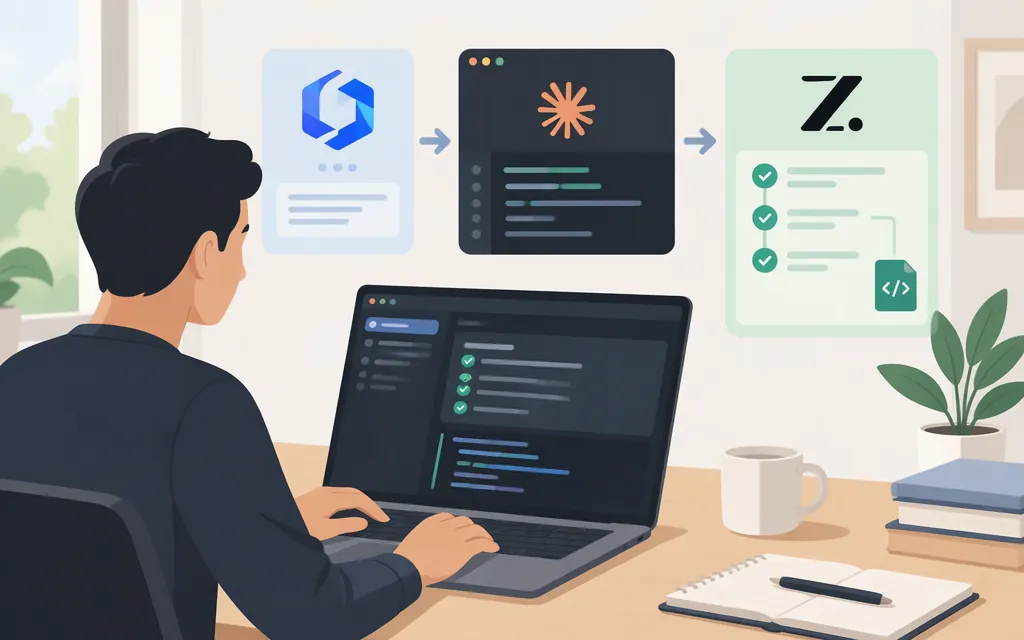
For Z.ai’s GLM Coding Plan, configure Claude Code to use Z.ai’s Anthropic Messages endpoint, https://api.z.ai/api/anthropic, and a key created for the Coding Plan. Z.ai documents ~/.claude/settings.json as a configuration method and lists GLM-5.3-Flash as the default mapping for Claude Code’s Haiku, Sonnet, and Opus model variables. (docs.z.ai)
These steps are specifically for Z.ai’s GLM Coding Plan—not a standard Z.ai model API key, TokenForge Cloud account, or another provider. Z.ai says Coding Plan credentials and standard API credentials are separate. (docs.z.ai)
Prerequisites
- Claude Code installed.
Z.ai’s guide listsNode.js18 or newer as a prerequisite; it also notes that Windows users need Git for Windows. (docs.z.ai) - An active
Z.aiGLM Coding Plan and a key created for that plan. Individual-plan users can create a key under Personal Coding Plan > Plan Overview; team-plan members can use Team Coding Plan > My Plan. The key types are not interchangeable. (docs.z.ai) - The Claude Code settings file. The configuration below uses
~/.claude/settings.json. On Windows, make sure you edit the settings file for the Claude Code installation you actually launch. (docs.z.ai)
Minimal configuration
Create or edit ~/.claude/settings.json. Replace the placeholder with your GLM Coding Plan API key:
{
  "env": {
    "ANTHROPIC_AUTH_TOKEN": "YOUR_ZAI_CODING_PLAN_API_KEY",
    "ANTHROPIC_BASE_URL": "https://api.z.ai/api/anthropic",
    "ANTHROPIC_DEFAULT_HAIKU_MODEL": "GLM-5.3-Flash",
    "ANTHROPIC_DEFAULT_SONNET_MODEL": "GLM-5.3-Flash",
    "ANTHROPIC_DEFAULT_OPUS_MODEL": "GLM-5.3-Flash"
  }
}
Z.ai’s Claude Code instructions show ANTHROPIC_AUTH_TOKEN and the Anthropic base URL in the env settings, and document GLM-5.3-Flash as the default mapping for all three model variables. If the file already contains settings, merge these keys into its existing env object rather than replacing the whole file. (docs.z.ai)
Keep the key private: don’t commit it to a repository or paste it into a prompt, issue, or shared log.
Start Claude Code and check the setup
- Save
settings.jsonand open a new terminal. - From your project directory, run
claude. - In Claude Code, run
/status.Z.aidocuments this as the step to check that the model has switched. Treat it as a check of Claude Code’s reported model configuration—not independent proof of which backend model served a request. (docs.z.ai) - Send a small test request, such as:
Write a Python function that returns a sorted copy of a list.Receiving a response is a practical smoke-test signal that the request was handled; it is not a separately performed test result.
Z.ai notes that its server-side mapping can show a Claude model label in the interface while using a GLM model. (docs.z.ai)
Common setup errors and checks
| Symptom or situation | Check or next step |
|---|---|
| Authentication fails or a request is rejected | Confirm the key came from the individual or team GLM Coding Plan area—not the standard model API. Check that ANTHROPIC_AUTH_TOKEN contains that key and is spelled correctly. Z.ai says these key types are separate and not interchangeable. (docs.z.ai) |
| Claude Code cannot reach the configured service | Check that ANTHROPIC_BASE_URL is exactly https://api.z.ai/api/anthropic. Z.ai identifies this as the Anthropic Messages route; its OpenAI Chat Completions route is different and should not be substituted here. (docs.z.ai) |
| The model is not the one you expected | Check all three ANTHROPIC_DEFAULT_*_MODEL values, save the file, reopen Claude Code, and use /status to check the model Claude Code reports. This does not independently verify backend model identity. (docs.z.ai) |
| Configuration changes seem to have no effect | Confirm that you edited the settings file used by the Claude Code installation you launched. Z.ai’s model-switching guide identifies ~/.claude/settings.json and notes that Windows, Git Bash, and WSL paths may differ. (docs.z.ai) |
| Requests stop after plan usage is exhausted | Check quota status in your subscription. Z.ai documents both a five-hour usage limit and a separate weekly quota that resets on a seven-day cycle. Its FAQ says exhausted Coding Plan calls do not fall back to standard account balance; check which quota is exhausted and its reset timing rather than assuming the five-hour refresh restores a depleted weekly quota. (docs.z.ai) |
The cited documentation does not provide a route-specific table of HTTP error codes, so this guide does not assign particular status codes to these causes.
GLM model-version note
Z.ai’s Coding Plan documentation lists GLM-5.3 and GLM-5.3-Flash as supported models. The configuration above uses Z.ai’s documented Claude Code mapping for GLM-5.3-Flash; don’t assume it selects a different GLM version. (docs.z.ai)
Keep the API routes distinct
For this Claude Code setup, use Z.ai’s Anthropic Messages endpoint, https://api.z.ai/api/anthropic. Z.ai documents a separate OpenAI Chat Completions route; the two routes are not interchangeable configuration values. (docs.z.ai)
Sources
Claude Code — Z.AI Developer Documentation
Quick Start — Z.AI Developer Documentation
How to Switch Models — Z.AI Developer Documentation
How to Switch Models — Z.AI Developer Documentation