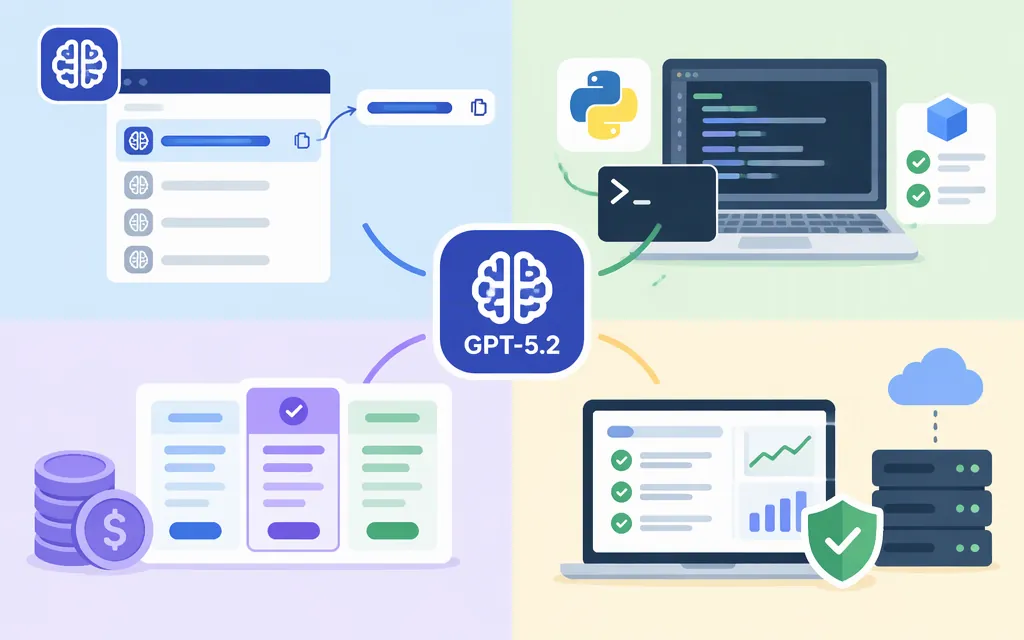
GPT-5.2 is listed in OpenAI’s API documentation. For a new Python integration, use the OpenAI SDK’s Responses API with the model ID gpt-5.2. OpenAI also lists the dated snapshot gpt-5.2-2025-12-11. The model page lists both Responses and Chat Completions endpoints for GPT-5.2. OpenAI describes GPT-5.2 as a previous flagship and recommends its latest model, GPT-6 Astra. (developers.openai.com)
Make a minimal GPT-5.2 API request in Python
You’ll need Python, the OpenAI SDK, and an API key. Install the SDK and configure your key as an environment variable instead of putting it in your source code:
python -m pip install openai
export OPENAI_API_KEY="your_api_key_here"
On Windows PowerShell, set the key for the current session with:
$env:OPENAI_API_KEY="your_api_key_here"
Save this as gpt52_example.py and run it with python gpt52_example.py:
from openai import OpenAI

client = OpenAI()
response = client.responses.create(
    model="gpt-5.2",
    input="Reply with one sentence explaining what an API does.",
)

print(response.output_text)
The example sends a request with the gpt-5.2 model ID and prints the generated text from response.output_text. The OpenAI Python SDK documentation identifies Responses as its primary API; Chat Completions is also listed as a supported GPT-5.2 endpoint. (developers.openai.com)
GPT-5.2 model IDs and lifecycle notes
| Use | Model ID or interface | What to know |
|---|---|---|
| General GPT-5.2 API request | gpt-5.2 |
The model page lists this alias and both Responses and Chat Completions endpoints. |
| Pin a dated model version | gpt-5.2-2025-12-11 |
OpenAI lists this snapshot for GPT-5.2. Snapshots are intended to lock in a specific model version. |
| Older ChatGPT-specific alias | gpt-5.2-chat-latest |
Its separate model page labels it shut down and says it has been deprecated. Don’t use it for a new integration. |
The dated snapshot, supported endpoints, context window, and output limit are listed on GPT-5.2’s model page. The separate Chat model page is the source for that alias’s shutdown and deprecation status. (developers.openai.com)
Pricing and a quick cost estimate
OpenAI lists GPT-5.2 API pricing at $1.75 per 1 million input tokens, $0.175 per 1 million cached input tokens, and $14 per 1 million output tokens. These are API token rates, not ChatGPT subscription prices. Check the model and pricing pages when budgeting for current rates and terms. (developers.openai.com)
Example: At the listed standard rates, 100,000 input tokens and 10,000 output tokens cost about $0.315: (0.1 × $1.75) + (0.01 × $14). This estimate excludes any separately billed tools or other charges that may apply to a request.
Production checks before you ship
- Confirm the model fits your use case. OpenAI calls GPT-5.2 a previous flagship and recommends GPT-6 Astra as its latest model. Compare quality, latency, and cost on representative tasks before choosing it for a new integration. (
developers.openai.com) - Choose an alias or snapshot deliberately. Use
gpt-5.2for the listed model alias, or the dated snapshot if you need to pin a specific version. Check the model page for current availability and lifecycle status. (developers.openai.com) - Check model and account limits. The GPT-5.2 page lists a 400,000-token context window and 128,000 maximum output tokens. Context window and maximum output are distinct limits; also check your account’s rate limits before load testing or launch. (
developers.openai.com) - Protect credentials. Keep API keys out of source control and client-side applications. Use an environment variable for local development and an appropriate secret-management approach for deployed services.
- Keep API and ChatGPT access separate. This integration uses API credentials and API token billing; a ChatGPT plan is a separate product.
Bottom line
To try GPT-5.2 through OpenAI’s API, install the Python SDK, set OPENAI_API_KEY, and call client.responses.create(model="gpt-5.2", input=...). OpenAI lists the model ID, dated snapshot, both Responses and Chat Completions endpoints, pricing, and limits on its GPT-5.2 API model page. GPT-5.2 is identified there as a previous flagship, so check the current model page before deployment. (developers.openai.com)
Sources
GPT-5.2 Chat Model | OpenAI API