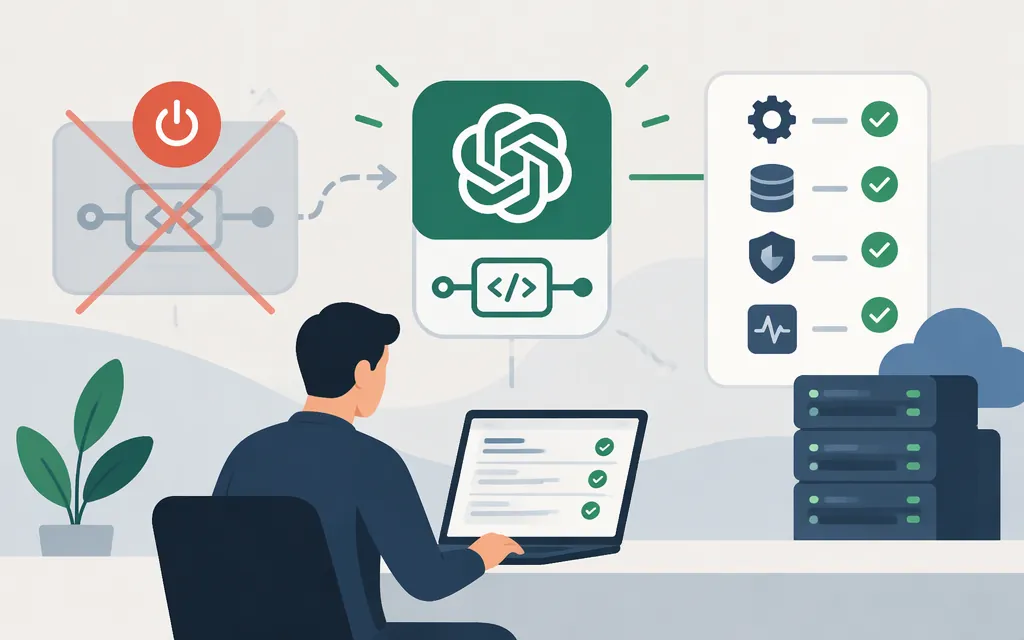
Short answer: OpenAI’s model documentation lists GPT-5-Codex as shut down. Its documented model ID is gpt-5-codex, and its listed API route was the Responses API only. That historical route is not a working-integration guarantee: don’t build a new production integration around this model ID. (OpenAI model documentation)
What OpenAI’s documentation says
| Item | Documented detail |
|---|---|
| Model ID | gpt-5-codex |
| Status | Shut down |
| API route listed | Responses API only |
The available source material supports these identity, status, and route details. It does not establish the model’s exact historical token limits, modalities, feature list, or API prices, so those specifications and rates are not reproduced here. The listed route does not mean requests to the shut-down model should be expected to succeed. (OpenAI model documentation)
Can I make a GPT-5-Codex API call now?
OpenAI’s documentation identifies the former API route, but marks gpt-5-codex as shut down. I can’t provide a request that readers should expect to work with this retired model.
For a new integration, first select a model that the current official model documentation lists as available. Then follow that model’s own documentation for its exact ID, supported API, access requirements, limits, and pricing. Don’t assume that another model with “Codex” in its name is interchangeable with GPT-5-Codex.
The OpenAI API quickstart shows a general Responses API setup. The JavaScript pattern below is a template for a different, currently available model—not a GPT-5-Codex call. Replace the placeholder only with a model ID confirmed in current documentation:
import OpenAI from "openai";

const client = new OpenAI();
const response = await client.responses.create({
  model: "YOUR_CURRENTLY_AVAILABLE_MODEL_ID",
  input: "Explain what this function does."
});

console.log(response.output_text);
The quickstart also documents installing the SDK with npm install openai and configuring OPENAI_API_KEY in the environment. A successful response should include text available through response.output_text; this template does not verify access to any particular replacement model. (OpenAI API quickstart)
API model versus Codex agent
API access to a coding model does not by itself give an application access to a repository, local files, a terminal, or test execution. Those operations require an application or agent harness to provide the relevant code and tools, run permitted operations, and return results to the model. OpenAI’s description of the Codex agent loop explains the distinction between model responses and tools run by an agent.
Production checks
- Select a live model. Confirm its exact ID and supported API route in current official documentation; do not deploy using the shut-down
gpt-5-codexID. (OpenAI model documentation) - Use an appropriate credential. OpenAI recommends a project service account for deployed applications and automated workloads. Keep API keys out of source code, public repositories, and logs. (OpenAI API key guidance)
- Check model-specific limits and billing. Verify current limits and prices for the model you select. The available evidence here does not establish GPT-5-Codex’s exact historical rates, and its documentation status does not establish that it remains callable or billable.
- Test the full workflow. Verify the API response and separately test any repository, tool, permission, or sandbox behavior your application depends on. A model response alone does not demonstrate that external operations work. (OpenAI’s Codex agent loop)
Bottom line
OpenAI documents gpt-5-codex as shut down and lists the Responses API as its former route. For a new production integration, choose a model currently listed as available and use that model’s own documentation. The OpenAI API quickstart is a general setup guide, not a recommendation of a specific replacement.
Sources
GPT-5-Codex Model | OpenAI API
Developer quickstart | OpenAI API