The short answer
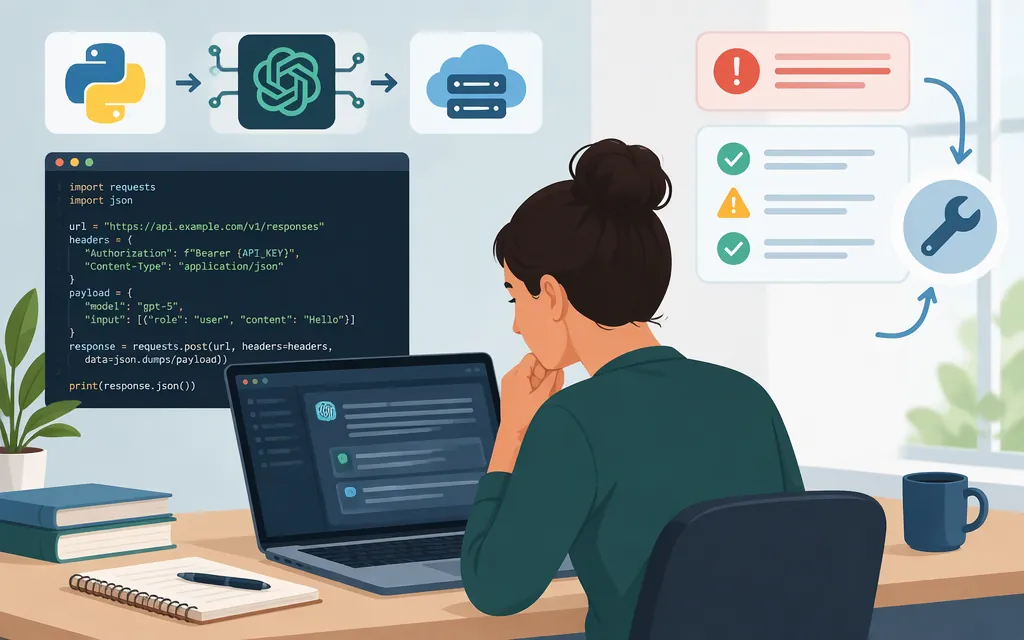
For a basic text request, use OpenAI’s Responses API: POST /v1/responses. In Python, call client.responses.create(...) with a model and input, then retrieve plain text with response.output_text. The Responses API uses max_output_tokens for an output limit; don’t substitute Chat Completions’ max_completion_tokens.
Check GPT-5 availability before relying on the example. OpenAI’s deprecation notice says older GPT-5 and o3 model snapshots are scheduled for removal from the API on December 11, 2026. That notice does not, by itself, establish the lifecycle of the gpt-5 alias used below. Check whether the model is available to your project and, where provided, its shutdown_date through the models API. OpenAI’s model documentation also marks GPT-5 as deprecated. For another documented model option, the reasoning guide recommends gpt-5.6-terra as a lower-cost choice; confirm that your project can use the model you select. OpenAI API deprecations · GPT-5 model page · OpenAI reasoning models guide
Make a basic GPT-5 request in Python
You’ll need an API key, Python, the OpenAI Python SDK, and access to the model identifier you choose. Install or update the SDK:
python -m pip install --upgrade openai
Set the key in your shell. On macOS or Linux:
export OPENAI_API_KEY="your_api_key_here"
In PowerShell, set it for the current session:
$env:OPENAI_API_KEY = "your_api_key_here"
The SDK reads the key from the environment. Keep it out of source code and client-side applications. OpenAI quickstart
Save this as example.py, replace gpt-5 with a model ID available to your project if needed, then run python example.py:
from openai import OpenAI

client = OpenAI()
response = client.responses.create(
    model="gpt-5",
    input="Write a one-sentence greeting for a new customer.",
    max_output_tokens=800,  # Illustrative cap for a short test.
)

if response.output_text:
    print(response.output_text)
else:
    print("No plain text returned; inspect the response:")
    print(response)
For this plain-text smoke test, success means the program prints non-empty user-facing text. The 800-token cap is an example for a short test, not a universal recommendation. OpenAI’s guide recommends gpt-5.6-terra as a lower-cost model option; use it only if it is available to your project. OpenAI text-generation guide · OpenAI reasoning models guide
Read the output and set a token budget
response.output_text is a convenient way to retrieve plain text. If it is empty, inspect the response rather than assuming the request failed; a Responses result can include output items other than plain text. Responses API reference
max_output_tokens caps generated tokens, including reasoning tokens as well as visible output. OpenAI documents that when generation reaches this cap, the response has status set to incomplete and incomplete_details.reason set to max_output_tokens. If that is the reported reason, adjust the cap within the model’s limits or simplify the request. OpenAI reasoning models guide
Responses API vs. Chat Completions
The practical differences that help prevent mix-ups are the endpoint, input shape, text accessor, and output-limit field:
| Responses API | Chat Completions | |
|---|---|---|
| Endpoint | /v1/responses |
/v1/chat/completions |
| Input | input |
messages |
| Read simple text in Python | response.output_text |
response.choices[0].message.content |
| Output cap | max_output_tokens |
Uses Chat Completions’ own parameter conventions |
OpenAI recommends Responses for new projects while stating that Chat Completions remains supported. Responses represents results as output items; Chat Completions uses messages and choices. Don’t copy endpoint-specific fields from one API into the other. OpenAI migration guide
Troubleshoot errors or missing text
- If the request raises an error, inspect the SDK exception and API error message. Confirm that the Python process can access the API key and that your project can use the selected model.
- If your app displays no text, confirm that you’re reading
response.output_textfor Responses—notchoices[0].message.content, which is the Chat Completions pattern. Ifoutput_textis empty, inspect the returned response and its output items. - If the response is incomplete, check its
statusandincomplete_details.reason. If the reason ismax_output_tokens, adjust the output cap as appropriate; the cap includes reasoning tokens as well as visible output. Don’t assume every incomplete result has this cause. - If your application says the result is incomplete, verify that its completion and parsing checks reflect the returned response. A blank display alone does not establish whether the API result was incomplete or the application failed to extract text.
For a plain-text smoke test, success is non-empty user-facing text printed by your program. If your application uses tools or other response item types, handle those separately rather than assuming every output item is plain text. Responses API reference · OpenAI reasoning models guide
Sources
Developer quickstart | OpenAI API