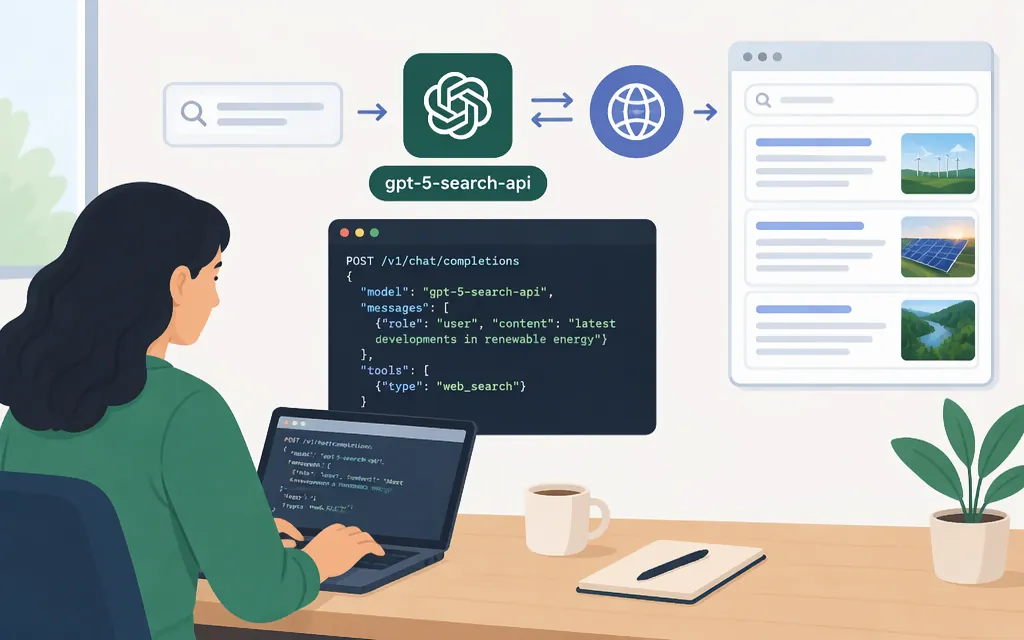
Yes—OpenAI’s API documentation currently names gpt-5-search-api as the model for web search in Chat Completions. OpenAI frames that route as an option for preserving an existing Chat Completions integration. For a new web-search integration, its guide instead recommends the Responses API with web_search and gpt-6-astra. (developers.openai.com)
Minimal Python request
Prerequisites: an OpenAI API key available in your environment as OPENAI_API_KEY, and the OpenAI Python SDK installed. This example uses Chat Completions with the exact search model identifier:
from openai import OpenAI

client = OpenAI()  # Reads OPENAI_API_KEY from the environment.

completion = client.chat.completions.create(
    model="gpt-5-search-api",
    messages=[
        {"role": "user", "content": "What changed in the latest U.S. inflation report? Cite your sources."}
    ],
)

print(completion.choices[0].message.content)
The guide identifies gpt-5-search-api with Chat Completions search; the code above shows the basic Chat Completions request shape and reads the returned assistant text from choices[0].message.content. It is not a separately tested example. Keep any source links or citations present in the returned content when displaying or storing the answer. (developers.openai.com)
Keep the API modes separate: do not take a gpt-5 Responses API example that adds tools=[{"type": "web_search"}] and assume that proves compatibility with gpt-5-search-api. They are different model identifiers and request paths. OpenAI’s current guide recommends the Responses API plus web_search for new integrations, while associating gpt-5-search-api with Chat Completions when preserving that integration style. (developers.openai.com)
What to choose
- Maintaining a Chat Completions integration? Use the documented
gpt-5-search-apiroute. - Building a new web-search integration? Follow OpenAI’s current recommendation: Responses API with the
web_searchtool andgpt-6-astra. The guide says this path supports hosted search controls such as filters and source information. (developers.openai.com)
The general gpt-5 model is a separate identifier: its model page marks it deprecated and recommends a newer model. That does not change the web-search guide’s separate instruction for the search-specific identifier in existing Chat Completions integrations. Check the current model and web-search documentation before choosing or migrating a production integration. (developers.openai.com)
Search controls and citation handling
The Responses API guide documents controls including filters and source-related information for its web_search tool. Do not assume those controls or their parameter names carry over to gpt-5-search-api in Chat Completions; the current guide presents them as different integration paths. The available documentation supports reading the Chat Completions assistant text as shown above, but does not establish a separate structured source-extraction procedure for this model here. (developers.openai.com)