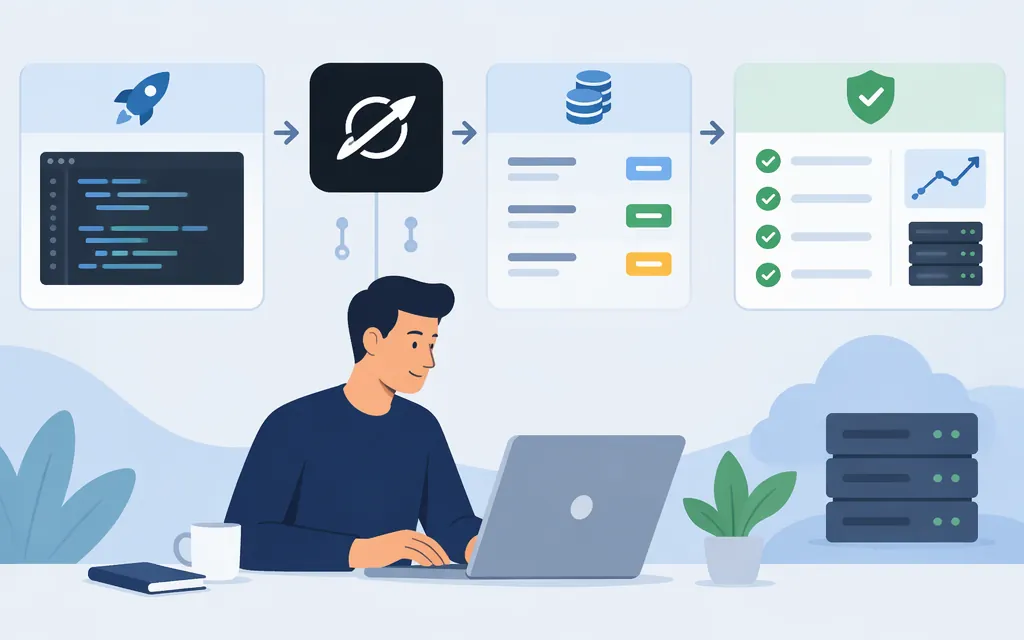
What is the Grok API?
The Grok API lets developers send requests to Grok models from their applications. For direct access, the API documentation is at docs.x.ai, and the quickstart uses the api.x.ai endpoint. Those documentation pages use the “SpaceXSI” brand, so make sure you are following direct API instructions—not instructions for a third-party gateway or framework adapter. The documentation recommends the Responses API for new integrations; it describes Chat Completions as its predecessor.
A gateway uses its own endpoint and credentials; for example, the supplied CometAPI tutorial describes requests to api.cometapi.com with a CometAPI key. Pipecat’s GrokLLMService, by contrast, is a framework integration. These are distinct from the direct API instructions.
Make your first direct API request
- Go to
console.x.ai, create an account, add credits, and create an API key from the API Keys page. Keep the key in an environment variable or secret manager; do not put it in browser-side code or commit it to a repository. - Install the OpenAI Python SDK and set your key in a POSIX-compatible shell:
pip install openai
export XAI_API_KEY="your_api_key"
- Save the following as
grok_quickstart.py:
from openai import OpenAI
import os

client = OpenAI(
    api_key=os.environ["XAI_API_KEY"],
    base_url="https://api.x.ai/v1",
)

response = client.responses.create(
    model="grok-4.7",
    input="Fix this function and explain the bug: function median(a){a.sort();return a[a.length/2]}",
)

print(response.output_text)
- Run it from that shell:
python grok_quickstart.py
The example prints the generated text. The documentation also shows a raw HTTP request to POST https://api.x.ai/v1/responses, using Bearer authentication and a JSON body with model and input. (docs.x.ai)
Model choice and API cost
The model catalog lists grok-4.7 with text and image input, a 500,000-token context window, and capabilities including function calling, structured outputs, and reasoning. Check the current model catalog for your account and use case rather than assuming every model supports the same features.
The pricing table lists USD per 1 million tokens for grok-4.7: short-context rates are $2.00 input, $0.50 cached input, and $6.00 output. Long-context rates are $4.00 input, $1.00 cached input, and $12.00 output. The table defines the long-context threshold as at least 200,000 tokens; when a request’s prompt reaches that threshold, the long-context rates apply to all tokens in that request. Server-side tools can add invocation charges on top of token costs. (docs.x.ai)
Illustrative estimate: at short-context global rates, 10,000 uncached input tokens plus 2,000 output tokens would cost about $0.032: (10,000 × $2 + 2,000 × $6) ÷ 1,000,000. This is a token-only estimate, not a quote; cached tokens, long-context requests, tools, or the US endpoint can change the total.
Production checks before launch
- Choose the endpoint based on data-location needs. The documentation describes
https://api.x.aias the global endpoint, which may route requests between regions. It documentshttps://us.api.x.ai/v1for US request handling and inference; the supplied regional documentation says that endpoint servesgrok-4.7andgrok-4.6, but not image, video, or voice APIs, and charges 10% more for token usage. - Plan for rate limits. Limits vary by model and team tier; exceeding a limit returns HTTP 429. Check your team’s current limits and implement bounded retries with backoff for rate limiting and transient failures.
- Review retention and training terms. The security FAQ says API inputs and outputs are not used for training without explicit permission. It also says requests and responses are stored encrypted for 30 days by default. Zero Data Retention (ZDR) prevents prompt and output persistence, but disables features including the stateful Responses API, Files and Collections, and Batch API. Review the current terms and feature impact before sending sensitive data or enabling ZDR. (
docs.x.ai) - Track actual usage and spend. Record model, token usage, errors, and cost from API responses where available; test representative prompts and tool calls before setting a budget. Check the current pricing and model pages when you deploy.
Direct API, gateway, or framework?
Use the direct API when you want to integrate against the documented xAI endpoint and manage its key, billing, and model selection directly. Consider a gateway when its unified interface fits your architecture, but verify its separate credentials, pricing, data handling, and supported features. Use a framework adapter such as Pipecat when you specifically need that framework’s integration layer; adapter configuration is not the direct REST API reference.
Sources
FAQ - API Security (Developers)