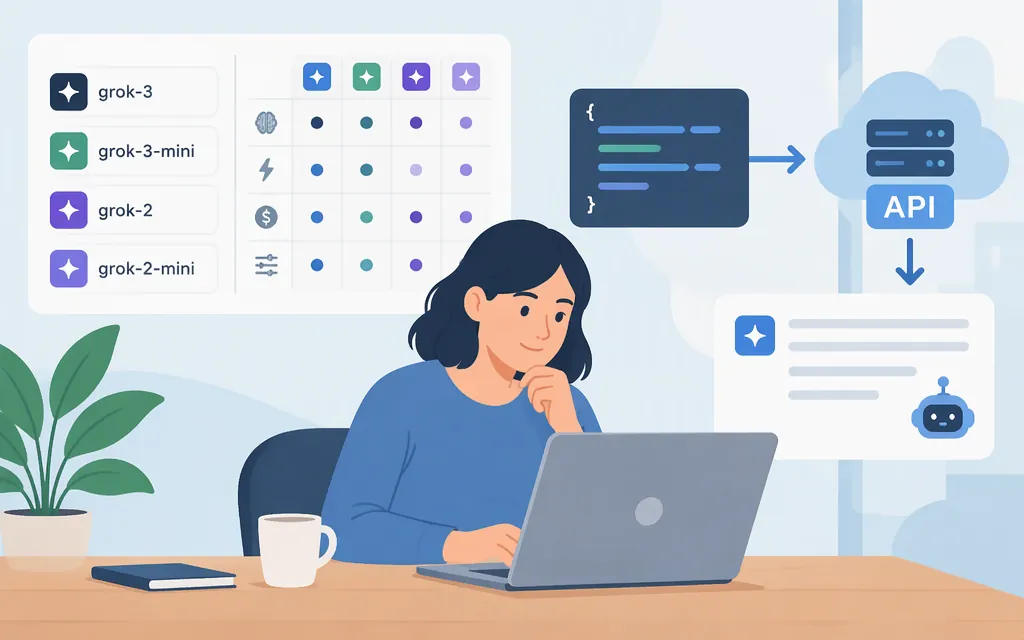
Short answer: xAI’s model documentation describes grok-4.7 as its flagship for code and general work. For the models available to your API key, send an authenticated GET request to /v1/models. For a first generation request, the official quickstart shows the Responses API with grok-4.7.
Model information checked November 9, 2026. Catalog entries and aliases can change; check the list available to your API key before deploying.
Which Grok model IDs can I use?
These are examples from xAI’s model documentation, not an exhaustive catalog. Availability is key-specific, so check the authenticated model list before choosing an ID.
| Model ID | Documented distinction | Selection note |
|---|---|---|
grok-4.7 |
Described in the model catalog as xAI’s flagship for code and other work, with configurable reasoning and a 500,000-token context window. | A documented starting point for general-purpose work and coding. |
grok-4.3 |
Its model page lists a 1,000,000-token context window. | Consider it when the larger documented context window matters; evaluate it with your own workload. |
grok-4.20-0309-reasoning |
The model page lists a 1,000,000-token context window and reasoning capability. It also lists grok-4.20 as an alias. |
Check the exact ID or alias available to your key before using it. |
The model catalog describes aliases as a way to follow model versions: an alias may point to a latest stable version, while a dated ID refers to a specific release. If you use an alias, account for the possibility that it can move; if your workflow needs a consistent release, check which versioned ID is available to your key.
How to choose a model
- General coding or other work: Start by evaluating
grok-4.7, which xAI’s catalog recommends for code and general tasks. - Longer inputs: The listed context windows are 1,000,000 tokens for
grok-4.3andgrok-4.20-0309-reasoning, versus 500,000 forgrok-4.7. A larger context window alone does not show which model will work best for your prompts. - Version consistency: Decide whether you want an alias that can follow updates or a specific release ID. Verify the ID with your key and test again when you intentionally change models.
Treat these as evaluation starting points, not a substitute for testing representative prompts, quality, latency, and error handling in your application. Check the applicable model documentation for current limits and prices; this article does not compare numeric prices.
Find models available to your API key
The model-list endpoint is GET /v1/models. It returns models available to the authenticating API key, including model IDs. xAI’s API uses the Authorization: Bearer header for authentication.
First, create an account in the xAI Console, add API credits, and create an API key. Then set the key as an environment variable and run:
export XAI_API_KEY="your_api_key"
curl https://api.x.ai/v1/models \
  -H "Authorization: Bearer $XAI_API_KEY"
The response contains a data array with the models available to that key. Keep the key in an environment variable or secret manager; do not commit a real key to source control.
Make a first Grok API request
The official quickstart demonstrates using the OpenAI Python SDK with xAI’s base URL, an API key, and the Responses API. Install the SDK and make a request with a model ID you have confirmed is available to your key:
pip install openai
import os
from openai import OpenAI

client = OpenAI(
    api_key=os.environ["XAI_API_KEY"],
    base_url="https://api.x.ai/v1",
)

response = client.responses.create(
    model="grok-4.7",
    input="Explain what an API model ID is in one sentence.",
)

print(response.output_text)
Set XAI_API_KEY to the API key you created before running the script. response.output_text is the quickstart’s accessor for the generated text. If grok-4.7 is not available to your key, choose an ID returned by the model-list request instead.
Production checks
- Verify access with the deployment key. Do not assume an ID in an article or old code sample is enabled for your account.
- Choose an alias or release deliberately. Aliases may move to newer versions; a dated ID identifies a specific release. Confirm what your key accepts.
- Check current model-specific limits and pricing. Do not transfer one model’s limits or rates to another.
- Evaluate before routing production traffic. Test representative requests and monitor quality, latency, errors, and cost.
- Protect credentials. Keep API keys on the server side and out of browser code and committed files.
Do not confuse an unofficial wrapper with the official API
An older GitHub project lists names such as grok-3-fast and grok-4, but it identifies itself as an unofficial wrapper and says it is outdated and discontinued. Its local /ask endpoint and request fields are not the official xAI API schema. Use xAI’s documentation and the model list available to your API key for current integration work.