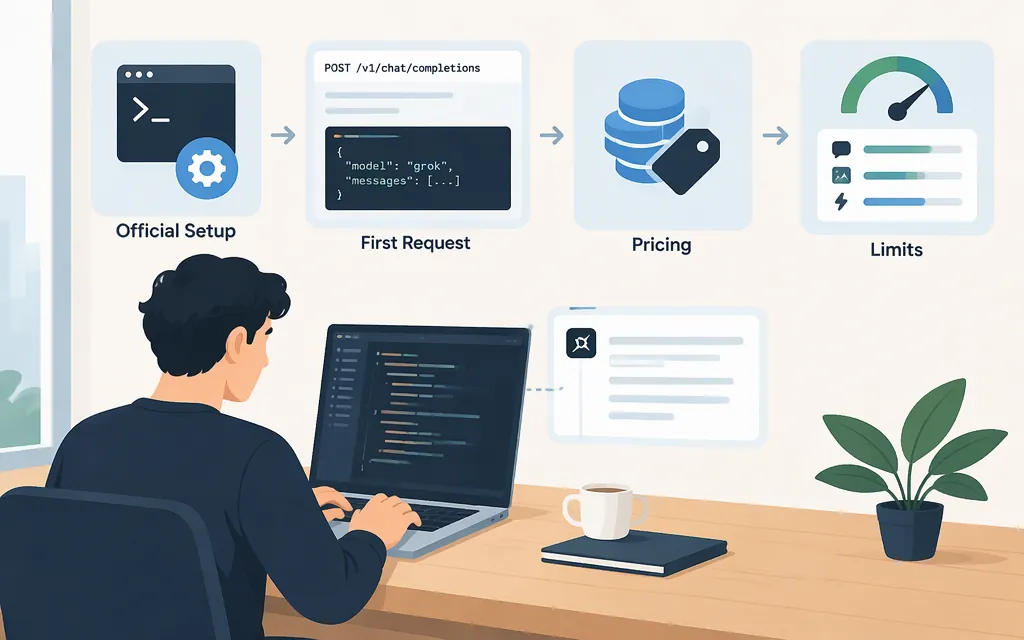
For the official Grok developer API, start with xAI’s API quickstart and the xAI Console. The quickstart shows a direct request to https://api.x.ai/v1/responses, authenticated with an xAI API key as a Bearer token. The model overview lists Grok 4.7 as its flagship model; check the model page and Console for current availability, prices, and account-specific limits.
Official xAI API or another Grok product?
The xAI API is for applications that send requests to xAI’s API endpoint using an xAI-issued key. It is distinct from consumer Grok and Grok Build, a coding-agent product. Third-party gateways may offer their own Grok-compatible endpoints, but their credentials, routes, billing, and availability are not automatically the same as xAI’s. A gateway’s key or /v1/* route is not an xAI API key or proof of an official xAI endpoint.
An existing xAI account can be used for API access, but API billing is separate from Grok subscriptions. For API requests, use the xAI Console’s API billing and usage pages. (xAI account FAQ)
Make a first direct API request
You’ll need an xAI account, an API key, and API credits or another enabled billing arrangement. Follow the official quickstart to create a key in the Console and store it in an environment variable. Don’t commit a real key to source control.
Set the key in your shell:
export XAI_API_KEY="your_xai_api_key"
Then send a text request with curl:
curl https://api.x.ai/v1/responses \\
  -H "Authorization: Bearer $XAI_API_KEY" \\
  -H "Content-Type: application/json" \\
  -d '{
    "model": "grok-4.7",
    "input": "Explain what an HTTP 429 error means in two sentences."
  }'
The endpoint, model ID, authentication header, and request format follow xAI’s documented quickstart. To read the generated text using the OpenAI Python client, the quickstart uses response.output_text. This is a documentation-based example, not a claim that it was independently live-tested here. (xAI API quickstart)
For Python with the OpenAI SDK, the documented setup uses https://api.x.ai/v1 as the base URL and passes the xAI key:
import os
from openai import OpenAI

client = OpenAI(
    api_key=os.environ["XAI_API_KEY"],
    base_url="https://api.x.ai/v1",
)

response = client.responses.create(
    model="grok-4.7",
    input="Explain what an HTTP 429 error means in two sentences.",
)

print(response.output_text)
The API quickstart also lists xAI’s own Python SDK and JavaScript options. Choose a client based on your stack; a third-party API tool is optional, not a prerequisite. (xAI API quickstart)
Check model fit, price, and limits
The official Grok 4.7 model page lists text and image input, a 500,000-token context window, function calling, structured outputs, and configurable reasoning with low, medium, high (the default), and xhigh settings. If your application needs current information, don’t assume the model has live data by default: xAI says Grok does not know current events beyond its training data and that server-side Web Search or X Search tools can be enabled to incorporate real-time data. Confirm the precise capability and tool setup your workload needs in the model and tool documentation. (Grok 4.7 model page; model overview)
The published Grok 4.7 text API prices are in USD per 1 million tokens:
| Usage | Price |
|---|---|
| Input | $2.00 per 1M tokens |
| Cached input | $0.50 per 1M tokens |
| Output | $6.00 per 1M tokens |
At the listed long-context threshold of 200,000 prompt tokens or more, the rates are $4.00 per 1M input tokens, $1.00 per 1M cached input tokens, and $12.00 per 1M output tokens. xAI states that once a request reaches the model’s long-context threshold, the long-context rates apply to all tokens in that request. Its prompt-caching documentation says cached tokens count toward the prompt threshold. Check the pricing page for the model and request type you plan to use; tools and other APIs can have separate charges. (xAI pricing; prompt-caching usage and pricing)
Example estimate: at standard rates, a request using 10,000 uncached input tokens and 1,000 output tokens would cost about $0.026: (10,000 × $2 / 1,000,000) + (1,000 × $6 / 1,000,000). This estimate excludes tools, taxes, and other charges, and assumes the request is below the long-context threshold.
API rate limits are per model and include requests per second and tokens per minute; applicable limits vary by team tier. Check the Console’s Models page for your team’s limits rather than relying on a general example. The Console’s Usage Explorer can help track cost and token usage by model or API key. (xAI rate limits; Usage Explorer)
API use is billed separately from a consumer Grok subscription. xAI documents prepaid API credits; when the prepaid balance is depleted, requests may be rejected if invoiced billing is not enabled. Review your team’s billing settings and usage before sending production traffic. (xAI account FAQ; billing and credits)
Before production
- Confirm the model and required capability in xAI’s current model documentation.
- Make a small direct API request and confirm your application can read the response.
- Estimate costs using the applicable model price and expected token usage; include any tool charges.
- Check your team’s rate limits and billing settings in the Console, then monitor usage as traffic grows.
- Store keys in environment variables or a secrets manager, and disable or rotate a key if it is exposed. (xAI security FAQ)