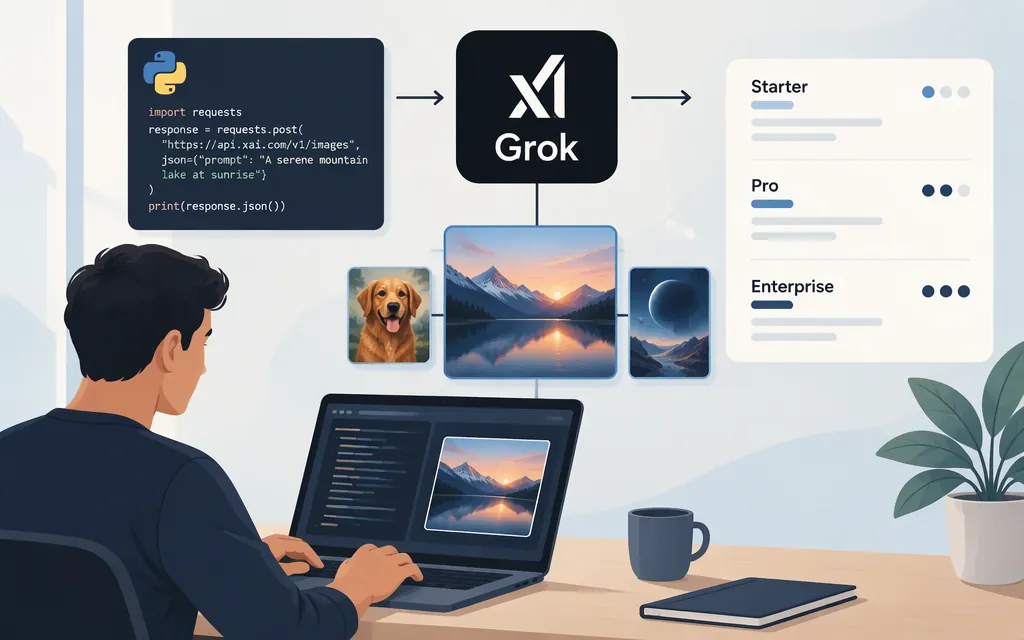
The short answer
Grok image generation is available through xAI’s direct API; a third-party gateway is not required. The documented model is grok-imagine-image-2.0, and the generation endpoint is POST https://api.x.ai/v1/images/generations. xAI’s quickstart shows both the OpenAI Python client pointed at xAI’s base URL and Bearer-token authentication. (docs.x.ai)
The API returns temporary image URLs by default, so download or process an image promptly rather than treating its URL as permanent. (docs.x.ai)
Python quickstart
Create an xAI API key, install the Python client and requests, and set the key in an environment variable. The example follows xAI’s documented model, client setup, and response path; the download step saves the returned image bytes locally. (docs.x.ai)
python -m pip install openai requests
export XAI_API_KEY="your-api-key"
import os
import requests
from openai import OpenAI

client = OpenAI(
    base_url="https://api.x.ai/v1",
    api_key=os.environ["XAI_API_KEY"],
)

response = client.images.generate(
    model="grok-imagine-image-2.0",
    prompt="A small glass greenhouse in a rain-soaked garden, soft morning light",
)

image_url = response.data[0].url
if not image_url:
    raise RuntimeError("The API response did not include an image URL")

image = requests.get(image_url, timeout=60)
image.raise_for_status()
with open("grok-image", "wb") as file:
    file.write(image.content)
The minimal request includes model and prompt. xAI documents URL output as the default and shows the generated URL at response.data[0].url. The example leaves optional generation settings unspecified, so it should not be read as requesting a particular resolution. (docs.x.ai)
Editing and multiple images
The direct API also documents image editing, including public image URLs or base64 data URIs as source inputs and up to five source images in a multi-image edit. See xAI’s image editing guide for its editing request details. xAI notes that the OpenAI SDK’s images.edit() method is not supported for its editing request because the SDK sends multipart form data while xAI expects JSON; don’t reuse the generation example as an editing recipe. (docs.x.ai)
For text-to-image batches, the API accepts n from 1 to 10; on the REST API and OpenAI-compatible SDKs, n is optional and defaults to 1. (docs.x.ai)
API billing and image prices
An API key is a credential, not prepaid usage. xAI’s billing documentation describes prepaid API credits as the common option; monthly invoiced billing is another option and is disabled by default. Its documentation describes usage billing, not a consumer subscription prerequisite. (docs.x.ai)
For grok-imagine-image-2.0, xAI lists these output prices in USD per generated image. The listed price depends on both resolution and quality. (docs.x.ai)
| Resolution and quality | Price per image |
|---|---|
| 1K, low | $0.04 |
| 1.5K, low | $0.05 |
| 2K, low | $0.06 |
| 1K, medium | $0.06 |
| 1.5K, medium | $0.07 |
| 2K, medium | $0.08 |
For example, four 1K low-quality images correspond to $0.16 in listed output charges. Edits also incur a charge for each input image; xAI lists image input at $0.01 per image. (docs.x.ai)
The quickstart code above does not explicitly select a resolution or quality, so it does not establish that a generated image will cost $0.04. xAI documents resolution and quality controls, and says that omitting quality currently uses low quality for generation; consult the current image-generation reference for the supported settings and request syntax before estimating a specific configuration. (docs.x.ai)
Direct xAI API versus a gateway
The example above calls xAI’s endpoint with an xAI API key, and the prices above are xAI’s listed prices for its named model. A third-party gateway is a separate integration with its own host, credentials, model identifiers, and billing. Don’t substitute a gateway’s endpoint or model ID into a direct xAI request.
Sources
Image Generation — xAI documentation
Image Editing — xAI documentation
Imagine Overview — xAI documentation
Grok Imagine Image 2.0 — xAI model and pricing details