The short answer
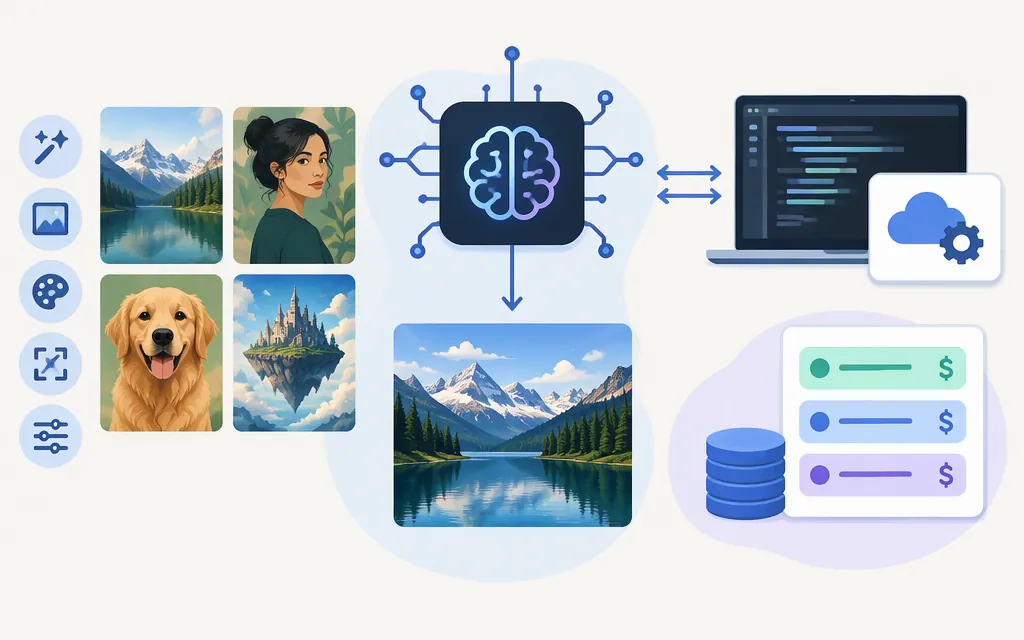
xAI’s image-generation model is grok-imagine-image-2.0. It supports text-to-image generation and image editing, including edits using up to five reference images. xAI documents API access through its image-generation and image-editing endpoints. This is a still-image model, distinct from grok-imagine-video-1.5, which generates video. (docs.x.ai)
Best fit: consider Image 2.0 for creating images from prompts or editing images with natural-language instructions. For animation or video clips, evaluate the video model instead. Image 2.0 API output prices vary by resolution and quality, and edits also incur a charge for each input image.
What the model does—and what it does not
The documented image workflows include:
- Text-to-image: generate images from a text prompt.
- Image editing: provide source image(s) and a prompt describing the change. Multi-image editing supports up to five sources.
- Output controls: xAI documents controls for output count, aspect ratio, resolution, and quality. The listed Image 2.0 price tiers vary by resolution and quality. (
docs.x.ai)
These capabilities make it a candidate for creating new visuals, editing an existing image, or composing from multiple references. They do not guarantee a particular aesthetic result or perfect adherence to every prompt. Test representative prompts and source assets for your workflow.
Do not confuse image-to-video with image editing. The separate video model handles video generation; that does not establish capabilities of the still-image model. xAI lists the image and video models as separate products with different output types and pricing units. (docs.x.ai)
Image 2.0 API: a minimal generation request
The xAI REST generation endpoint is POST https://api.x.ai/v1/images/generations. xAI’s example uses an API key as a Bearer token. This minimal request follows the documented model-and-prompt example:
curl -X POST https://api.x.ai/v1/images/generations \
  -H "Authorization: Bearer $XAI_API_KEY" \
  -H "Content-Type: application/json" \
  -d '{
    "model": "grok-imagine-image-2.0",
    "prompt": "A small ceramic bluebird on a sunlit windowsill, editorial product photography"
  }'
The response includes a data array of generated image objects. For the first image, retrieve the returned URL from data[0].url. URLs are temporary, so download or process the image promptly; the documentation also describes base64 output as an option. The REST API supports n from 1 to 10 for multiple outputs in one request. (docs.x.ai)
For edits, use POST https://api.x.ai/v1/images/edits. The documented input representations include a public image URL, a base64-encoded data URI, or a Files API file_id; multi-image editing supports up to five source images. (docs.x.ai)
Before integrating, check the model page for account eligibility, applicable regions, and limits. The model listing specifies us-east-1 and us-west-2 and a rate limit of six requests per second. (docs.x.ai)
Pricing: budget by output and input images
xAI’s documented Image 2.0 API prices are in USD. Each generated output is billed according to its resolution and quality:
| Output setting | Price per generated image |
|---|---|
| 1K, low | $0.04 |
| 1.5K, low | $0.05 |
| 2K, low | $0.06 |
| 1K, medium | $0.06 |
| 1.5K, medium | $0.07 |
| 2K, medium | $0.08 |
For edits, xAI additionally lists $0.01 per input image. A 1K low-quality edit with two reference images and one output therefore costs $0.06: $0.02 for the inputs plus $0.04 for the output. Four 1K low-quality text-to-image outputs cost $0.16. These calculations use the listed per-image rates. (docs.x.ai)
For predictable budgeting, specify the quality and resolution you intend to use rather than assuming an unspecified default; both affect the listed output price. The retirement notice for the older grok-imagine-image-quality slug says requests to that retired slug route to Image 2.0 at low quality. That migration rule does not, by itself, establish the default behavior of direct Image 2.0 requests. (docs.x.ai)
The older grok-imagine-image model is listed separately at $0.02 per output image at both 1K and 2K, plus $0.002 per input image. Its model page lists availability in us-east-1 and us-west-2. These are that model’s separate rates, not Image 2.0 pricing. (docs.x.ai)
Which should you choose?
- Choose
grok-imagine-image-2.0if you need the documented newer model for text-to-image generation or natural-language image editing and its resolution and quality prices fit your budget. - Test multi-image editing if your workflow depends on using several references. The API supports up to five source images; check whether results preserve the details your use case needs. (
docs.x.ai) - Choose a video model when the required deliverable is motion or a video clip. Image-to-video is not the same task as generating or editing a still image. (
docs.x.ai) - Compare the older image model if cost is a priority. Its listed output rate is lower, but its model and price schedule are distinct. Compare results on your own prompts rather than assuming the cheaper option is equivalent. (
docs.x.ai)
For an API proof of concept, test representative prompts and source images, record the model and output settings you use, and compare suitability alongside total input-plus-output charges. That keeps the choice tied to your actual image workflow rather than video features or an unspecified per-generation estimate.
Sources
Grok Imagine Image 2.0 — xAI API documentation
Imagine Overview — xAI API documentation
Image Generation — xAI API documentation
Images REST API Reference — xAI
Multi-Image Editing — xAI API documentation