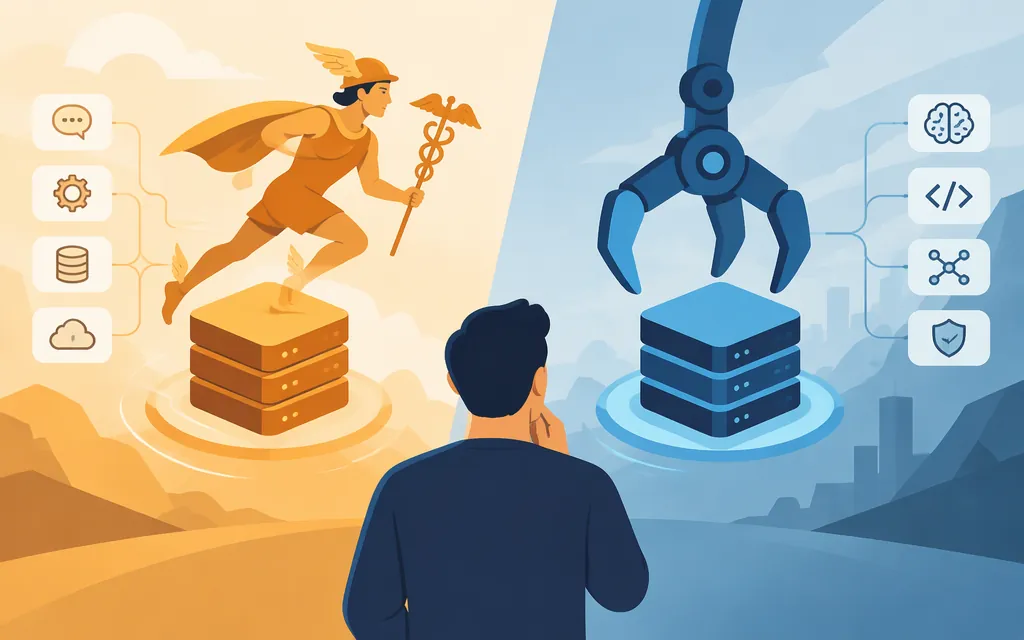
Short answer: Hermes Agent and OpenClaw are agent runtimes, not foundation models. Consider Hermes when bounded, curated memory suits your workflow; consider OpenClaw when its documented message-to-agent bindings match your routing needs. Those are reasons to evaluate each—not evidence that either performs better. If both fit, compare them on the same tasks with the same model and equivalent permissions.
What are Hermes Agent and OpenClaw?
An agent runtime coordinates a model with tools, conversation state, and—depending on configuration—messaging channels. The model generates responses; the API provider serves the model. Choosing Hermes or OpenClaw does not, by itself, select a model or establish that a particular provider integration will work for your production workload.
Both projects document ways to connect models with runtime capabilities. Check the documentation for the versions you plan to use; configuration paths are not performance comparisons. (Hermes model configuration, OpenClaw model providers)
Which runtime should you evaluate?
| If this matters most | Evaluate first | Practical distinction |
|---|---|---|
| A bounded, curated memory that persists across sessions | Hermes | Hermes describes its persistent memory as bounded and curated. That may suit a workflow where you want a compact set of retained information; check how your chosen version lets you review and change it. (Hermes memory) |
| Keeping detailed daily notes available without putting them all in every prompt | OpenClaw | OpenClaw documents Markdown memory files: its durable MEMORY.md is loaded at session start, while daily notes are searchable rather than injected into the bootstrap prompt on every turn. (OpenClaw memory) |
| Routing inbound messages to different agents | OpenClaw is a reasonable first evaluation | OpenClaw documents routing inbound messages to agents through bindings. Routing does not establish tenant isolation, and this does not show that Hermes lacks routing. (OpenClaw multi-agent routing) |
| A particular chat platform, tool, or execution environment | Neither until you verify the exact requirement | Check the named integration and the features it needs in the documentation for your intended version. A general feature label does not guarantee support for your workflow. |
Both systems have persistent, file-backed memory; the useful distinction is how information is organized and made available, not “memory versus no memory.” These shortlist suggestions do not establish better recall, task success, or exclusive routing support. If documentation does not settle your choice, run the same representative tasks through both with the same model and equivalent tool permissions. Compare completion, human intervention, latency, usage cost, and auditability; these are evaluation criteria, not published comparative results.
Can either runtime use a production model API?
Both document custom-provider paths, but the minimum connection settings differ. The table summarizes documented configuration fields and setup entry points; it is not an end-to-end test with your provider.
| Connection item | Hermes Agent | OpenClaw |
|---|---|---|
| Provider and endpoint | Use the custom-provider setup flow, such as hermes model, or set model.base_url in config.yaml for a custom endpoint. The exact provider selector for every configuration path is not established here. |
Add a provider under models.providers.<provider-id> and set baseUrl to the endpoint’s base URL. |
| Model identifier | The configuration includes model.default; enter the model ID expected by your provider. The exact custom-provider selection syntax is not established here. |
Define the model ID under models.providers.<provider-id>.models[].id. The exact syntax for selecting that configured model is not established here. |
| Credential | Hermes documentation directs users to keep credentials in ~/.hermes/.env, but the applicable variable name and exact credential-entry steps depend on the provider and setup path. |
Configure the apiKey field for the provider. The documented example establishes the field, but not environment-variable substitution syntax; use the current setup documentation for the supported way to supply the secret. |
| API mode | The custom-provider guide describes an OpenAI-compatible endpoint path. The available material does not establish one universal mode setting for every custom endpoint. | For an OpenAI-compatible custom endpoint, the docs specify api: "openai-completions". They also say a custom provider with baseUrl and no api defaults to that mode; use another mode only when the backend supports it. |
These fields identify a route and credential; they do not establish compatibility with every model feature. Confirm the provider’s expected base URL and model ID, and check whether the API mode matches its interface. The cited configuration pages do not establish that your provider’s tool calling, streaming, vision, context behavior, or failure handling will work with either runtime. (Hermes provider setup, Hermes environment variables, OpenClaw custom-provider configuration)
Before connecting a production credential, test with a non-production credential. Send a representative request, exercise a required tool call if your workflow uses one, check expected output and failure handling, and record task success, latency, and usage cost over repeated runs. Treat the result as evidence only for that provider, model, runtime version, and configuration—not as a general compatibility guarantee.
What production risks should affect the decision?
Check the actual security boundary, not just whether a runtime offers approval prompts or a sandbox option. Hermes documents controls including command approval, file-write safety, container isolation, and messaging-user authorization. OpenClaw describes a gateway as one trust boundary and says a shared gateway is not intended for mutually adversarial users. These descriptions do not independently establish the defaults or boundaries of the versions you plan to deploy. (Hermes security, OpenClaw trust model)
For either runtime, identify what the agent can reach: files, shell commands, network destinations, messaging accounts, and credentials. Use least-privilege credentials, restrict who can send it work, and verify which processes and tools are isolated in your chosen deployment. Do not assume that isolating one execution path isolates every plugin, integration, or service.
For a controlled pilot, include an unauthorized user or message, an adversarial instruction in retrieved content, a denied or revoked credential, and an attempted destructive action. Check containment and recovery, and confirm that you can inspect what happened. These are suggested test cases, not claims that either product has passed them.
Bottom line: shortlist Hermes for bounded, curated cross-session memory; consider OpenClaw first when its documented message-to-agent bindings match your routing need or when its searchable daily-note arrangement suits your review workflow. Use each project’s documented custom-provider setup path, then verify the exact selector and credential syntax for your chosen provider before granting production access. Documentation and compatibility labels are not substitutes for testing that specific setup.
Sources
Configuring Models — Hermes Agent
LLM and Model Providers — Hermes Agent
Environment Variables — Hermes Agent
Persistent Memory — Hermes Agent
Custom providers and base URLs — OpenClaw