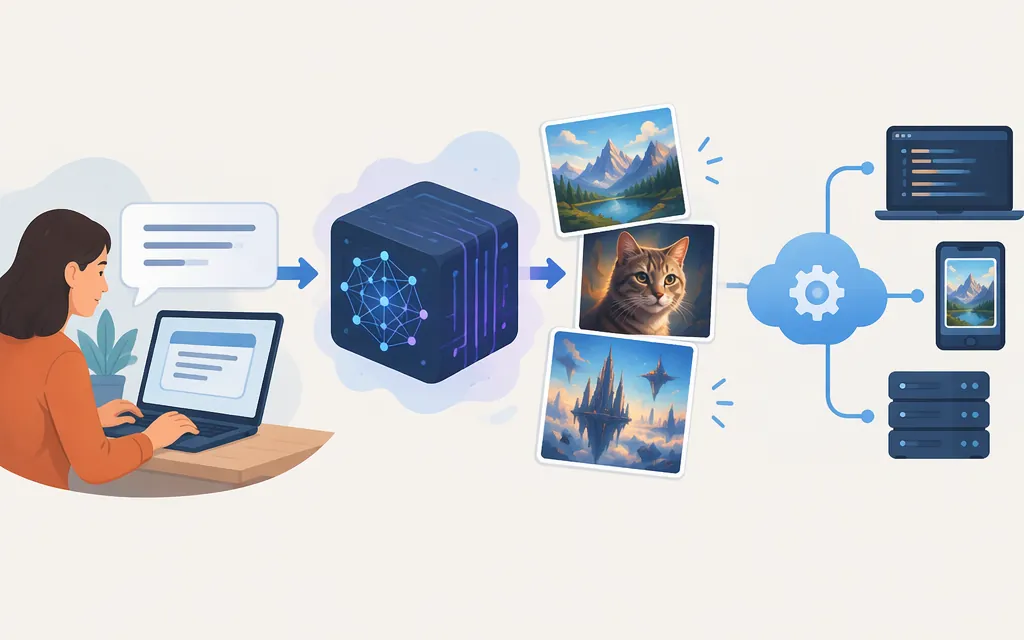
Midjourney turns a text prompt into a set of images that you can then refine using its website or Discord. Its official documentation explains how to submit prompts and work with results, but it does not describe the model’s full internal generation process. And if you need to generate images from your own application, don’t assume Midjourney offers a generally available production API: its public announcement described an Enterprise API as something the company was investigating, not a published integration specification. (docs.midjourney.com)
How Midjourney turns a prompt into an image
At the level a user can observe, the process is straightforward: describe the image you want, submit the prompt, and Midjourney generates images in response. Its current Getting Started guide describes entering a prompt in the Imagine bar on the website; the Discord workflow uses the /imagine command. The guide says the service creates a set of four images. (docs.midjourney.com)
The technical explanation needs more qualification. Image-generation systems are often explained using diffusion: broadly, a model learns patterns in images and generates an image through a process involving noise. But the official Midjourney sources cited here document the user workflow and product features—not a detailed account of Midjourney’s own prompt encoder or image-generation pipeline. So claims that Midjourney specifically uses a large language model to interpret prompts, converts them to a particular vector representation, or follows a particular sequence of denoising steps should not be treated as confirmed architecture without authoritative evidence.
For a useful mental model, think of your prompt as a description that guides image generation, not as a precise set of instructions that guarantees an exact output. Official prompt guidance describes a prompt as text or a phrase telling Midjourney what kind of image or video you want. The precise internal steps behind that transformation remain outside what the documentation cited here establishes. (docs.midjourney.com)
The user workflow: prompt, results, refinement
You can create images on midjourney.com or in Discord. Midjourney documents both as options for subscribers; the website offers the Imagine bar, while Discord uses bot commands such as /imagine. (docs.midjourney.com)
A basic workflow is:
- Open Midjourney on the website or in Discord. The website workflow uses the Imagine bar. For Discord, Midjourney says you need a Discord account connected to your Midjourney account. (
docs.midjourney.com) - Write a prompt describing the image. For example:
black Labrador running through a leafy park, afternoon sunlight, candid photograph. This is an illustrative prompt, not a tested result or a guarantee of a particular composition. - Submit it and review the generated set. The Getting Started guide describes a set of four images appearing as generation completes. (
docs.midjourney.com) - Refine the result. Midjourney documents variations for creating versions with subtle or stronger differences, and upscaling for increasing image dimensions. Its website Editor also supports edits such as changing selected areas, panning, and zooming out. Which control is most useful depends on whether you want a different take, a larger image, or a targeted change. (
docs.midjourney.com)
That makes Midjourney’s documented workflow suitable for people who want to create and refine images through its own interface. It does not, by itself, establish that the same workflow is available as an API for another product to call.
Can you use Midjourney through a production API?
The public sources cited here do not establish a generally available, officially documented production API. In a July 16, 2025 announcement, Midjourney said it was “starting to investigate opening up an Enterprise API” and invited interested people to apply or request updates. That announcement describes exploration—not a public API specification with endpoints, authentication, supported operations, rate limits, or request and response formats. (updates.midjourney.com)
For a production integration, treat API availability as unconfirmed unless Midjourney provides current access and documentation for your account and use case. A third-party service that claims to connect to Midjourney is not, on that basis alone, an official Midjourney API or evidence of Midjourney’s endorsement. Before relying on any integration, confirm who operates it, what terms apply, and whether it meets your requirements for reliability, support, and data handling.
Practical choice: If you want a documented, user-facing way to make and refine images, start with Midjourney’s website or Discord workflow. If your product needs programmatic image generation, first obtain confirmation from Midjourney of an official API, access conditions, supported operations, and applicable terms. Do not build a production dependency on the assumption that a public API exists.
Bottom line
Midjourney accepts image prompts and generates results users can refine through its website or Discord. Its official documentation supports that user-facing explanation, but not a detailed claim about the model’s proprietary internals. For API selection, the important distinction is between using Midjourney interactively and integrating it programmatically: the public Enterprise API announcement cited here discusses investigation, not a published production interface. (docs.midjourney.com)
Sources
Getting Started Guide – Midjourney
Discord Quick Start – Midjourney
Using Midjourney in Discord – Midjourney