How does Suno work?
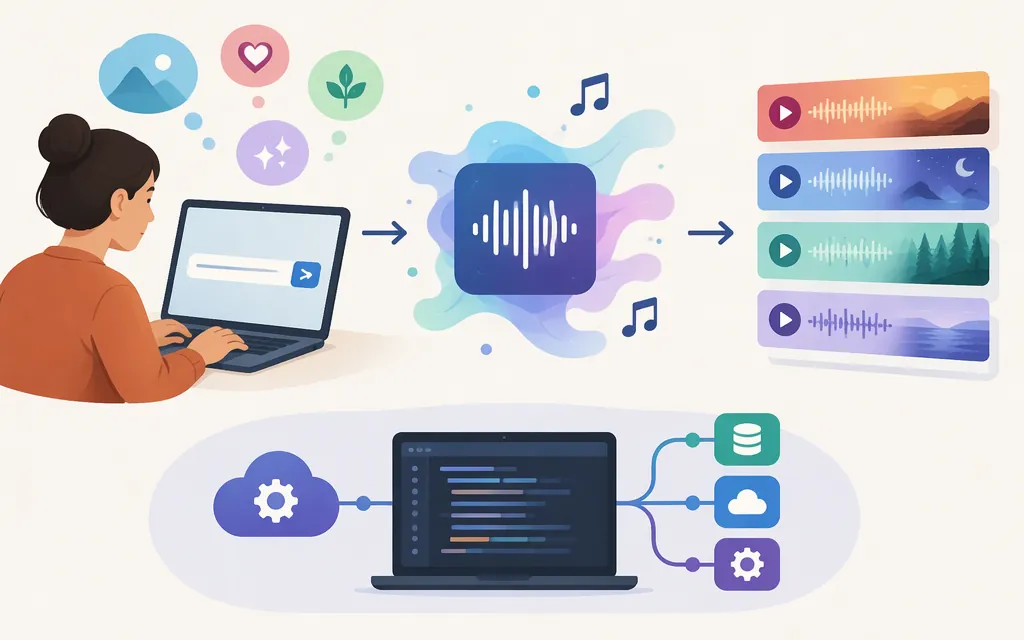
In practical terms, you describe the music you want, and Suno generates a song from that description. Suno’s Simple Mode guide explains this user-facing process; it does not explain the technical details of the models or internal generation pipeline. So the useful short answer is: prompt in, generated music out—but the public workflow guide does not establish exactly how Suno’s underlying technology produces it.
Make a song in Simple Mode
- Go to Suno’s Create page.
- Select Simple.
- Describe what you want to hear.
- If you’re unsure what to write, use the dice control for a random prompt.
Suno’s Simple Mode guide gives this example: “A synth pop song about having fun all night.” You can keep a prompt short, or add ideas such as combining genres, instrumentation, and song structure. Those are options in the documented Simple Mode workflow—not required fields or a promise that a more detailed prompt will produce a better result. Suno says songs can be made “in seconds,” but its guide gives no timing conditions or guarantee.
What happens behind the scenes?
Suno’s Simple Mode guide tells you how to request a song, not how its system turns a prompt into audio. Detailed claims elsewhere about particular internal models or processing stages should therefore be treated as unverified unless Suno confirms them in authoritative technical documentation. The documented prompt-and-generate workflow is a practical explanation, not evidence of a specific model architecture.
What does Suno’s official MCP beta support—and is it production-ready?
Suno’s MCP beta information describes connecting Suno to supported AI assistants so users can create music and access Suno features through conversation. Suno’s MCP FAQ says the beta works with Free and paid plans and that music creation uses credits from the user’s plan. The FAQ also says songs created through an assistant appear in the Suno library. The documentation identifies music creation as a supported use, but the material reviewed here does not enumerate the specific operations or establish that the beta meets any particular production application’s requirements.
The beta label is explicit. The cited guidance does not establish production service levels, operational guarantees, or the terms and costs that may apply to a particular commercial integration. So an official assistant connection is documented, but production suitability remains unestablished from these materials. Confirm the supported operations and the applicable operational, contractual, and cost conditions with Suno before relying on it for a product workflow.
A third-party article’s partial model parameter or code fragment is not a substitute for complete, current documentation from the provider of the integration. Do not infer a production API’s capabilities from that fragment.
Bottom line: To try Suno, describe the music you want in Simple Mode and optionally add genre, instrumentation, or structure ideas. Suno documents an MCP beta for creating music through supported AI assistants, but the reviewed guidance does not establish its detailed operation set or production suitability.
Sources
Make a song in Simple Mode — Suno Help