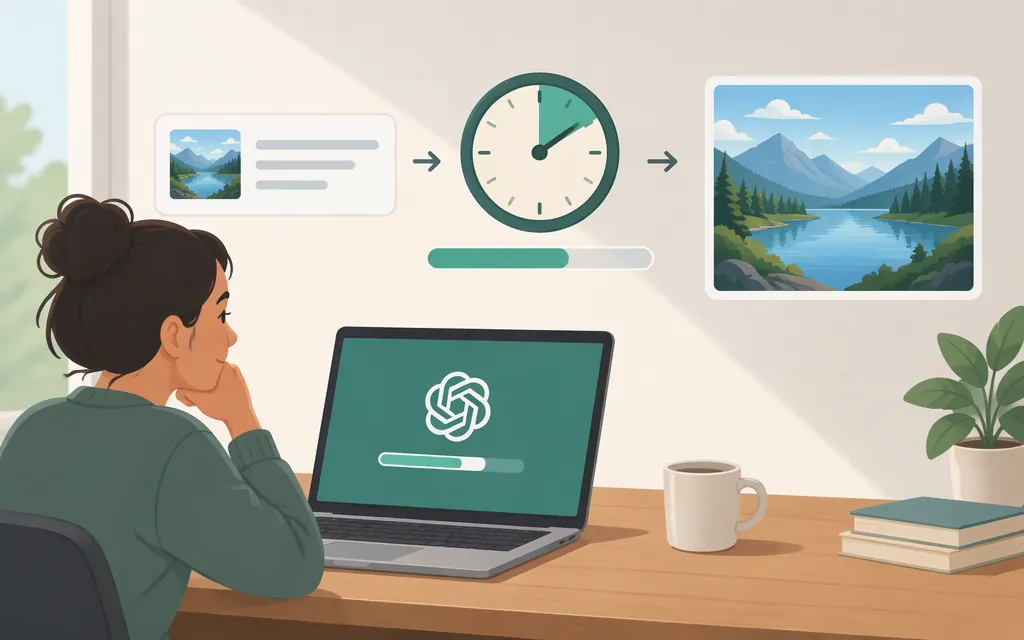
How long does ChatGPT take to create an image?
It may take a few minutes. OpenAI says generation time depends on the complexity of your request, but does not give a precise typical time or guarantee that an image will finish within a set number of seconds. You can keep using ChatGPT while it creates the image. (OpenAI Help Center)
That is the best current expectation to plan around: allow for a wait that could extend to minutes, especially if the request is complex, and don’t treat an older seconds-based estimate as a promise. OpenAI’s Help Center says ChatGPT Images 2.6 generates images faster than its predecessor, but publishes no exact timing alongside that statement. (OpenAI Help Center)
What older timing reports do—and don’t—show
Older sources provide context, but they are not current benchmarks. A July 2025 article from AI Free API claimed a 10–60 second range and described separate Free and Plus results from tests it said were run in July 2025. The same article says those timings were from the GPT-4o era and predated newer models. They should not be used to estimate current ChatGPT Images performance.
Users in an OpenAI Developer Community discussion also reported waits ranging from more than 40 seconds to several minutes; one person said an image was still processing after more than an hour. These are individual accounts, not controlled measurements. The discussion does not establish what a typical wait is or why those requests took so long.
Bottom line: OpenAI’s published guidance supports “a few minutes, depending on complexity,” not a fixed average. Historical timings and individual experiences shouldn’t be presented as a current service target.
What to do if image generation seems stuck
OpenAI’s general troubleshooting guidance for ChatGPT delays recommends checking the OpenAI Status page for an incident. If there isn’t a relevant issue, its suggestions include refreshing the page or restarting the app, starting a new chat, trying another browser or network, and temporarily disabling extensions or VPNs. These steps are general ChatGPT troubleshooting advice—not a guaranteed fix or an image-specific retry rule. (OpenAI Help Center)
OpenAI does not specify in this guidance how many seconds or minutes a particular image request should take before you retry it. If a request fails, produces only part of an image, or remains unresolved after basic checks, avoid treating an arbitrary timeout as an official threshold.
Can ChatGPT’s wait time predict image API latency?
The evidence available for this article does not establish an API completion-time estimate or a measured ChatGPT-versus-API comparison. So don’t treat a ChatGPT wait as a validated estimate of how long one production API request will take.
For production planning, measure your own intended workload rather than relying on UI timing:
- Use the API model and request settings you plan to ship, including the intended image quality and size.
- Time each request from sending it until the response and image are available to your application.
- Test representative prompts, and repeat them at the concurrency and network conditions your service expects.
- Track individual request durations and failures. Report percentiles only after you have enough measurements to support them.
- Measure single-image latency separately from batch throughput. Running requests concurrently may let a system process more images over a period, but that alone does not show that any one image finishes sooner.
OpenAI’s API documentation describes image generation through the Image API and as a tool in the Responses API, with options such as quality, size, format, and compression. API rate limits depend on the model and usage tier, so check the limits for the model and account you intend to use. (OpenAI Help Center)
Sources
Images in ChatGPT — OpenAI Help Center
Troubleshooting ChatGPT Error Messages — OpenAI Help Center
What are the rate limits for Image Generation? — OpenAI Help Center
How Long Does ChatGPT Take to Make an Image? Speed Factors and Faster Options — AI Free API
My images are generating slow and final product is dull — OpenAI Developer Community