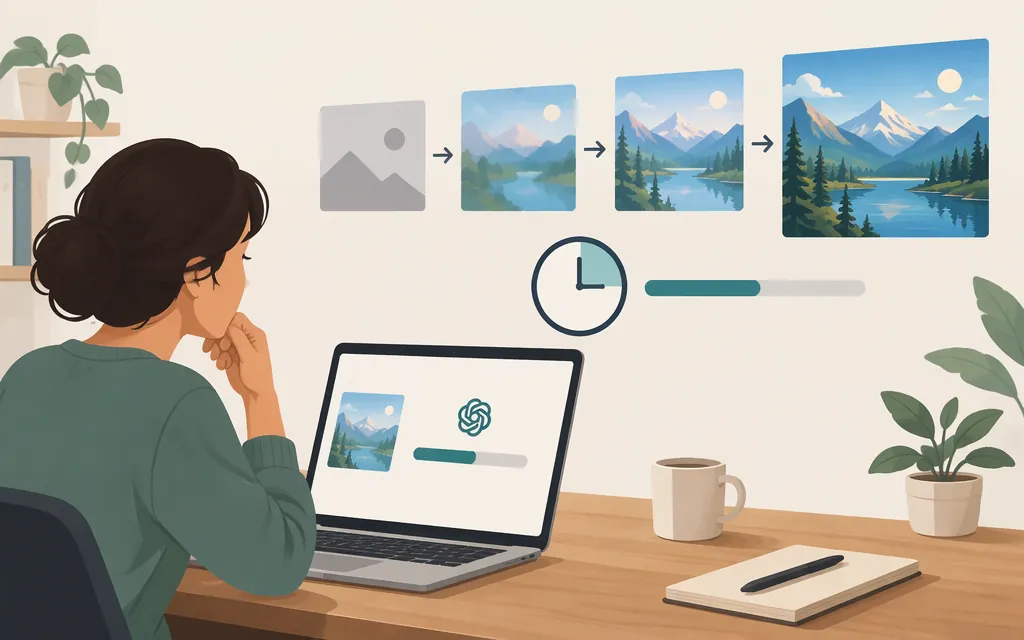
ChatGPT image generation may take a few minutes, depending on the complexity of your request. OpenAI’s help page gives this broad guidance, not a measured average or a maximum wait time. You can keep using ChatGPT while the image is being created. (OpenAI Help Center)
OpenAI announced Images 2.6 on November 4, 2026, saying it generates images 50% faster than its predecessor. That is a relative improvement, not a promise that every image will finish in a particular number of seconds. (OpenAI announcement)
What timing estimates are reliable?
For the ChatGPT interface, OpenAI’s published guidance is that image generation may take a few minutes, depending on the request. It does not give a precise current average or promise that an image will finish within that period. (OpenAI Help Center)
Older articles quote ranges such as 10–60 seconds or claim that some subscription tiers finish faster. Those are not reliable estimates for today’s ChatGPT: one article identifies its figures as GPT-4o-era results from 2025, before newer image models. Treat them as historical third-party claims, not current OpenAI benchmarks.
The API has a separate, specific example—but it is not a ChatGPT-interface estimate. OpenAI says its API’s GPT-Image-2.6 Flare can generate an image in as little as six seconds when quality is set to low. “As little as” describes a possible fast result, not a typical end-to-end time or a service guarantee. (OpenAI announcement)
Why can one image take longer than another?
OpenAI says generation time can depend on request complexity. A straightforward image and a detailed image with many specific requirements may take different amounts of time. The available guidance does not quantify how many seconds particular details add. (OpenAI Help Center)
For API use, OpenAI describes two Images 2.6 options: Flare for faster generation, and Sunburst for greater detail and precision, with higher-quality generation and greater consistency across edits when quality is set to medium or high. Those are model-selection distinctions, not exact timing estimates for a given request. (OpenAI announcement)
Does using an image API make each image faster?
Not necessarily. An API may suit an automated workflow or multiple requests, but throughput—how many images a workflow completes over time—is different from single-image latency—how long one request takes. Concurrent requests could affect total batch time; that alone does not show that any individual image will finish sooner.
For production, compare the end-to-end time for one image separately from the number of images completed in a batch. Test the specific API model and quality settings you plan to use, and check current API documentation and applicable limits before relying on a throughput estimate. OpenAI’s API documentation describes image-generation tools and outputs, but does not provide a universal completion-time guarantee in the material cited here. (OpenAI API documentation)
How to measure image-generation time for your workload
If timing matters to your product or team, run a repeatable test rather than relying on an old online estimate:
- Record the channel and version: ChatGPT interface or API, and the model or image option used if shown.
- Keep requests comparable: Use the same prompt, inputs, and output-quality settings for each run.
- Time the complete request: Start when you submit it and stop when the image is available to use. For API tests, note separately any application or network time included.
- Repeat the test: Report the number of runs and the range or median, not just the fastest result.
- Report batch throughput separately: Note how many images completed and over what period, along with any errors or delays.
Bottom line: OpenAI says ChatGPT image generation may take a few minutes, depending on the request; that is broad guidance, not a maximum or measured average. For an API workload, OpenAI has announced a low-quality Flare example as fast as six seconds, but measure your own model, settings, and end-to-end workflow before making a production commitment.
Sources
Images in ChatGPT — OpenAI Help Center