Short answer
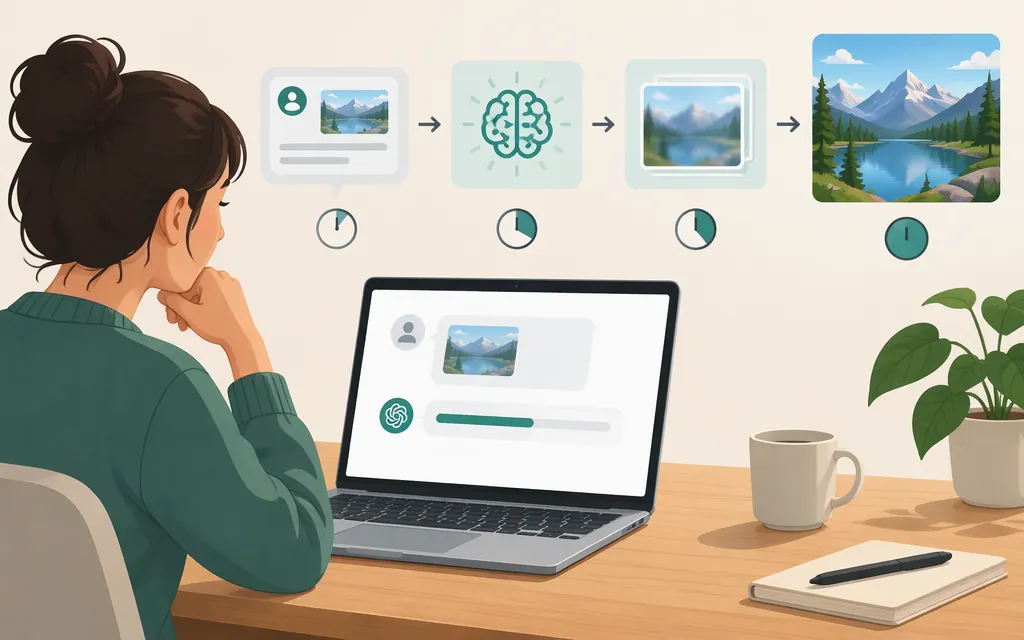
ChatGPT image generation may take a few minutes, depending on the request’s complexity. That is a planning expectation, not a maximum or a guaranteed completion time. The cited OpenAI Help Center guidance does not give a measured average or guaranteed completion time, so older second-based estimates should not be treated as a promise for today’s ChatGPT. (Images in ChatGPT)
As of November 9, 2026, the Help Center identifies ChatGPT Images 2.6 as the image-generation experience and says it generates images faster than its predecessor—but gives no seconds-based benchmark. That comparison does not tell you how long a particular image will take. (Images in ChatGPT)
What can affect the wait?
The cited Images guidance points to request complexity as a factor, but does not quantify how much a more detailed prompt adds. It also does not give separate typical times by plan, device, or prompt type. Treat precise claims such as “10 seconds” or “one minute” as estimates from a particular test, not a reliable expectation for every user or request. (Images in ChatGPT)
You can keep using ChatGPT while an image is being created. If ChatGPT appears stuck, OpenAI’s general troubleshooting guidance recommends checking the service-status page and trying a page refresh, app restart, or new chat. This is general advice for ChatGPT appearing stuck—not image-specific timeout guidance. The cited Help Center guidance does not specify a wait-time cutoff for treating an image request as stalled. (Images in ChatGPT; Troubleshooting ChatGPT Error Messages)
Does an API generate images faster than ChatGPT?
The cited documentation does not establish that an API makes one image generate faster. OpenAI documents image generation through its API, but the API guide cited here does not compare per-image completion time with ChatGPT. An API may be a better fit when you need image generation inside your own application or production workflow; that is an integration choice, not proof of faster generation. (Image generation — OpenAI API)
For a real comparison, test the same kind of request under your own conditions. Record the time from submitting each request to receiving the completed image, and compare several runs—not just one. Keep per-image latency separate from total throughput: running multiple API requests can change how many images your workflow handles in a given period, but does not establish that any single image finishes faster.
Bottom line
Allow a few minutes, depending on request complexity, but do not treat that as a maximum or promised completion time. The cited Images Help Center guidance gives no measured average or guarantee. If a request appears stuck, check service status and follow the general troubleshooting steps; choose an API for production integration when it fits your workflow, not on the assumption that it reduces per-image generation time.
Sources
Images in ChatGPT — OpenAI Help Center