Short answer
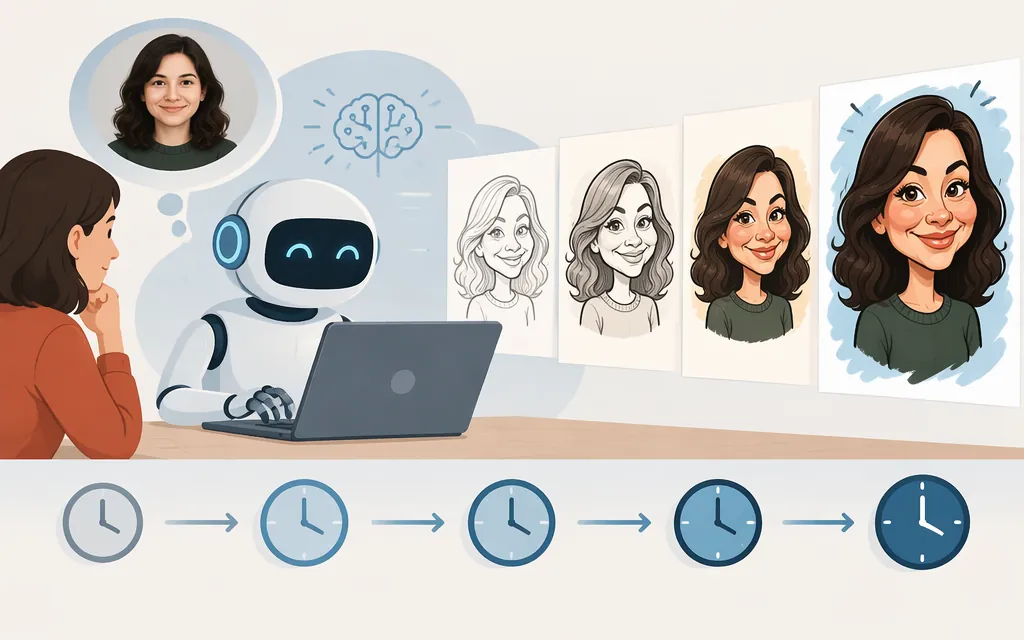
Allow a few minutes, but there is no guaranteed or caricature-specific time. OpenAI’s Help Center says ChatGPT image generation may take a few minutes, depending on the complexity of the request. It does not give a precise average or promise that every caricature will finish within a set number of seconds. (OpenAI Help Center)
That guidance describes image generation generally—not a measured test of caricature prompts. Treat it as a practical expectation, not a deadline or service guarantee. OpenAI also says you can keep using ChatGPT while an image is being created. (OpenAI Help Center)
What counts as the waiting time?
The image-generation wait is only one part of the time it can take to get a finished caricature. For a useful personal estimate, distinguish:
- Preparation: writing the prompt and choosing a photo, if you want to use one.
- Generation: submitting the request and waiting for the image to appear.
- Refinement: asking for edits or alternate versions if the first image isn’t what you wanted.
ChatGPT can generate an image from a prompt or edit an image you upload. If you include photo selection, uploading, or follow-up edits in your timer, you’re measuring the whole task—not generation alone. OpenAI’s guidance says the generation stage may take a few minutes depending on complexity; it doesn’t assign a duration to preparation or revisions. (OpenAI Help Center)
How to get a more useful estimate for your workflow
If you need to know how long caricatures take in your own account or process, time several requests rather than relying on a single result:
- Choose a representative prompt and, if relevant, a reference photo.
- Start the generation timer when you submit the request; stop when the image is available to view.
- Repeat under the conditions you care about, and record the results. Keep any time spent preparing inputs or requesting edits separate.
This is a way to measure your own experience, not a test result reported here. A prompt such as “Create a caricature of me and my job” can describe the task, but no prompt guarantees a particular completion time.
Can ChatGPT timing predict production API speed?
No—not on its own. A ChatGPT interface timing is not an API latency measurement. For production planning, evaluate the API route and workload you intend to use, then measure that path directly with representative prompts and any reference photos.
For a single request that turns a reference photo into a caricature, one officially documented candidate to evaluate is gpt-image-2.6-sunburst. OpenAI describes it as generating and editing images from text and image inputs, and lists it for the Image API’s generation and editing endpoints. The edit route accepts a source image and an edit prompt and returns an edited or extended image—capabilities relevant to stylizing an uploaded photo. OpenAI’s guide recommends the Image API for a single image generated or edited from one prompt; for a conversational, multi-step editing experience, it identifies the Responses API as the workflow to consider. Confirm the exact model availability for your intended route and account before building around it. (GPT-Image-2.6 Sunburst model; Image generation guide; Image edit reference)
OpenAI notes that API Organization Verification may be required before using GPT Image models. Its documentation does not provide a caricature-specific completion-time guarantee, so measure the selected API path directly rather than treating ChatGPT UI timing as an API performance commitment. (Image generation guide)
For selection, record request-to-result time across multiple representative runs, along with failures and whether the images meet your quality needs. If your product includes photo upload, additional conversation, or revisions, measure those stages separately from image generation.
Sources
Images in ChatGPT — OpenAI Help Center