Short answer
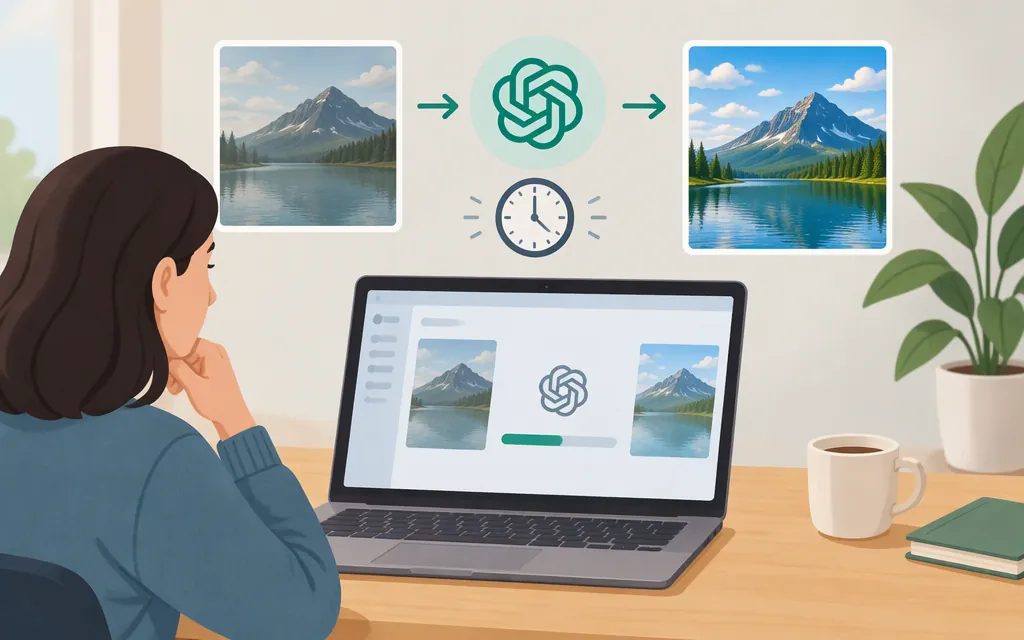
OpenAI’s published guidance does not establish a dependable duration for editing an existing image in ChatGPT. It says image generation may take a few minutes depending on the request’s complexity, and separately explains that you can upload an image for changes. The “few minutes” estimate is general image-generation guidance—not an edit-specific estimate or a promised turnaround for every edit. (OpenAI Help Center)
As of November 12, 2026, OpenAI’s ChatGPT Images 2.6 announcement says the model generates images 50% faster than before, but that is a relative speed claim—not an edit-specific duration or service guarantee. (OpenAI)
What that timing covers
ChatGPT lets you upload an existing image, describe a change, and optionally select an area to edit. OpenAI’s published “few minutes” guidance concerns image generation generally; it does not break out the time for uploading, processing an edit, viewing the result, or making further changes. (OpenAI Help Center)
The cited guidance does not provide a universal per-edit estimate or say how long a follow-up edit takes. If you need to refine the result, include that extra round in your overall schedule rather than assuming the first response completes the whole task.
What about editing through the API?
ChatGPT’s interface and a production API are different paths, so a time observed in one should not be treated as a prediction for the other. OpenAI’s API documentation describes image editing through the Image API and multi-turn image editing through the Responses API. It also says higher image complexity can increase latency. (OpenAI API: Image generation)
OpenAI’s November 4, 2026 Images 2.6 announcement says the API’s GPT-Image-2.6 Flare can generate images in as little as six seconds when quality is set to low. That is an “as little as” generation figure—not a typical latency, an edit-specific benchmark, or a guarantee for your workload. Don’t use it as a forecast for a production edit without testing the same kind of request you plan to run. (OpenAI)
For a new API workflow where response time matters, OpenAI describes GPT-Image-2.6 Flare as the faster-iteration option; it describes Sunburst as better suited to demanding detail or edit-accuracy needs. Test both against your own quality requirements before choosing. (OpenAI API: Image prompting)
How to estimate API edit time for your workflow
Run a small timing test using representative images and the prompts, model, quality, and complexity settings you expect in production:
- Define the timer. Record client-side wall-clock time from sending the request until the edited image is fully received. This measures the user-visible wait, including network and transfer time.
- Keep the comparison fair. Use the same set of images and edit instructions when comparing models or settings. Change one setting at a time.
- Include likely refinements. If users commonly ask for another change, measure those additional turns too; report both first-result time and total time to an acceptable result.
- Summarize the distribution. Report the median and a slower-tail percentile, such as the 95th percentile, rather than relying on one fast run. If your telemetry separates service processing from network time, report those separately.
These are measurement recommendations, not published OpenAI benchmarks. The result will describe your tested API configuration and workload—not all ChatGPT edits or future service performance.
Sources
Images in ChatGPT — OpenAI Help Center