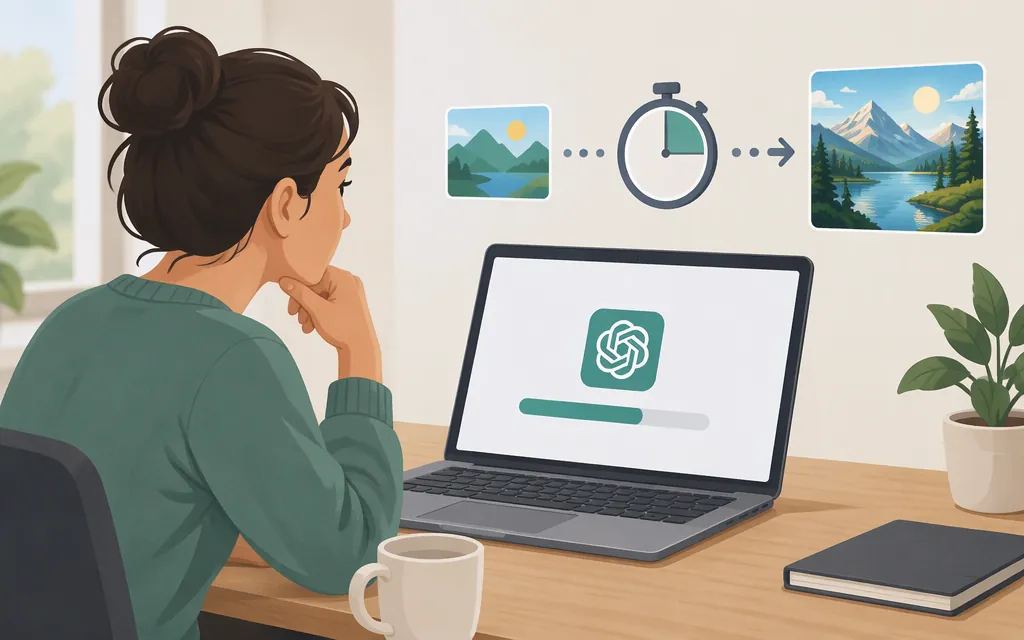
ChatGPT image generation may take a few minutes, depending on the complexity of your request. That is OpenAI’s published guidance—not a guaranteed completion time or a benchmark for every prompt. OpenAI does not give one universal time that applies to every image. OpenAI Help Center
That estimate is for the ChatGPT product experience. Don’t assume it predicts how long an API request will take: the API has different request paths and settings, and its documentation does not give one general image-generation time. OpenAI API image-generation guide
What can affect the wait?
For ChatGPT, OpenAI says timing depends on the request’s complexity. OpenAI Help Center
For the API, treat complexity as a characteristic of the request—not as a separate setting to configure. OpenAI’s API guide says higher image complexity can increase latency. OpenAI API image-generation guide
OpenAI announced ChatGPT Images 2.6 on November 4, 2026, describing it as faster than the previous ChatGPT image model, but did not publish a numeric speed or guarantee in that announcement. OpenAI release notes
How to measure image-generation latency for your API
If you’re choosing an API setup for a production application, test the requests your application will actually send rather than using ChatGPT’s interface timing as a substitute.
- Start with a documented route and model. For a Responses API workflow, OpenAI documents an
image_generationtool and identifiesgpt-image-2.5-flareas an option for fast, high-quality image generation. The top-level Responses request must also use a supported mainline model. This is a documented starting point, not a guarantee that it will be fastest for your workload. OpenAI API image-generation guide - Record the exact request configuration. Note the top-level Responses model, image-generation tool model, prompt, and whether the request generates or edits an image. Keep the configuration consistent when comparing results. Complexity describes the demands of the request; the cited guide does not identify it as a tool setting. OpenAI API image-generation guide
- Define what “time” means for your product. For example, measure client-observed elapsed time from sending the request until your application receives the generated image. That reflects the time your user experiences, not just model processing time.
- Run representative requests repeatedly. Include the prompts and workflows your users are likely to send. Record elapsed times and summarize the results—for example, with a median and a slower-tail percentile—instead of relying on one request.
- Use the result only for that tested setup. If you change the model, prompt mix, workflow, or deployment conditions, measure again. A local benchmark describes your test; it is not a universal service guarantee.
Illustrative example, not an OpenAI measurement: If your application needs to show a progress indicator, time 50 representative requests using the same route and configuration. If the median is 40 seconds and the 95th-percentile result is 95 seconds, those numbers describe only that sample and setup. They may help you choose a user-facing timeout or progress message, but they do not predict ChatGPT UI timing or establish an SLA.
Is there a guaranteed image-generation time?
The cited ChatGPT guidance says image generation may take a few minutes depending on complexity; it does not promise completion within that time. The API documentation describes image-generation workflows and says higher complexity can increase latency, but the cited guide does not provide a universal response-time commitment. OpenAI Help Center OpenAI API image-generation guide