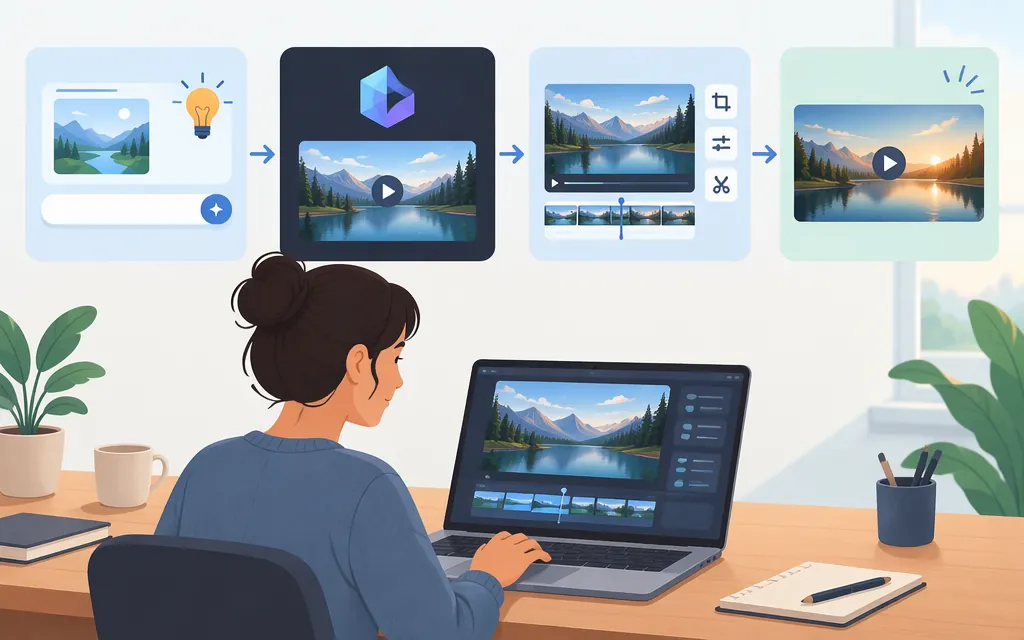
Yes—you can try making an AI video without paying upfront. Luma says free accounts have limited monthly video-generation credits for Draft Mode, and its plan guide describes free video access at draft resolution. The available documentation does not specify the number of credits or confirm that a free draft can always be downloaded, so don’t count on a finished file costing $0 until you confirm export is available in your account. (lumalabs.ai)
How to try a free AI video draft
- Open Luma’s Dream Machine and sign in or create an account.
- Choose the free video-draft option if it appears for your account. Luma describes Draft Mode as a way to make lightweight previews; free access is limited, but the cited help pages don’t state the exact monthly allowance. (
lumalabs.ai) - Write a prompt describing the scene, subject, motion, and mood. Add details such as camera angle or lighting if they matter. Luma also describes an optional reference image or other visual input, but doesn’t specify whether reference-based generation is included in the free allowance. (
lumalabs.ai) - Generate a draft and review it before using credits on another version. Revise the prompt if needed.
- Check whether your account offers a download for that generation before treating it as a free finished video. Luma’s iOS quick-start guide describes downloading a video from its menu, but does not confirm that every free Draft Mode generation is downloadable. (
lumalabs.ai)
Example prompt: “A small orange cat watches rain fall outside a bakery window; slow camera push-in, warm interior lighting, quiet, cozy mood.” This is an illustrative prompt, not a tested result.
What “free” includes—and what remains unclear
Luma’s help pages describe free video generation as limited Draft Mode access with a limited number of monthly credits. They don’t give the credit count, renewal details, or credit cost per draft. Luma’s licensing guide says Free-plan generations include a watermark and are for personal, non-commercial use; it also says the watermark cannot be removed later by upgrading. (lumalabs.ai)
So, free video generation is documented, but the reviewed information does not establish how many drafts you can make or guarantee that a free draft can be downloaded without payment. Check the options shown in your account before relying on a $0 export.
Is production API use free too?
Don’t assume free app access includes API use. Luma says Dream Machine subscriptions and credits do not apply to its API. (lumalabs.ai) The Luma Agents API pricing guide describes pay-as-you-go pricing in credits, with no minimum spend or contract; the dollar value of a credit depends on the account’s plan or contract. That is not enough by itself to estimate a production budget: you also need the applicable rate for the requests you plan to make and the credit value for your account.
Bottom line
Luma documents a limited free route for generating video drafts, with watermark and personal-use restrictions. It does not establish the exact free allowance or guarantee a free download. Try the draft workflow, then confirm export access before counting on a finished video at no cost. Treat API pricing separately from app access.
Sources
Dream Machine Guide: Payments & Subscriptions
Dream Machine Guide: Licensing
Dream Machine Guide: iOS quick start
AI Video Generator - Text, Image & Prompt to Video | Luma